Stepwise Brightness Control via Button
Stepwise Brightness Control via Button

Sometimes full brightness is just too much. Wouldn’t it be great to dim your lights using an Apple Home button? With a workflow and the Hub Mode in Controller for HomeKit, that’s easily done. This step-by-step guide shows you exactly how to set it up.

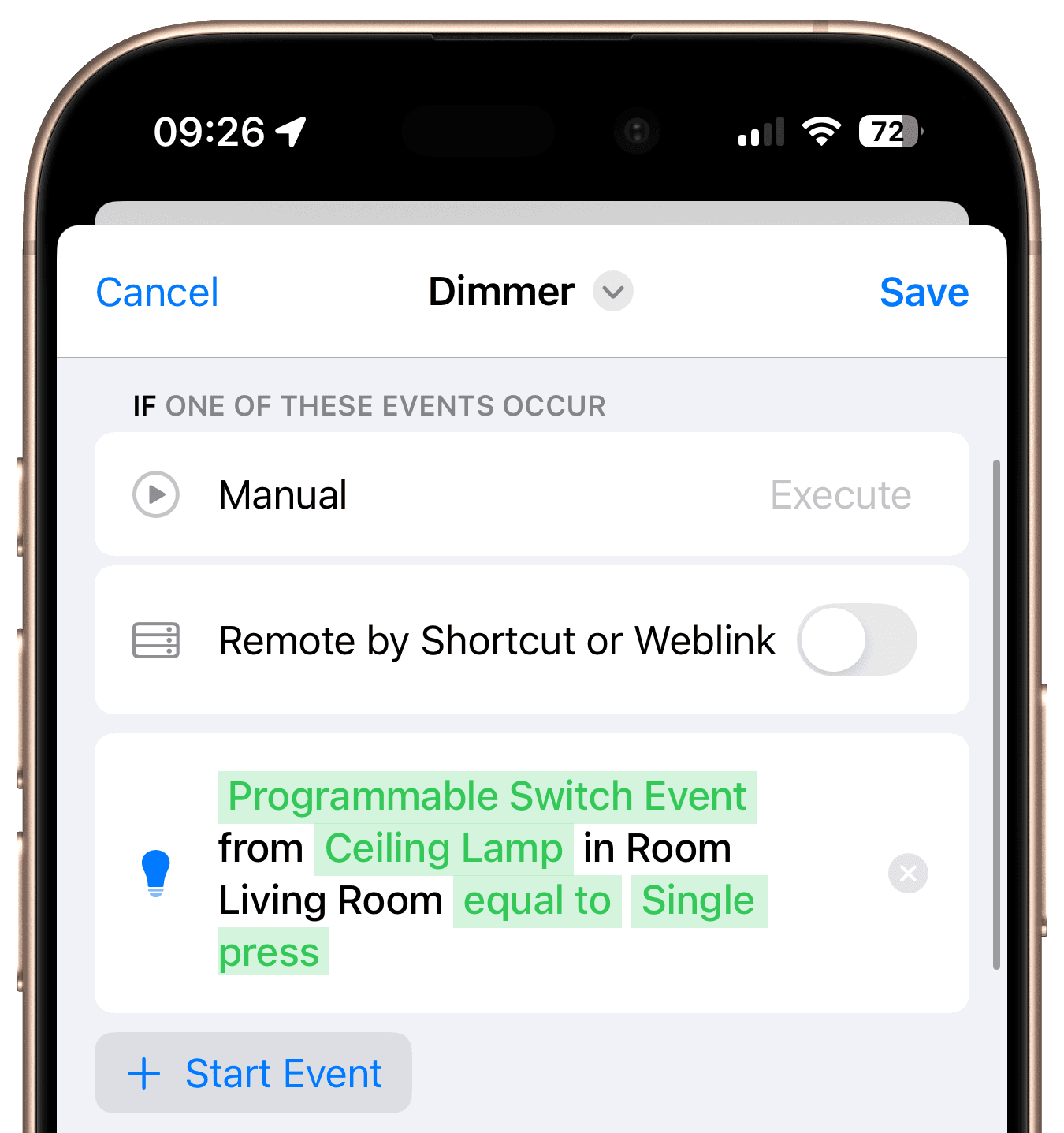
Start Event

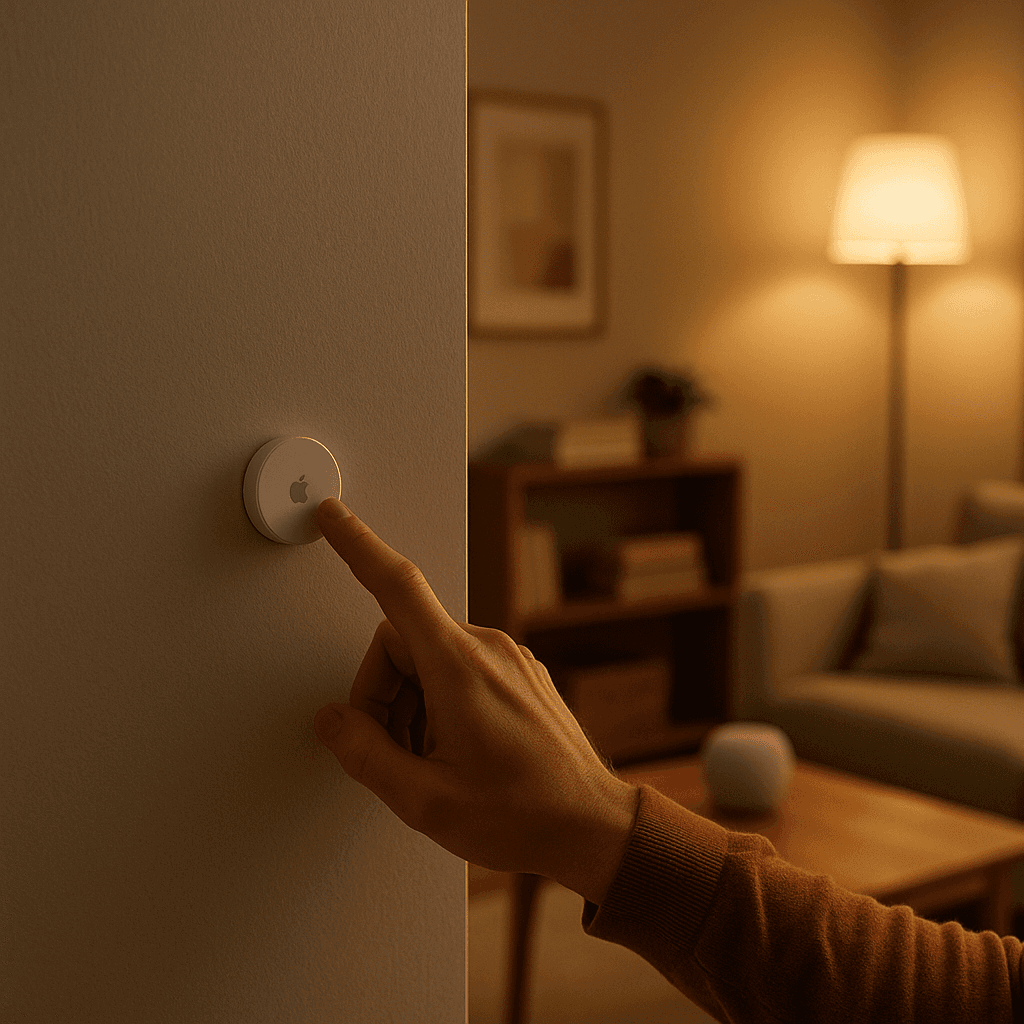
A single button press serves as the start event for the workflow.
Steps

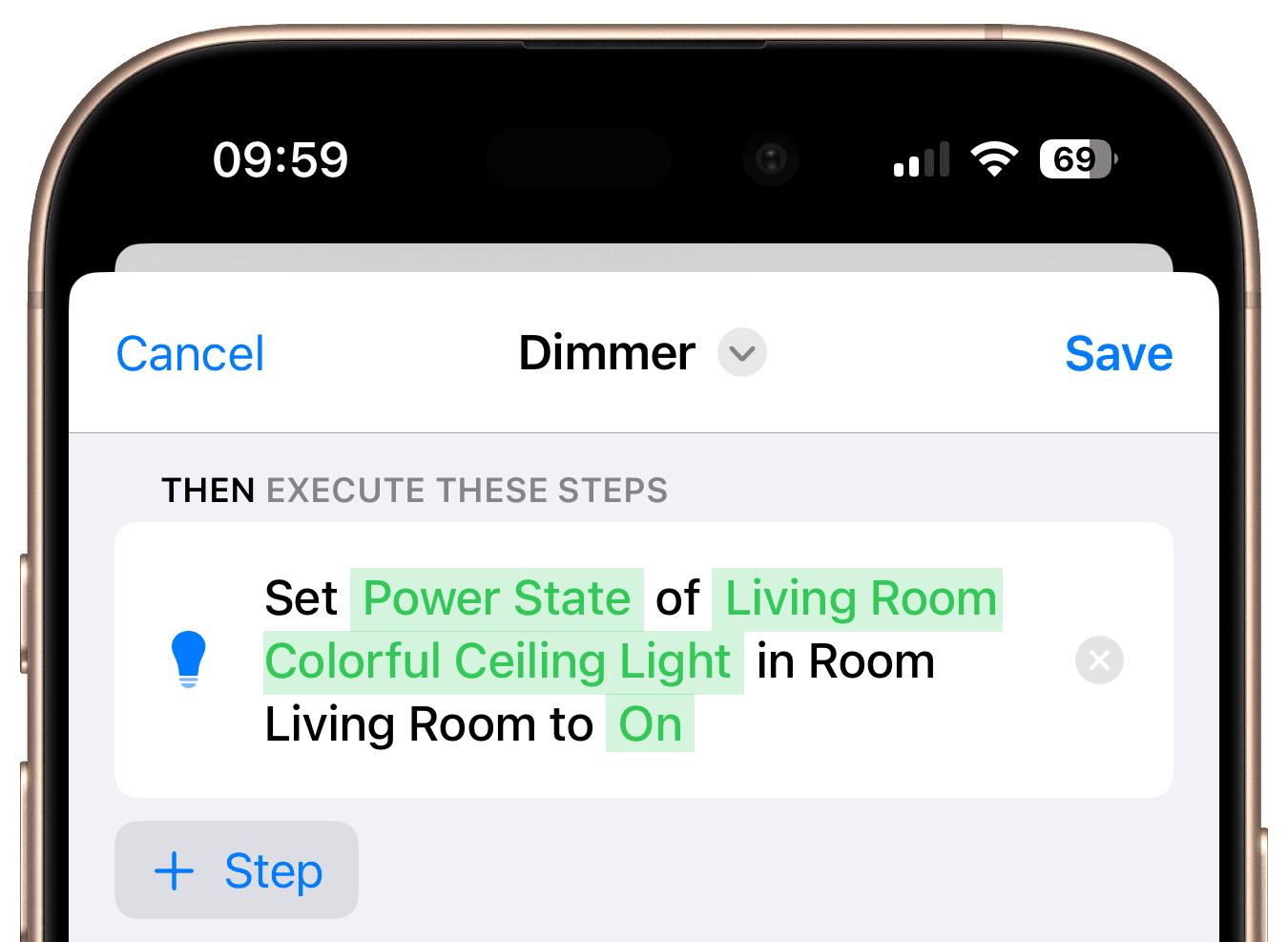
Add a "Control Accessory" Step

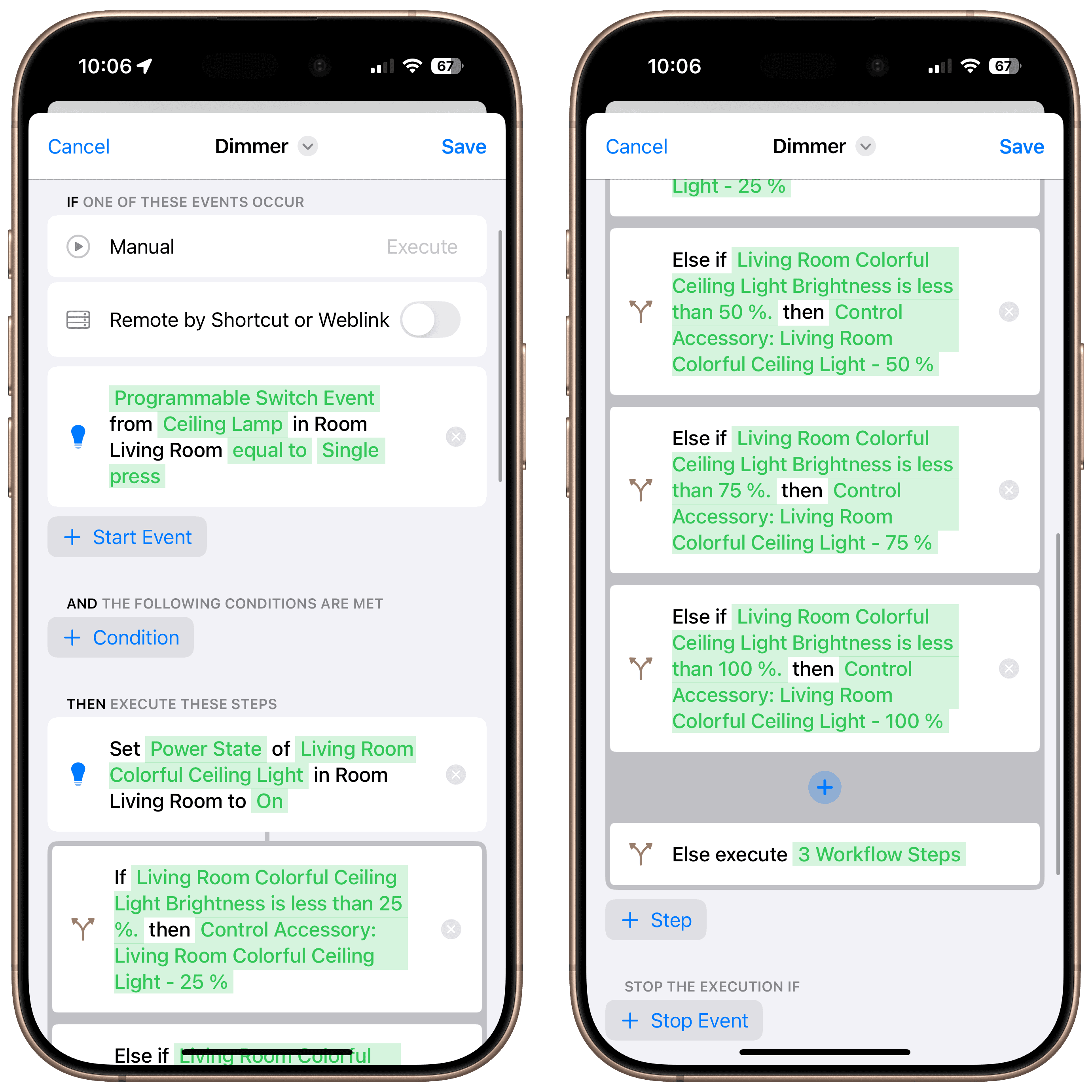
We start by turning on the light.
Add an "If/Else" Step

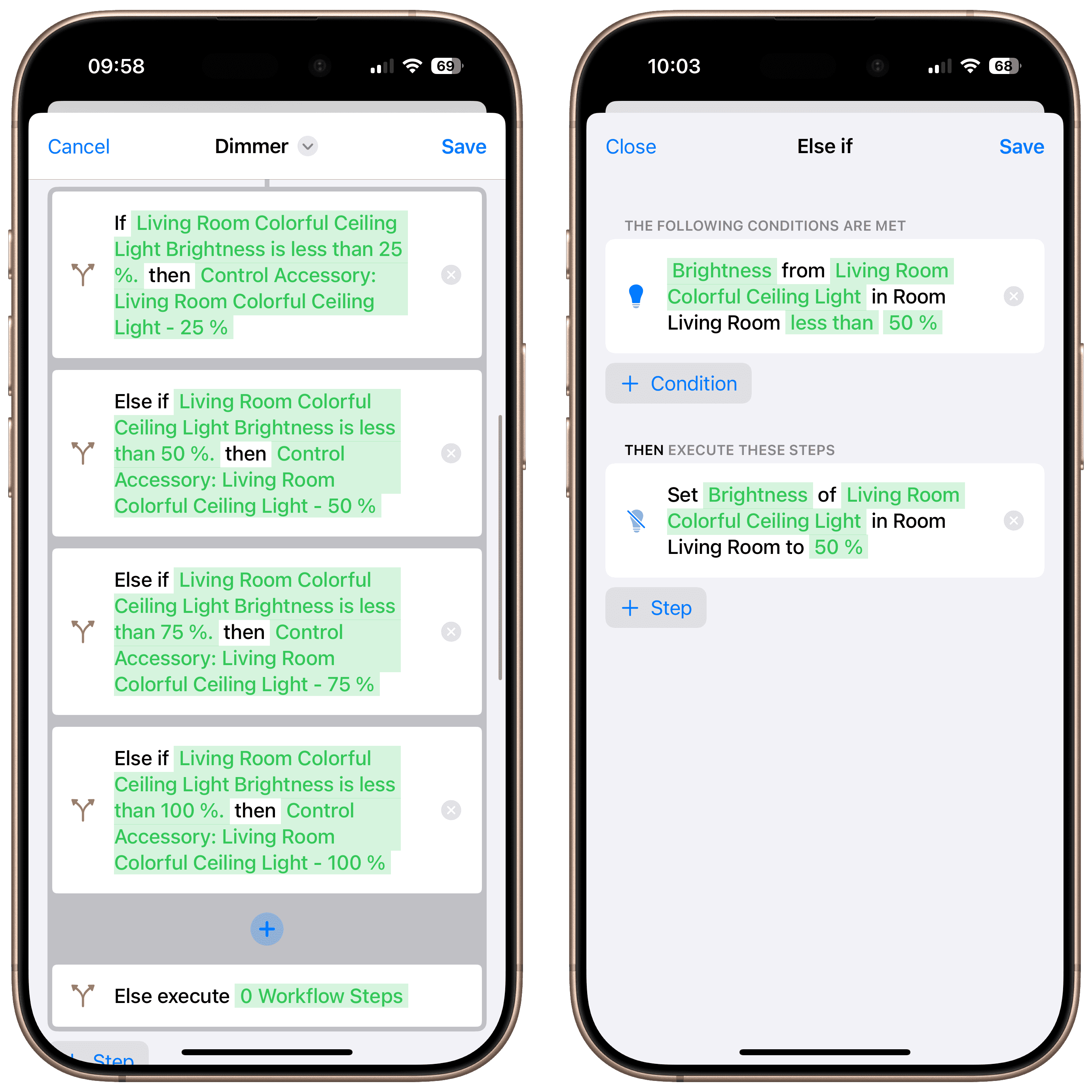
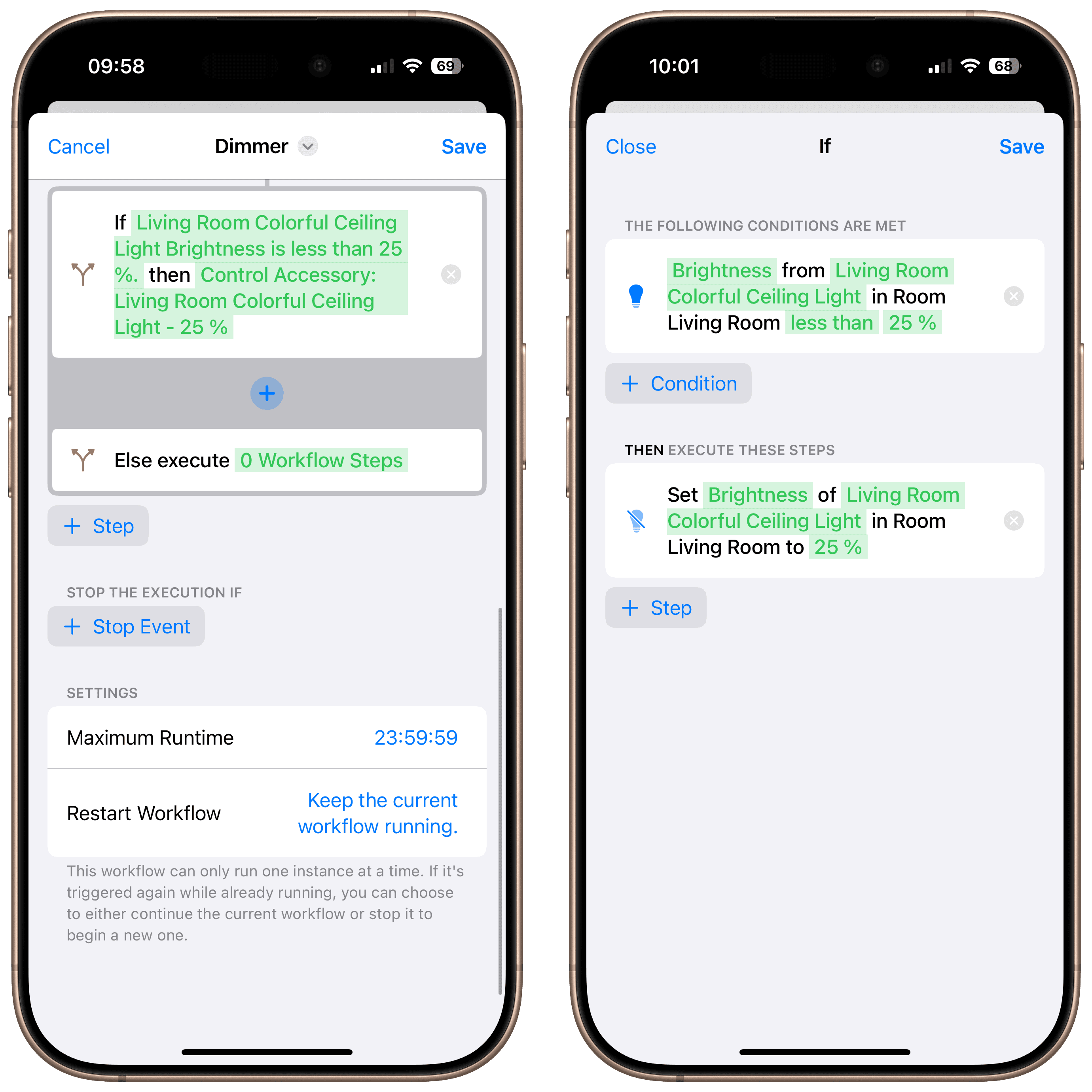
Next, add an If/Else step with the condition: Brightness is less than 25%. If the condition is met, set the brightness to 25%.
Add an "Else if" Step

Click the plus icon between “If” and “Else” to insert an “Else If” step. Check if the brightness is less than 50%, and if that condition is true, set the brightness to 50%.

Then, repeat this by adding additional “Else If” steps for 75% and finally for 100%.

Blink the Light When Maximum Brightness is Reached

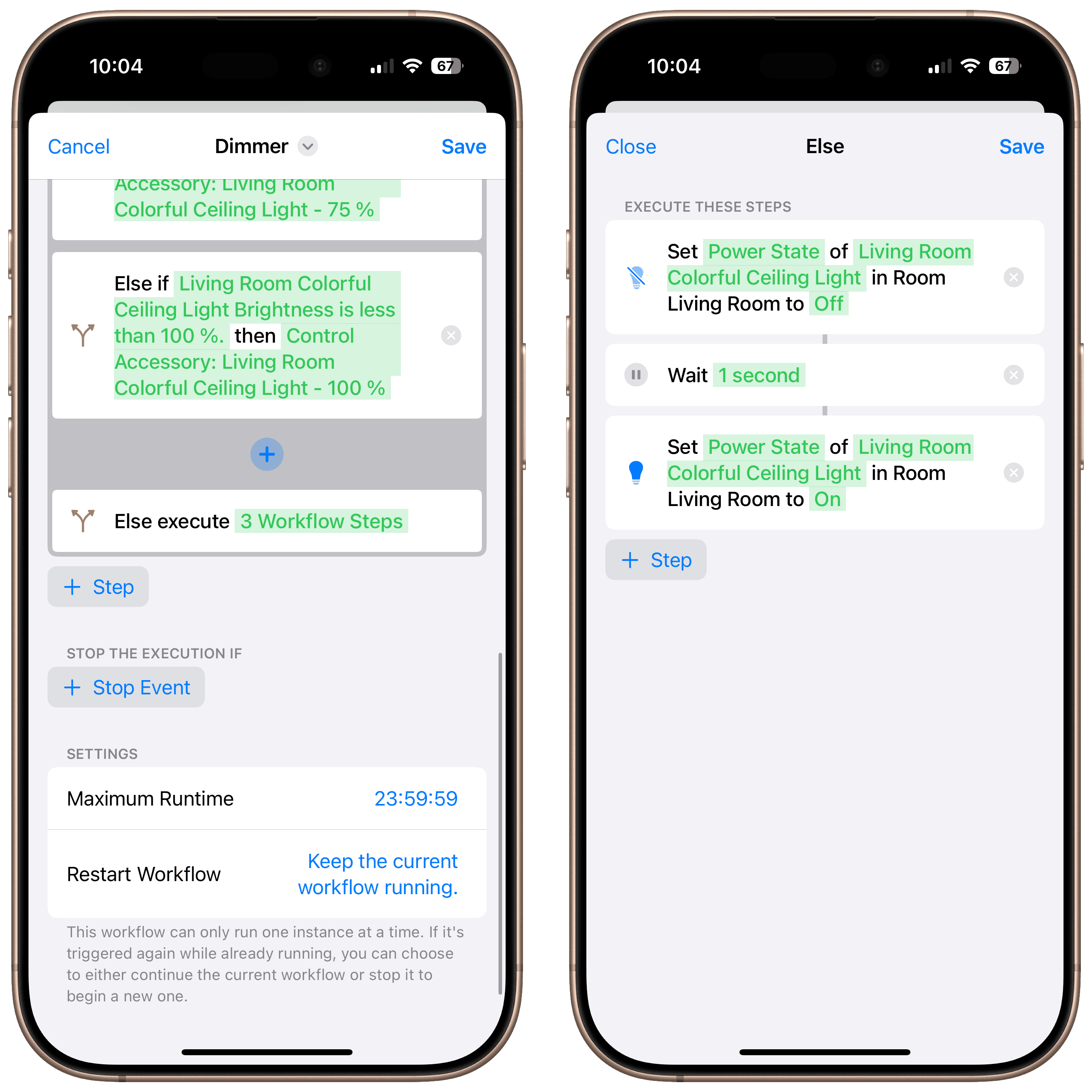
Now tap on “Else execute”. Any actions you add here will run when the brightness is already at 100%.

Add a “Control Accessory” step to turn off the light. Then add a “Wait” step and set it to 1 second. Finally, add another “Control Accessory” step to turn the light back on.

This creates a short blink effect when you press the button and the light is already at full brightness.
Dim the Light

To dim the light instead, create a second workflow. You can use a double press of the button as the trigger.

Start by checking if the brightness is greater than 75%. If so, set it to 75%.

Then repeat the same logic for 50% and 25%.

Finally, add one last check: If the brightness is above 0%, turn the light off.

Final Overview

Each time the button is pressed, the brightness increases in 25% steps.
Want More Smart Ideas?

Subscribe to our HomeDevices newsletter and get tips, tutorials, and news — all about building a smarter, greener home.

By subscribing to our newsletter, you agree to our privacy policy.

Want More Smart Ideas?

Subscribe to our HomeDevices newsletter and get tips, tutorials, and news — all about building a smarter, greener home.

By subscribing to our newsletter, you agree to our privacy policy.

Want More Smart Ideas?

Subscribe to our HomeDevices newsletter and get tips, tutorials, and news — all about building a smarter, greener home.

By subscribing to our newsletter, you agree to our privacy policy.

Get Inspired

Carbon Dioxide Alert

Get notified when CO₂ levels exceed 1000 ppm.

Location-Based Workflow

Automate your routines based on where you are.
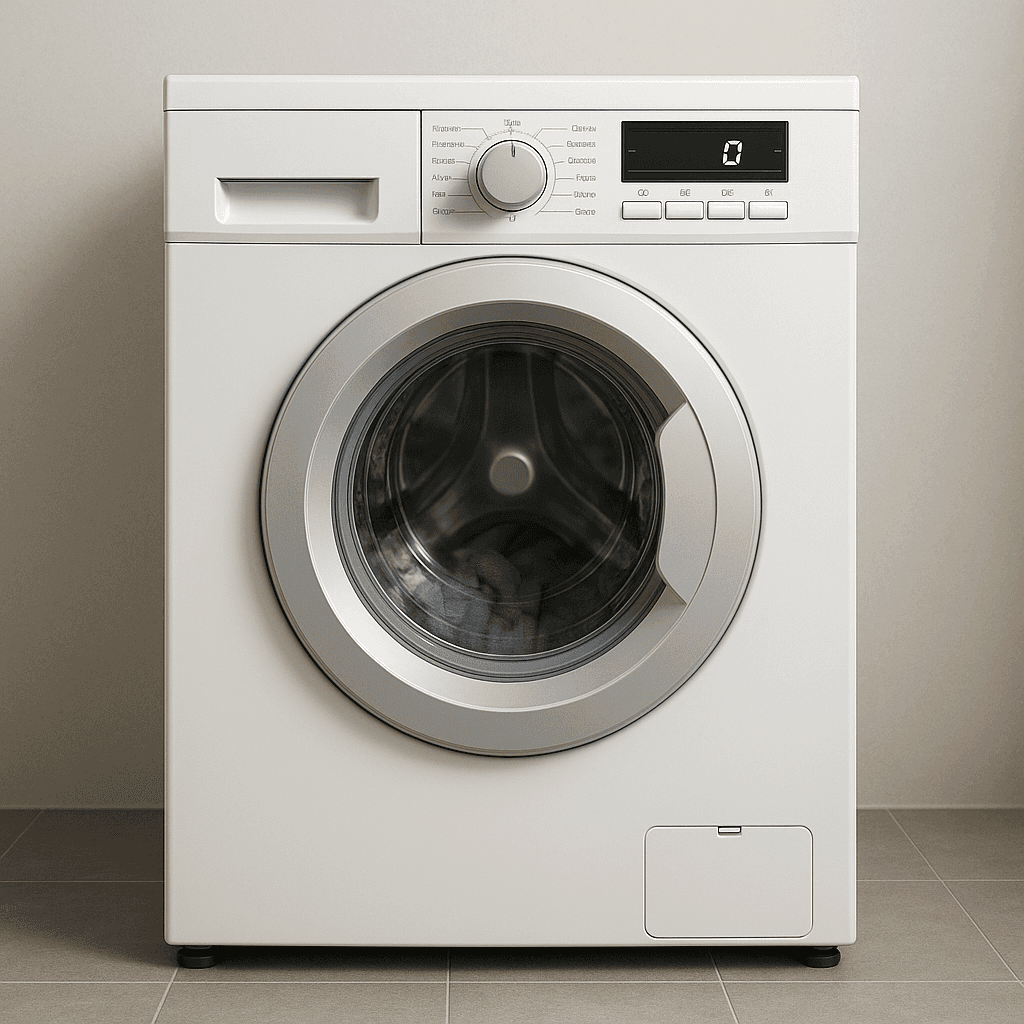
Laundry Done Alert

Receive a notification when your washing machine has finished.
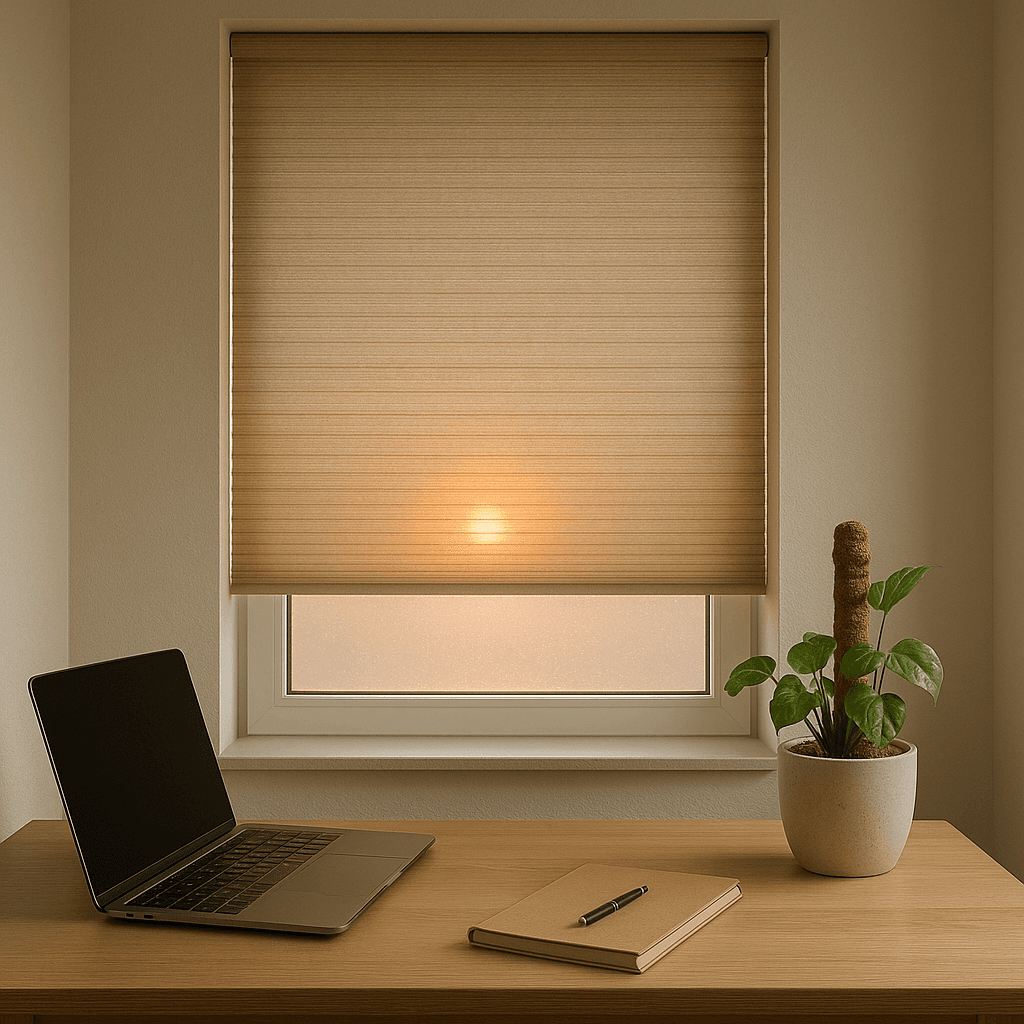
Beat the Heat

Automatically close your blinds on hot days.
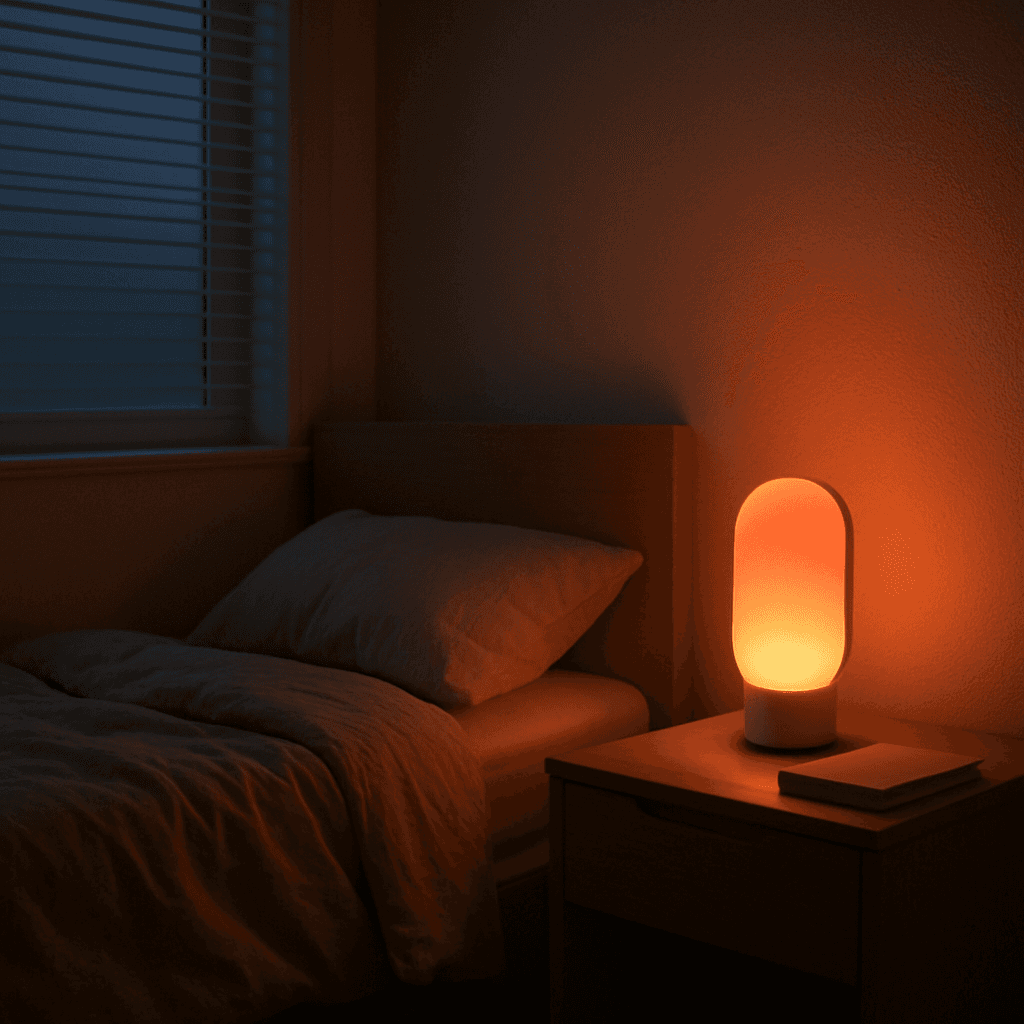
Wake-Up Light

Use any Apple Home Lamp as a Wake-Up Light.
Irrigation Schedule

Keep your garden green.
Control Lights with Multiple Motion Sensors

For large or irregularly shaped spaces.

Stepwise Brightness Control via Button

Control light brightness step by step.
Custom Notification with Live Camera Feed

Open the camera stream instantly.
Smart Bathroom Fan Control

Make your fan truly intelligent.
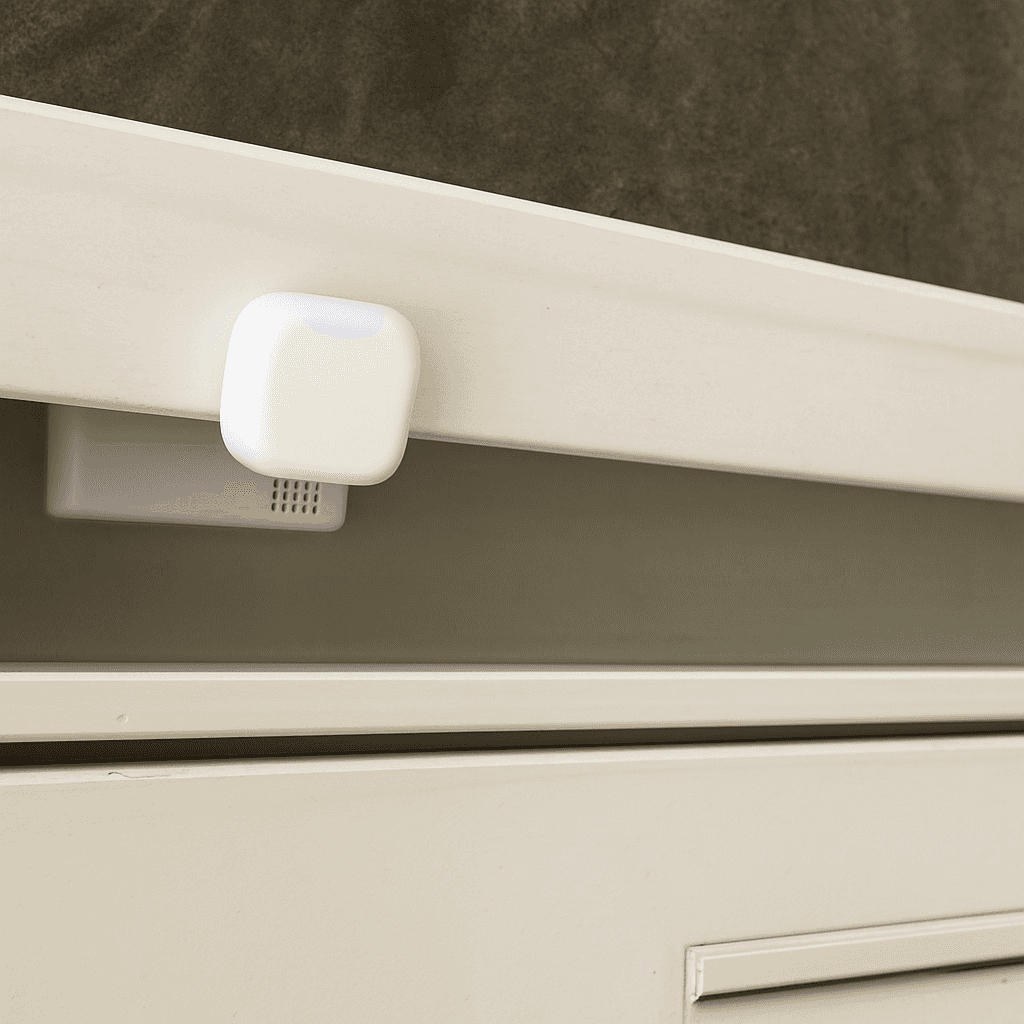
New Mail Notification

Get notified when new mail arrives.
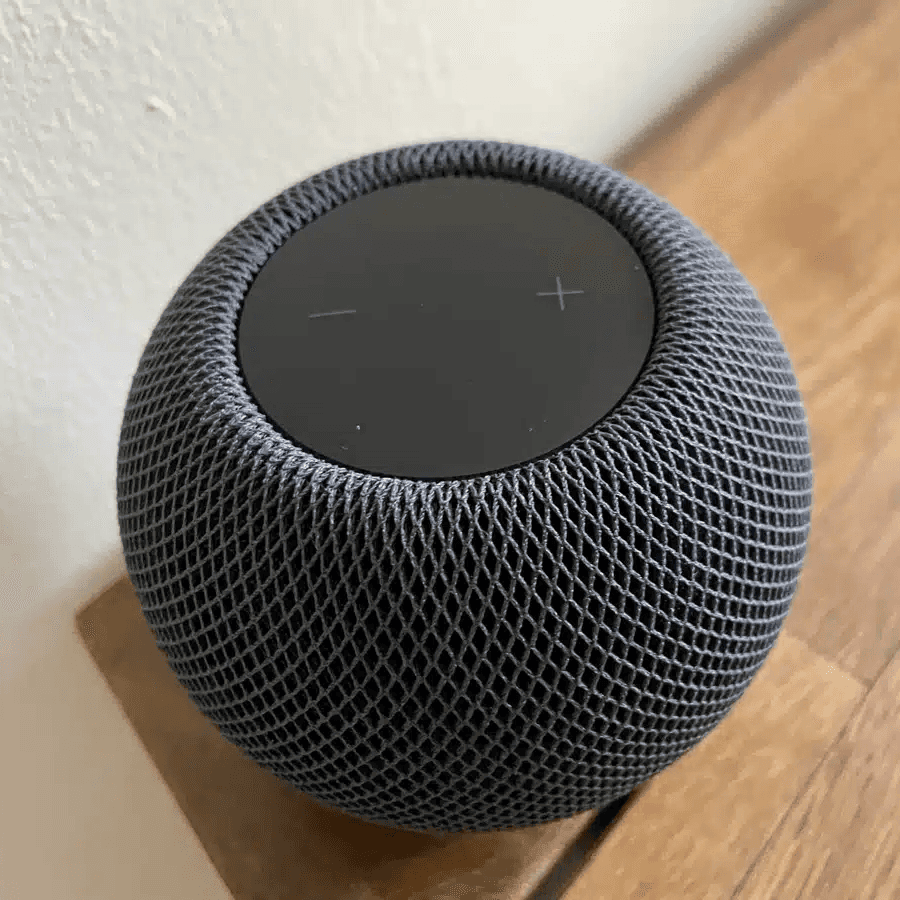
Integrate Speakers into Workflows

Control volume, play music, or pause playback.
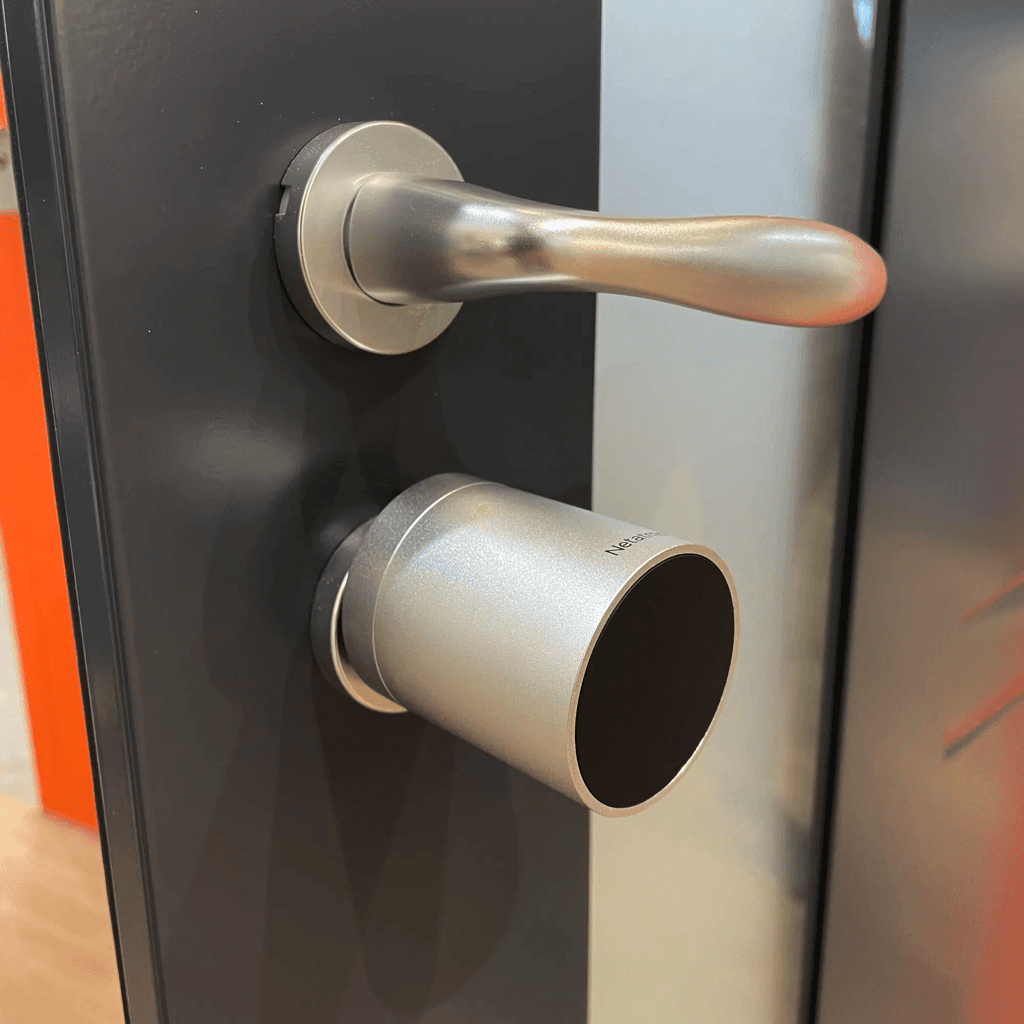
Battery Warning

Get battery alerts when they matter.
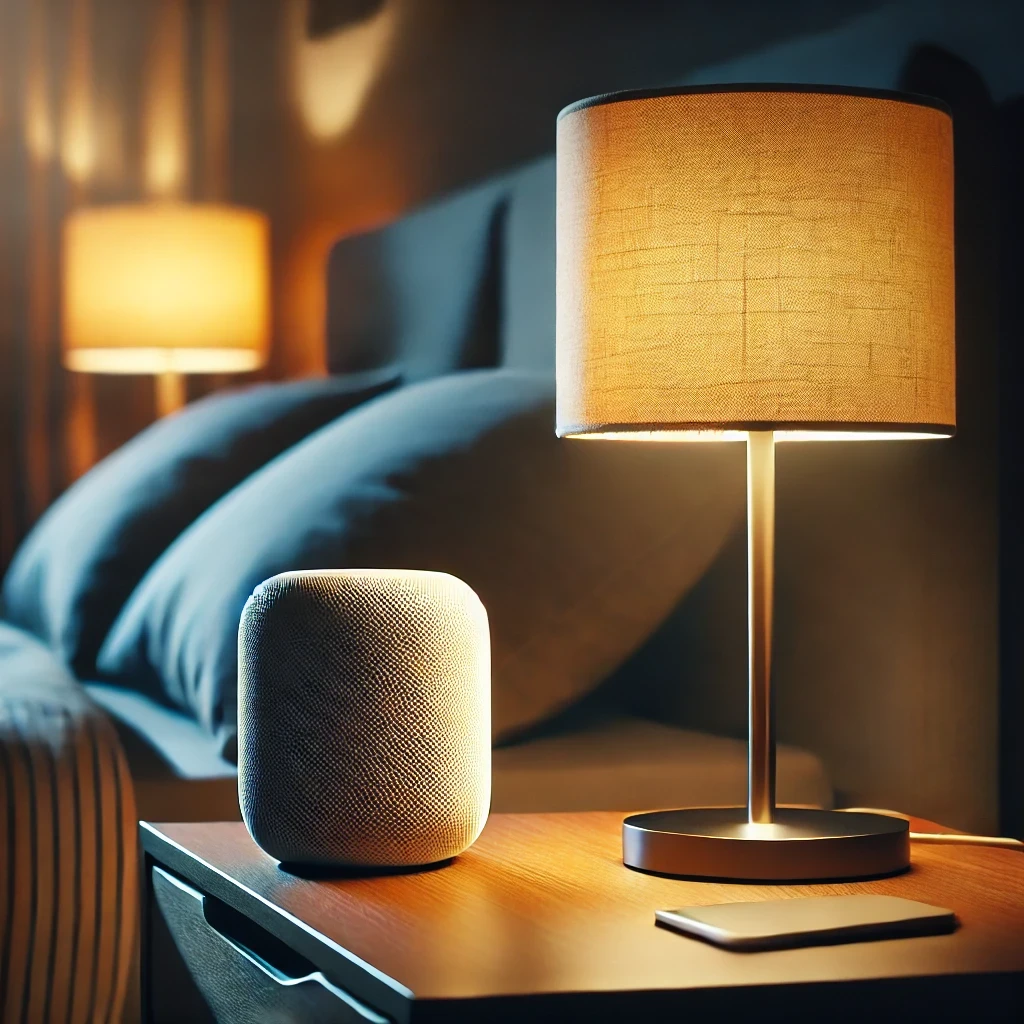
Sleep Timer

Use a sleep timer with Apple Home.

Execute Workflow Only Once a Day

Ensures the workflow runs only once.
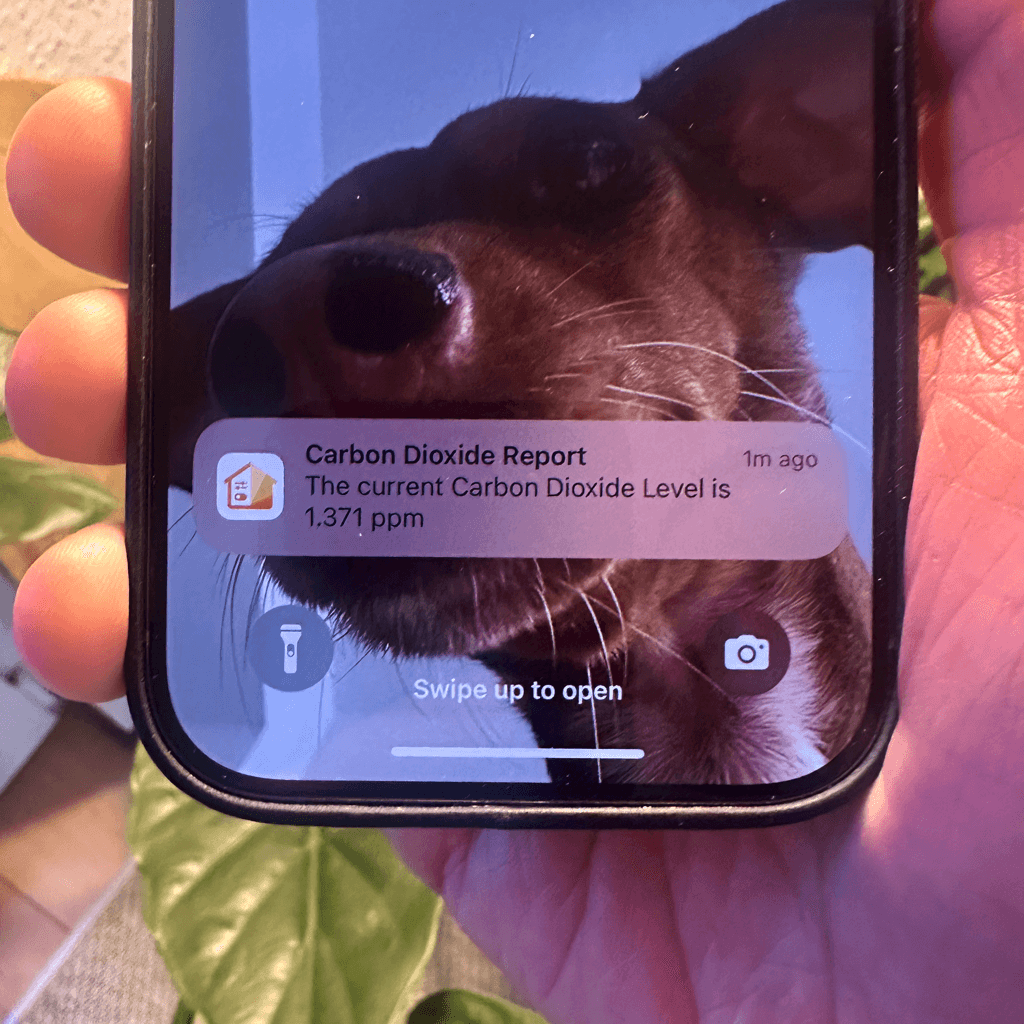
Accessory Values in Notifications

Send notifications featuring real-time accessory values.
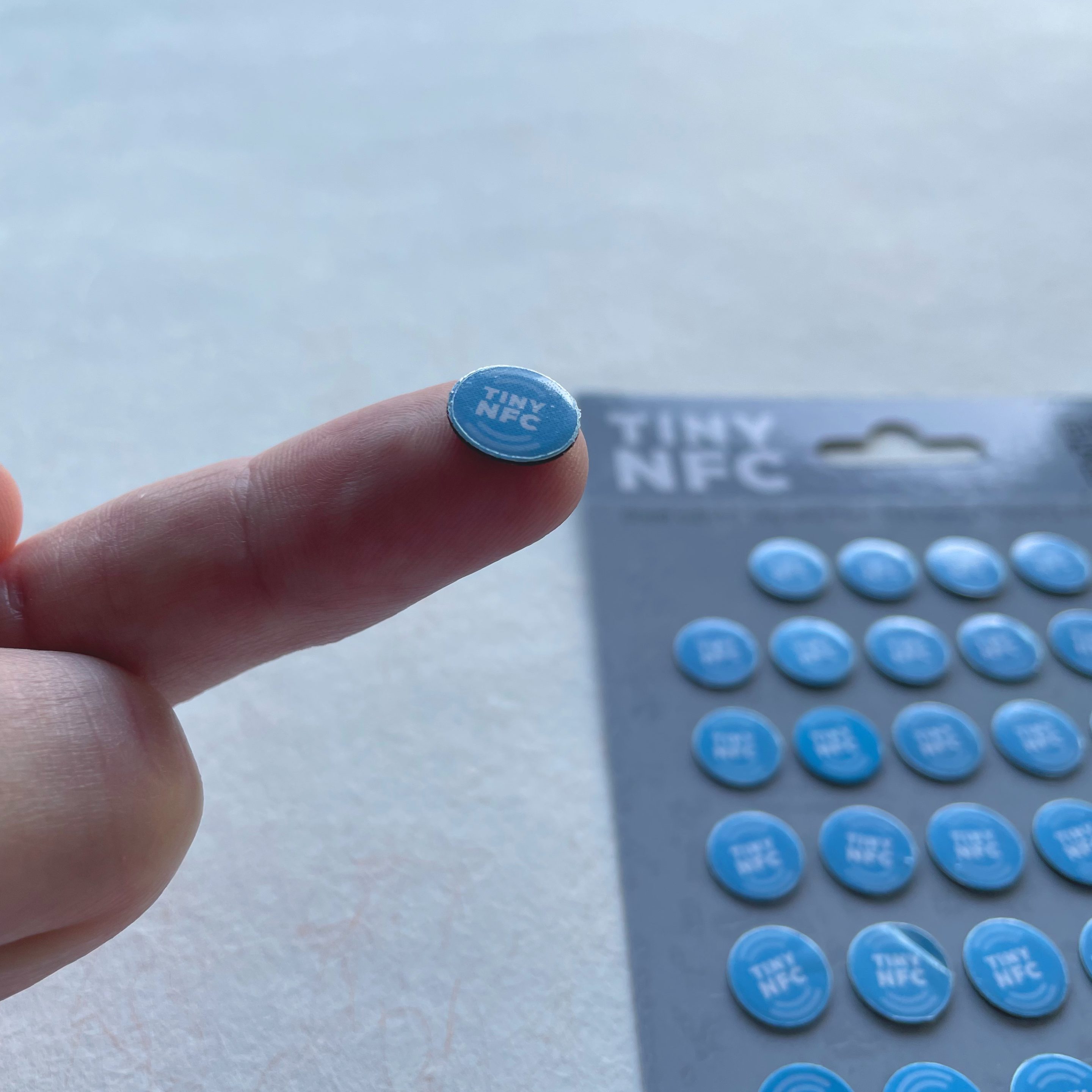
NFC Tags

Automate Apple Home Accessories with NFC.
Blink Lights

Make a light blink and effortlessly return it to its original state.
Display Camera When Motion Is Detected

Automatically display the camera livestream whenever motion is detected.
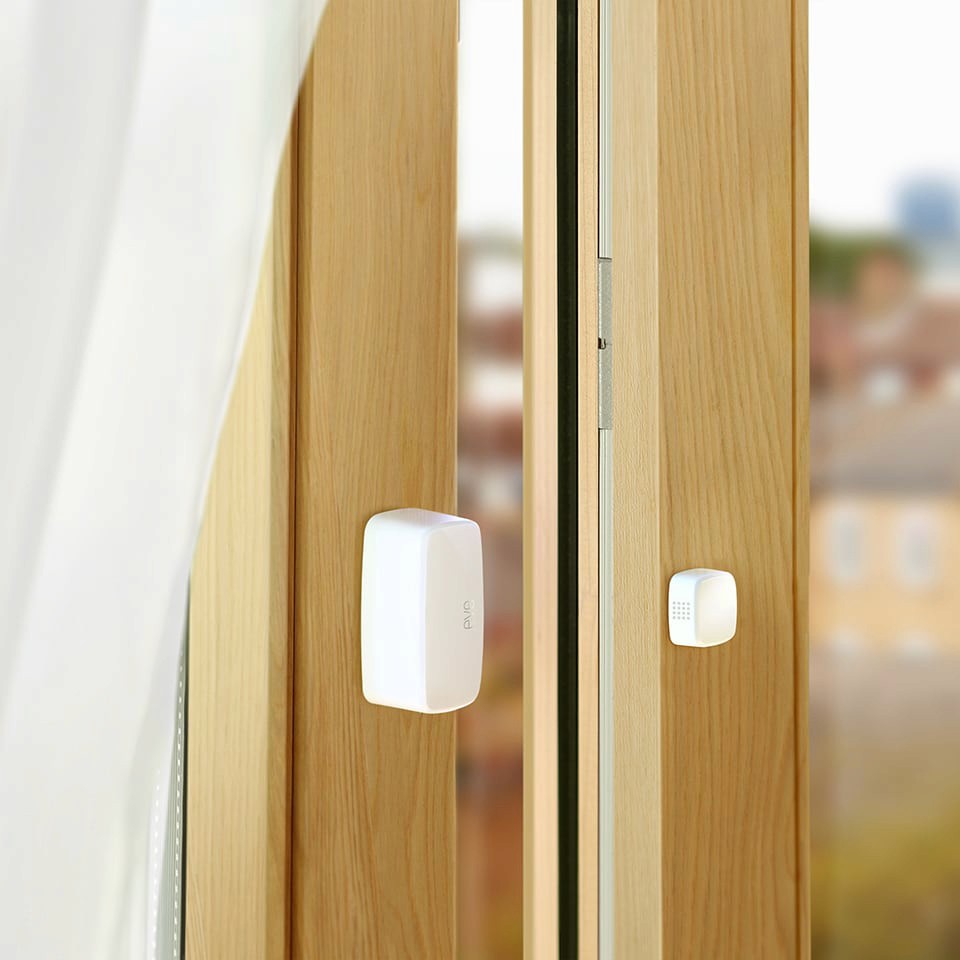
Open Window Reminder

Get a reminder if you forget to close a window after ventilating.
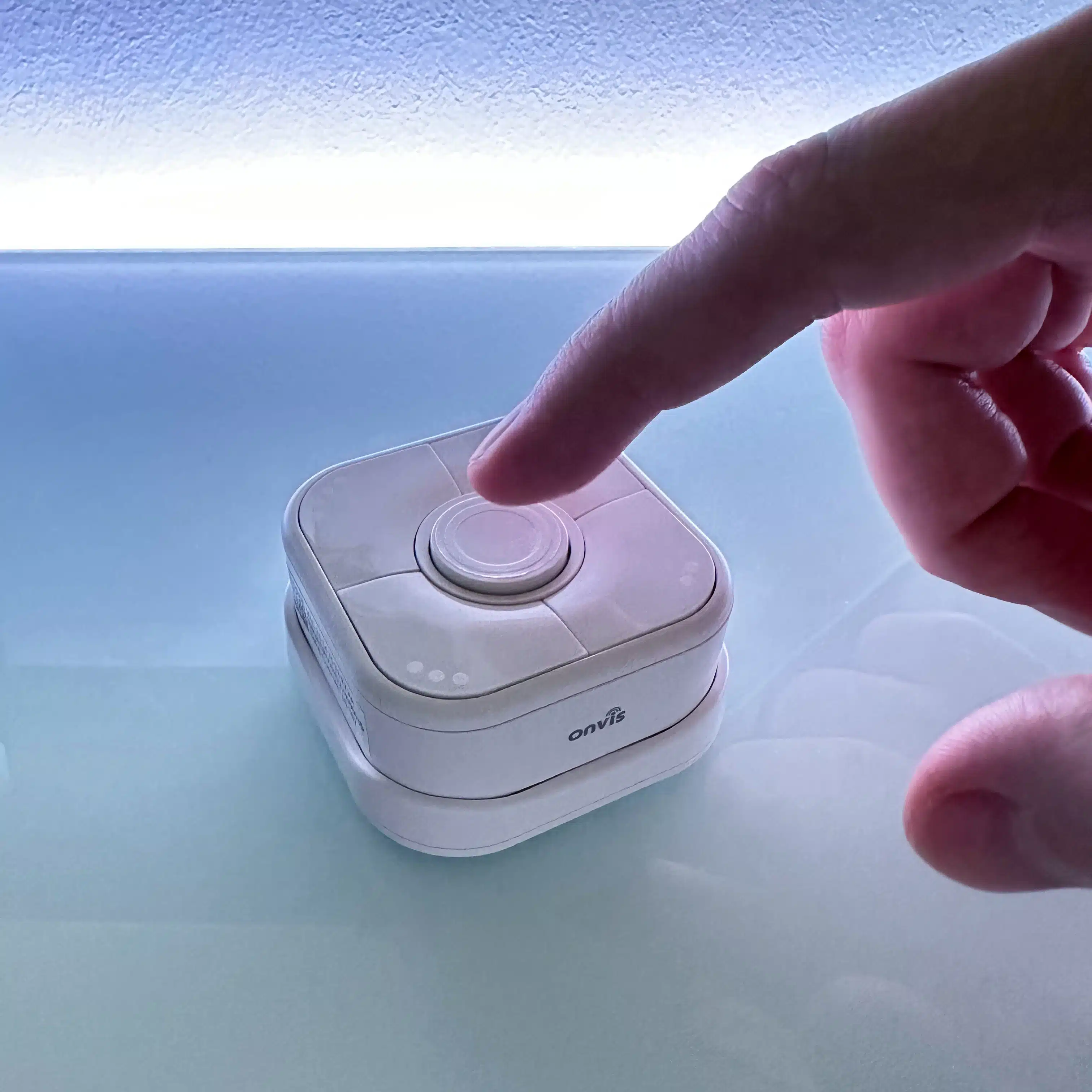
Toggle Lamp

Easily toggle a lamp using a single switch.

Turn Light Off Using Motion Sensor

Efficiently control your lighting with a motion sensor.

Get Inspired

Carbon Dioxide Alert

Get notified when CO₂ levels exceed 1000 ppm.

Location-Based Workflow

Automate your routines based on where you are.

Laundry Done Alert

Receive a notification when your washing machine has finished.

Beat the Heat

Automatically close your blinds on hot days.

Wake-Up Light

Use any Apple Home Lamp as a Wake-Up Light.

Irrigation Schedule

Keep your garden green.

Control Lights with Multiple Motion Sensors

For large or irregularly shaped spaces.

Stepwise Brightness Control via Button

Control light brightness step by step.

Custom Notification with Live Camera Feed

Open the camera stream instantly.

Smart Bathroom Fan Control

Make your fan truly intelligent.

New Mail Notification

Get notified when new mail arrives.

Integrate Speakers into Workflows

Control volume, play music, or pause playback.

Battery Warning

Get battery alerts when they matter.

Sleep Timer

Use a sleep timer with Apple Home.

Execute Workflow Only Once a Day

Ensures the workflow runs only once.

Accessory Values in Notifications

Send notifications featuring real-time accessory values.

NFC Tags

Automate Apple Home Accessories with NFC.

Blink Lights

Make a light blink and effortlessly return it to its original state.

Display Camera When Motion Is Detected

Automatically display the camera livestream whenever motion is detected.

Open Window Reminder

Get a reminder if you forget to close a window after ventilating.

Toggle Lamp

Easily toggle a lamp using a single switch.

Turn Light Off Using Motion Sensor

Efficiently control your lighting with a motion sensor.

Get Inspired

Carbon Dioxide Alert

Get notified when CO₂ levels exceed 1000 ppm.

Location-Based Workflow

Automate your routines based on where you are.

Laundry Done Alert

Receive a notification when your washing machine has finished.

Beat the Heat

Automatically close your blinds on hot days.

Wake-Up Light

Use any Apple Home Lamp as a Wake-Up Light.

Irrigation Schedule

Keep your garden green.

Control Lights with Multiple Motion Sensors

For large or irregularly shaped spaces.

Stepwise Brightness Control via Button

Control light brightness step by step.

Custom Notification with Live Camera Feed

Open the camera stream instantly.

Smart Bathroom Fan Control

Make your fan truly intelligent.

New Mail Notification

Get notified when new mail arrives.

Integrate Speakers into Workflows

Control volume, play music, or pause playback.

Battery Warning

Get battery alerts when they matter.

Sleep Timer

Use a sleep timer with Apple Home.

Execute Workflow Only Once a Day

Ensures the workflow runs only once.

Accessory Values in Notifications

Send notifications featuring real-time accessory values.

NFC Tags

Automate Apple Home Accessories with NFC.

Blink Lights

Make a light blink and effortlessly return it to its original state.

Display Camera When Motion Is Detected

Automatically display the camera livestream whenever motion is detected.

Open Window Reminder

Get a reminder if you forget to close a window after ventilating.

Toggle Lamp

Easily toggle a lamp using a single switch.

Turn Light Off Using Motion Sensor

Efficiently control your lighting with a motion sensor.