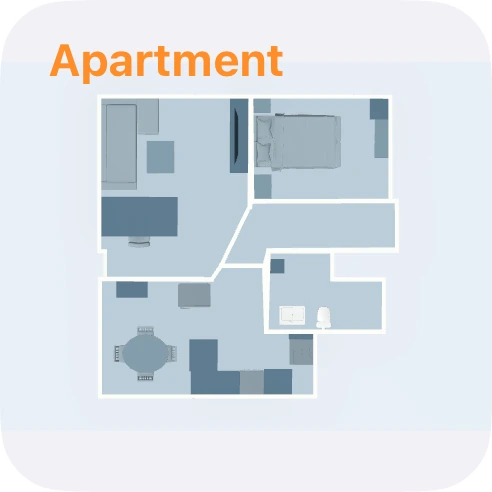
Floor plan
The widget shows your floor plan and opens it with one tap. Small or large.
More about Floor PlanWidgets for scenes, workflows, states, your floor plan and dashboards. Plus controls in Control Center and shortcuts for Siri.

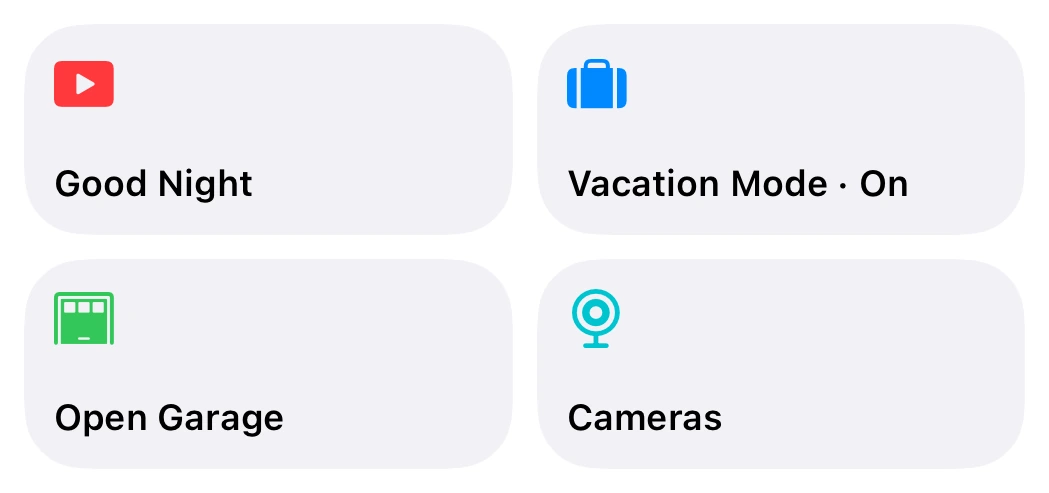
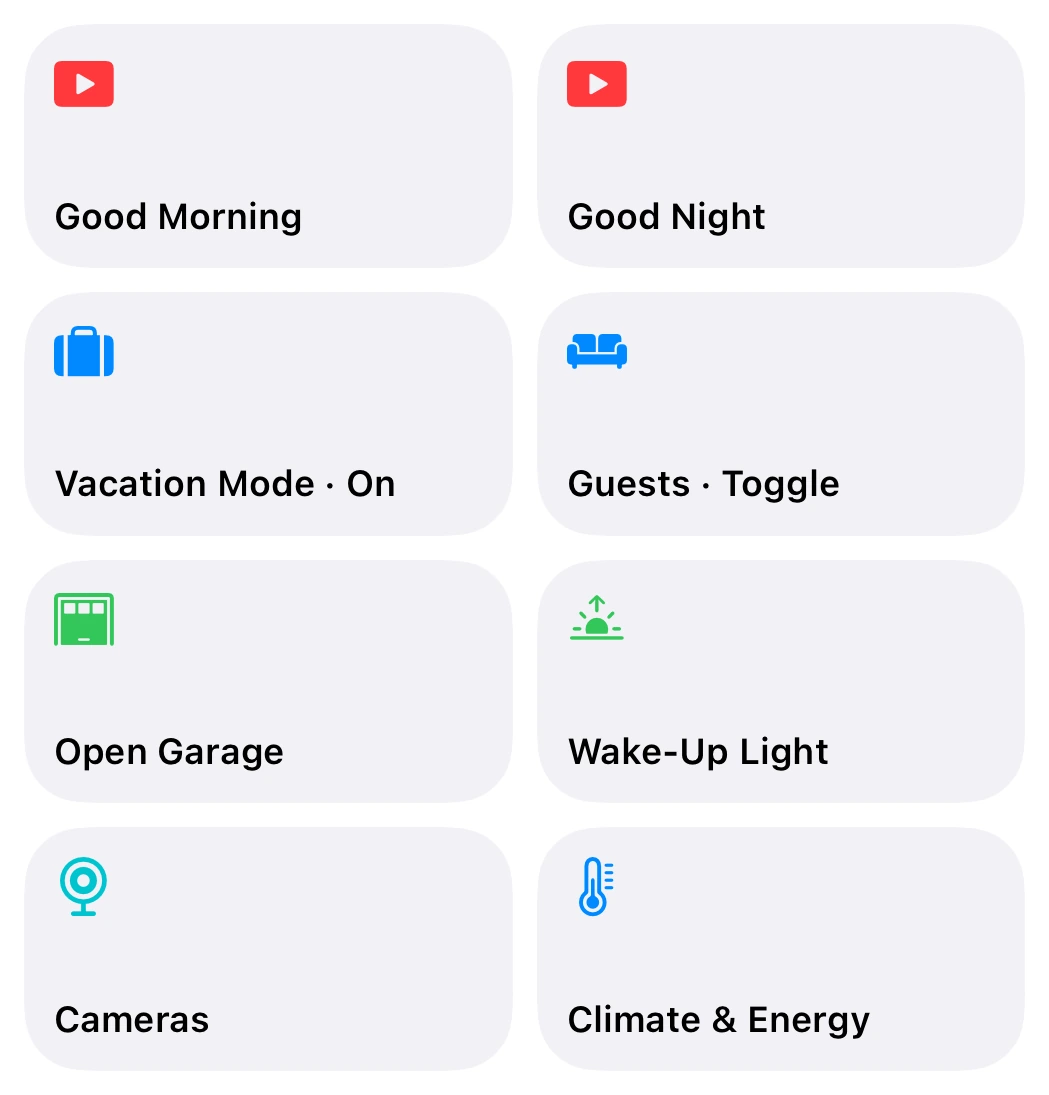
Put what you use most into a widget. Each tile does exactly one thing.
Small, medium and large, and extra large on iPad. On the Mac, too.
States and workflows on the Controller Hub run straight from the widget. A checkmark shows it worked.
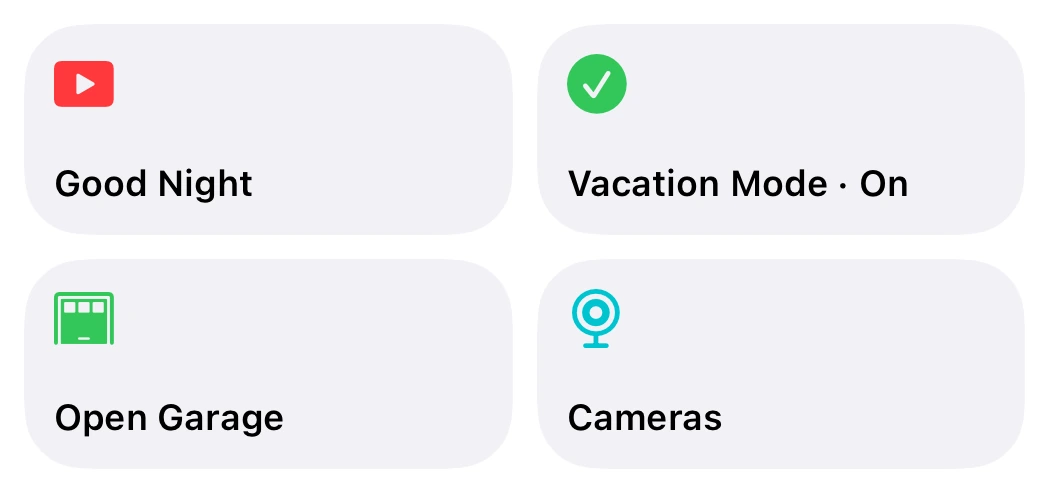
States and the Controller Hub are part of Controller Plus. More about the Controller Hub
The widget shows your floor plan and opens it with one tap. Small or large.
More about Floor PlanA dashboard of your choice, opened straight from the Home Screen.
More about dashboards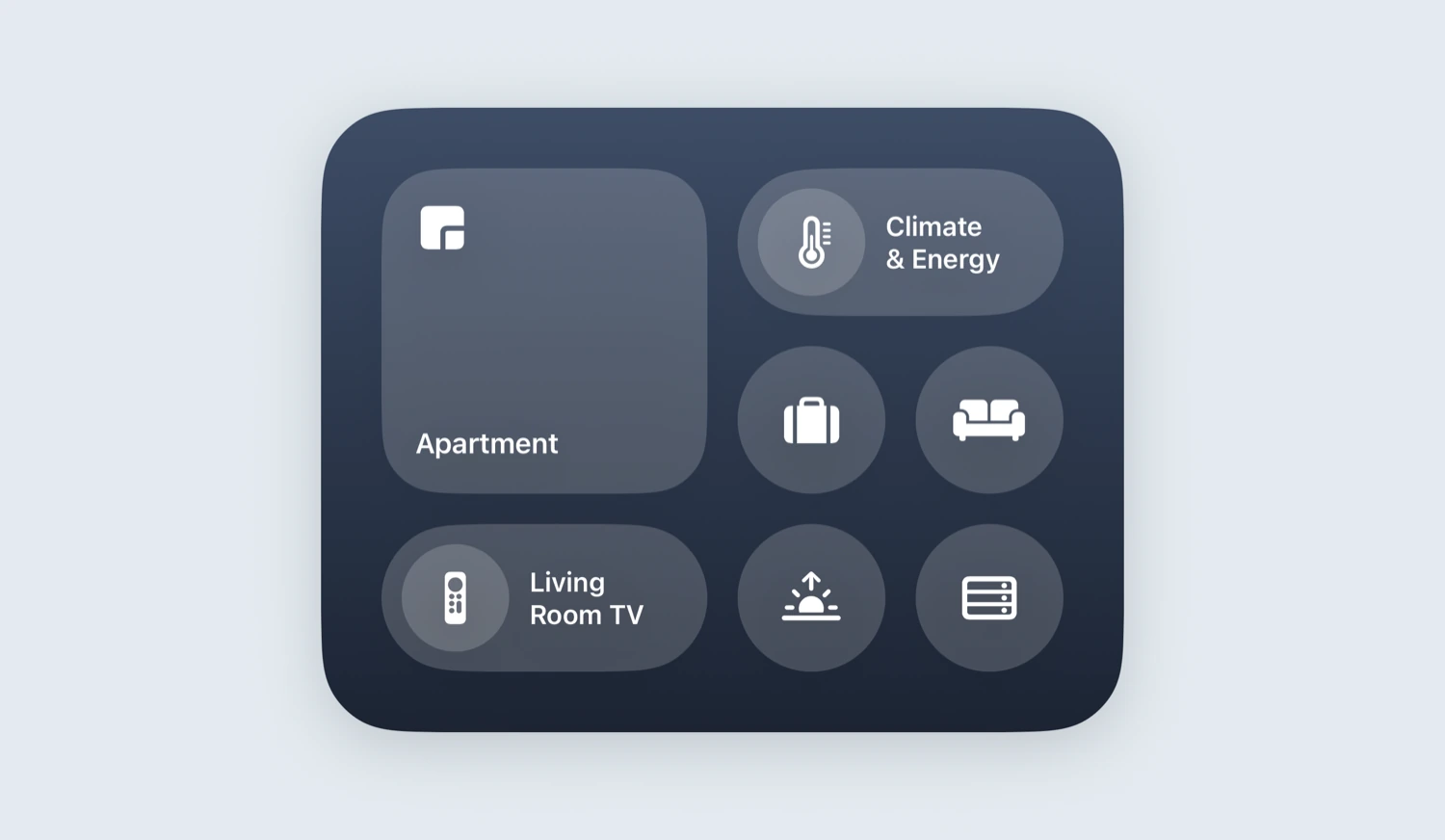
From iOS 18, put Controller controls in Control Center, on the Lock Screen or on the Action button.
Start a workflow, open a floor plan, show accessories, set or check a state: with Siri, in the Shortcuts app and on the Action button.
Three: tiles for scenes, workflows, states and views in small, medium, large and, on iPad, extra large; a widget for your floor plan in small or large; and one for a dashboard in small.
Scenes, workflows on the device and views open Controller. States and workflows on the Controller Hub run in the background without opening the app.
Widgets and controls are already part of Controller Essentials. States and the Controller Hub need Controller Plus.
The widgets work from iOS 17.6. Controls in Control Center, on the Lock Screen and on the Action button need iOS 18.
Yes. On iPad the tiles also come in extra large. You can use the widgets on the Mac, too.
In Controller, under Widgets, you choose which tiles a widget shows. Then add the widget to your Home Screen and pick that set.
Everything about widgets and controls, step by step: Open documentation