Dashboards
Everything that matters at a glance.
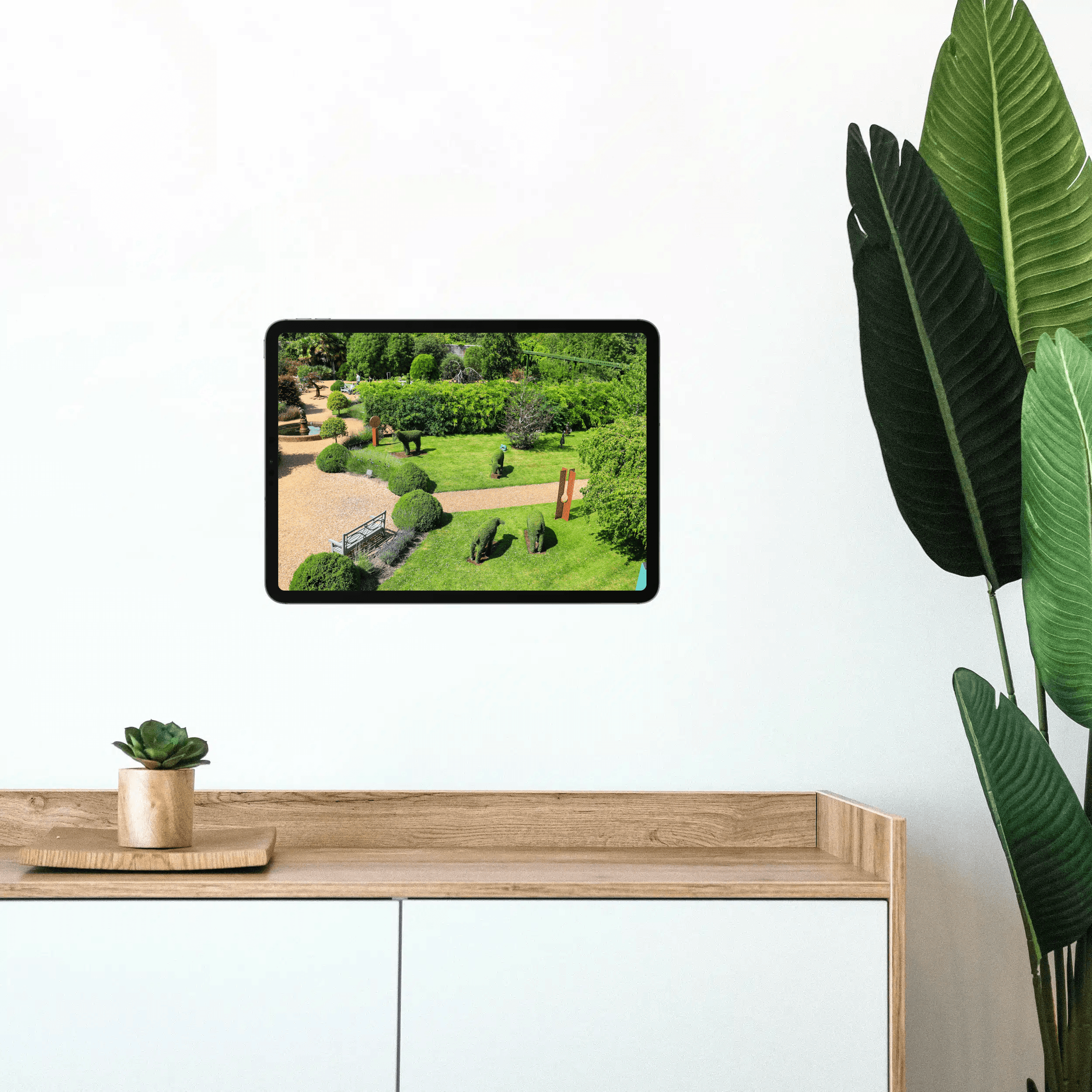
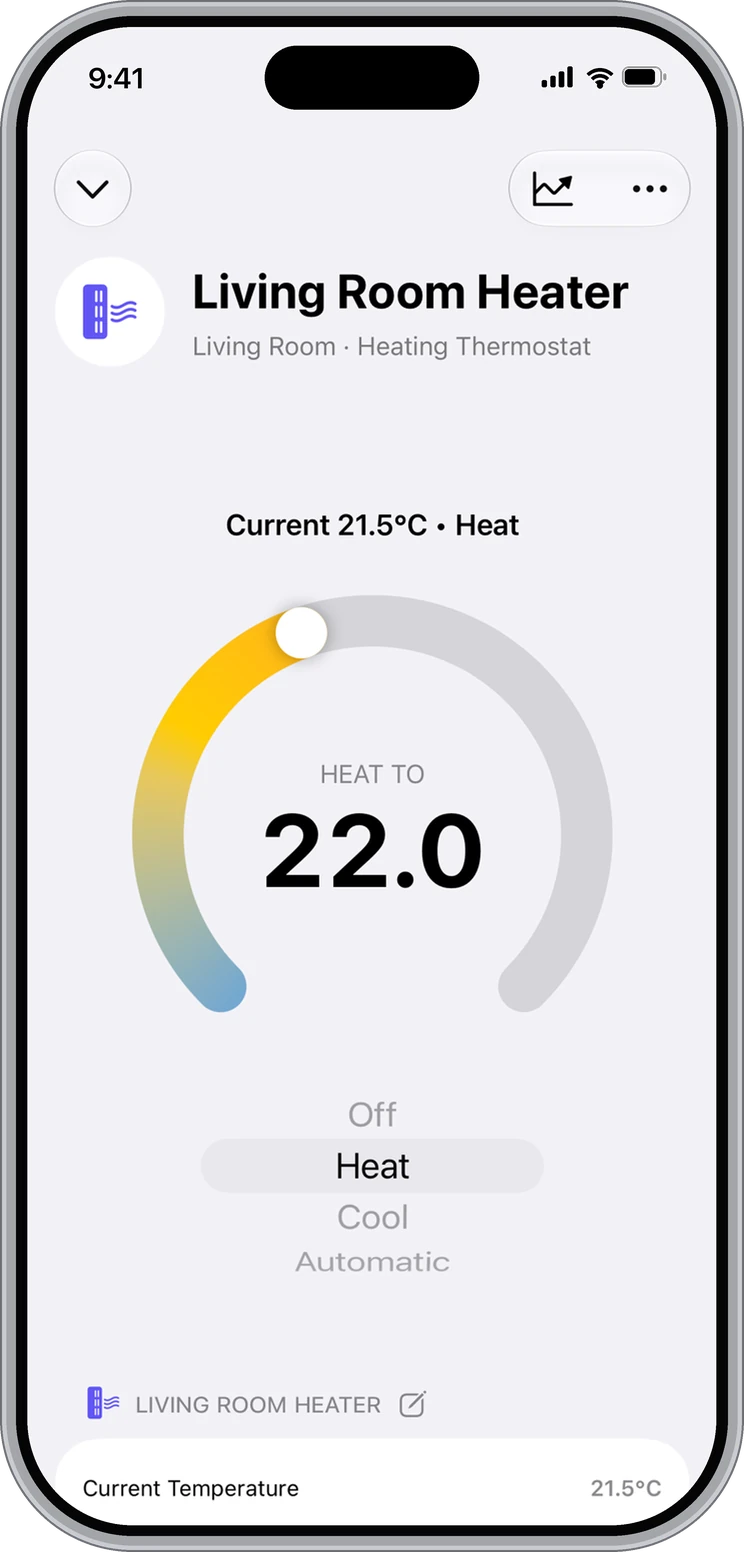
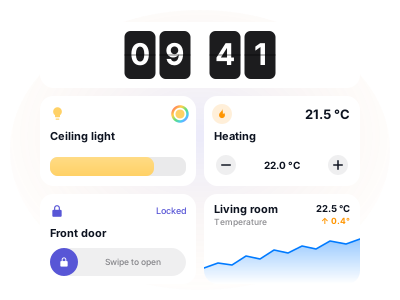
Pick the tiles, choose a size, drag them into place. Smart sections fill themselves from a rule, and AI drafts a whole dashboard for you.
Learn more
The most powerful app for Apple Home. Powerful workflows, insightful charts, reliable backups, interactive floor plans - and much more.

Describe what should happen. Controller AI builds scenes, automations, workflows, and dashboards for you, and changes them when you ask.
Dashboards
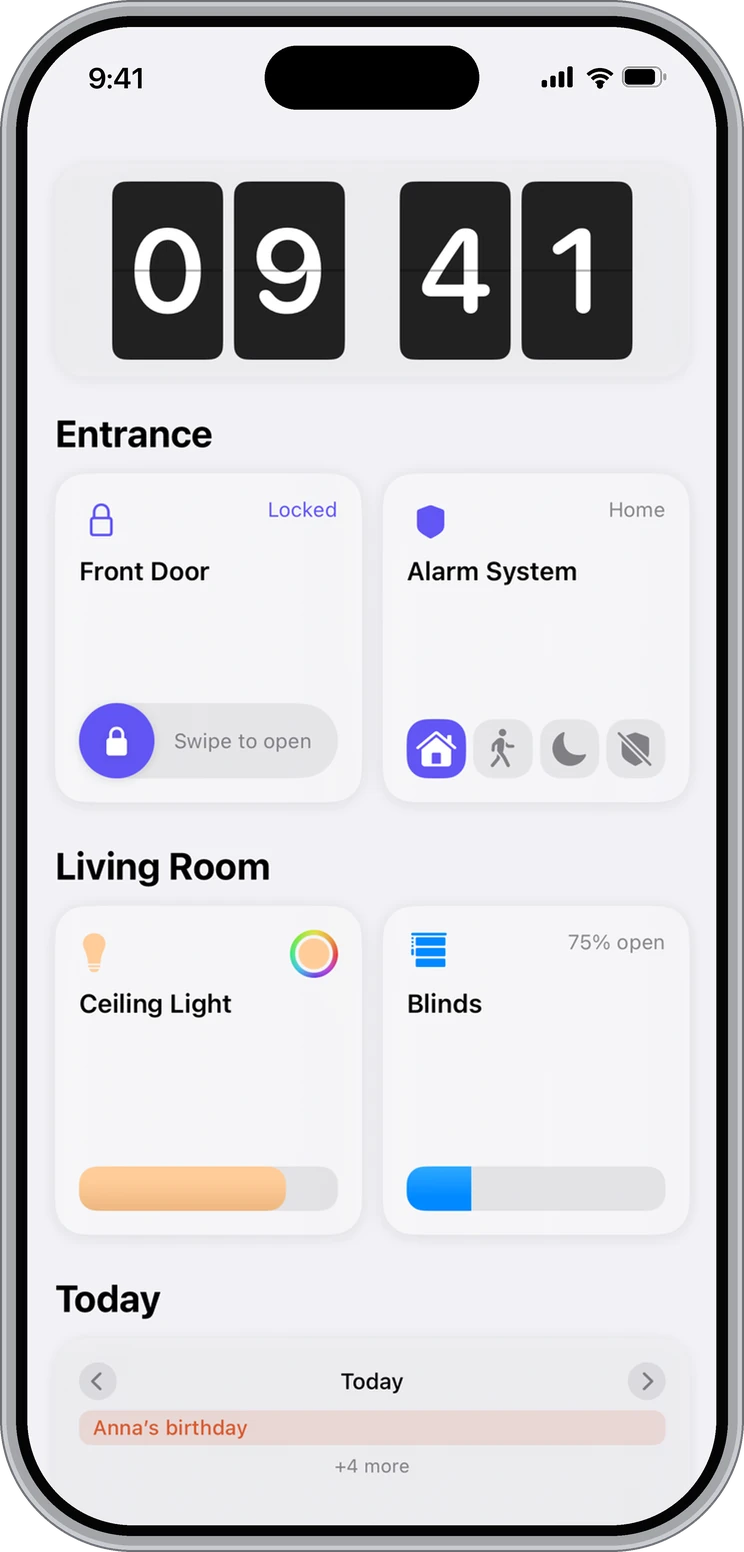
Build your own view from over 25 tile types. Per home, per person and per device.
Dashboards
Pick the tiles, choose a size, drag them into place. Smart sections fill themselves from a rule, and AI drafts a whole dashboard for you.
Floor Plan
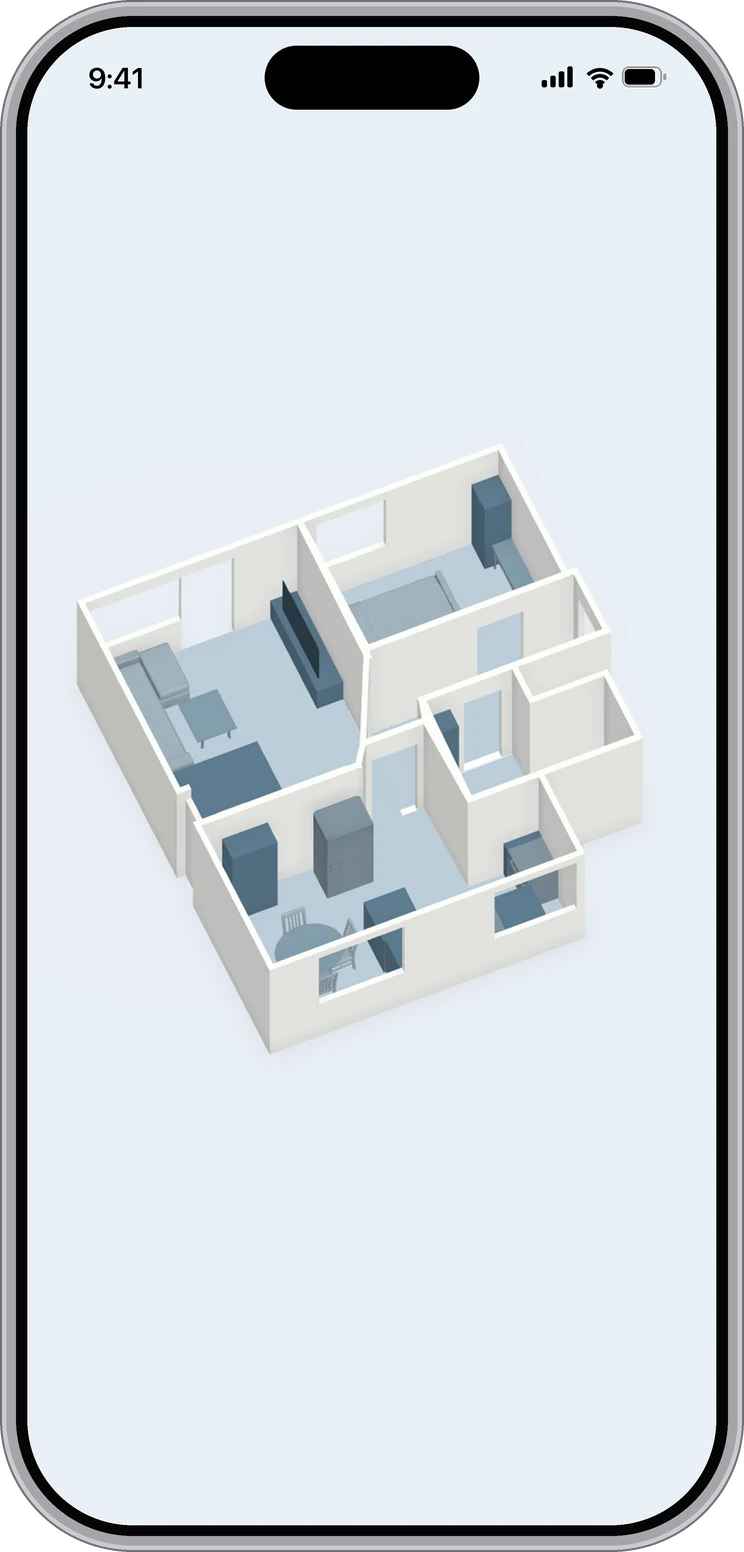
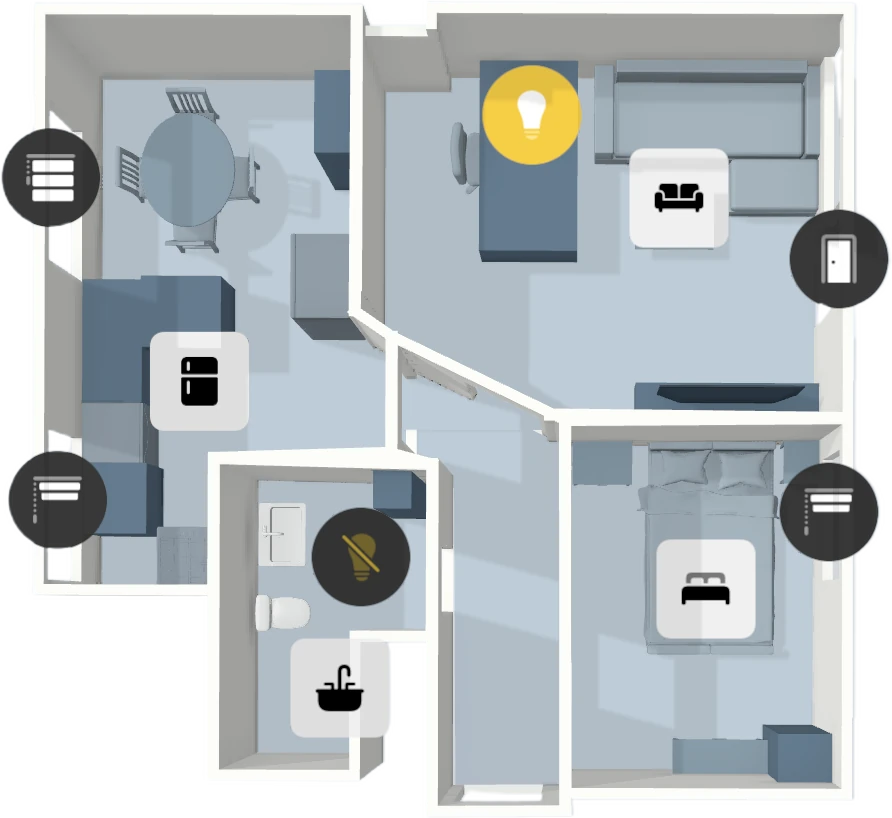
Scan your rooms with LiDAR and control devices, activate scenes, open views, or start workflows directly on your floor plan.
Floor Plan
Scan your home with the LiDAR sensor and control devices on an interactive 3D floor plan.
Automations. Reimagined.
Build flows Apple Home can't.
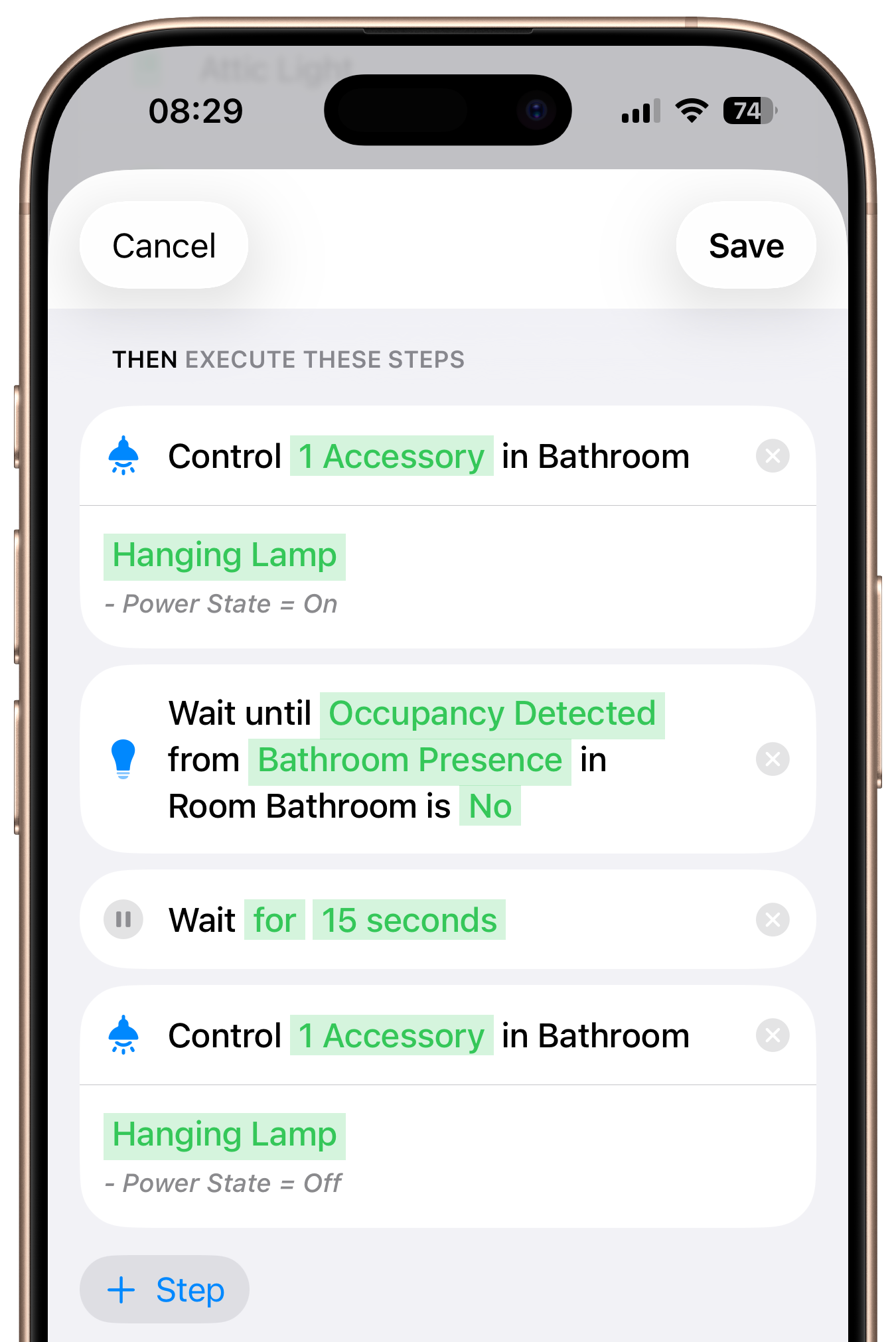
Wait five minutes before a workflow continues, or repeat a step to make a light blink, for example.
Different actions based on the situation. Automatically.
Use rain, temperature, UV, cloud cover, wind, and humidity as live conditions.
Monitor device values in real time and automatically end the workflow when conditions no longer match.
Send notifications with real-time values directly from your workflows.
Use calendar events and reminders as start events, conditions, or steps inside your workflows.
Start workflows via Call URL, Server Triggers, or Shortcuts and connect external systems.
For Automated Workflows
PlusTurn your iPhone, iPad, Apple TV or Mac into a Controller Hub - so workflows run automatically, charts collect history, and states stay available around the clock.
What the Apple Home app is missing
Maintenance, backups, smart notifications, and advanced logic - everything Apple Home is missing.
Just in Case
Back up your complete Apple Home setup and restore it anytime - when switching devices, after a reset, or in a new home.

Stay Informed
Notifications with real-time values and exactly the context that matters.
Advanced Automations
More triggers, more conditions, more control - for Apple Home automations that behave exactly as you want.
Controller adds building blocks Apple Home does not offer in one place: multiple start events, weekday filters, grouped conditions, auto-off scenes, and run-once behavior.
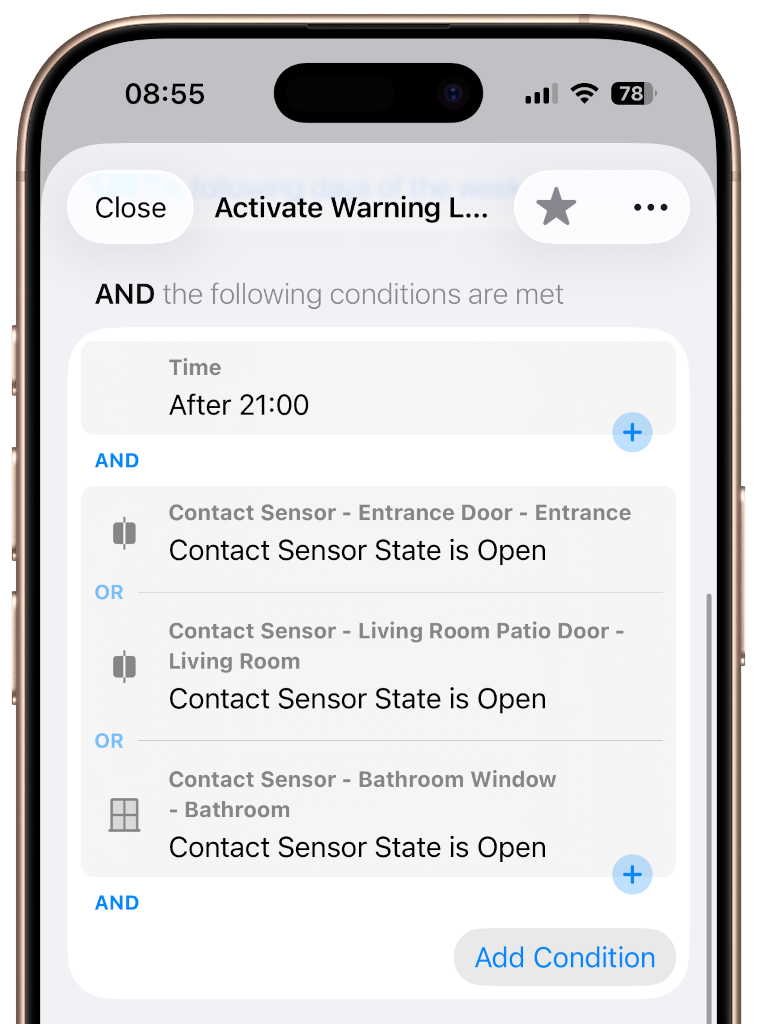
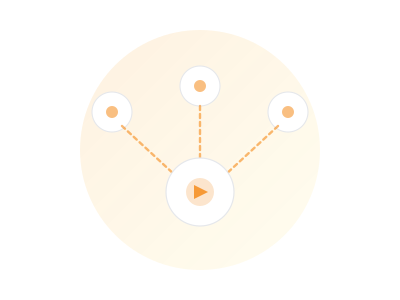
Trigger the same automation at sunrise, when a switch is pressed, or someone arrives home - without duplicating logic.
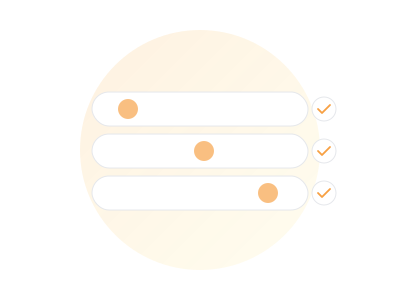
Combine time, sun position, devices, and presence checks before any action is executed.
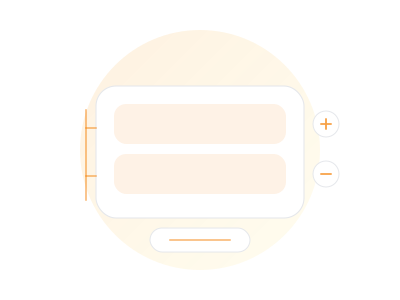
Use nested condition groups to model real-world rules instead of splitting everything into many separate Apple Home automations.
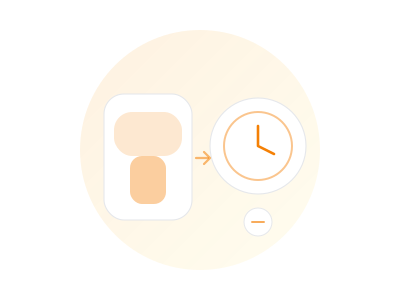
Set scenes to switch off automatically after a defined delay.
Run routines only on selected days, like weekdays for wake-up flows and weekends for other behavior.
Deactivate an automation after successful execution to avoid duplicate runs until you reactivate it.
Home Sharing
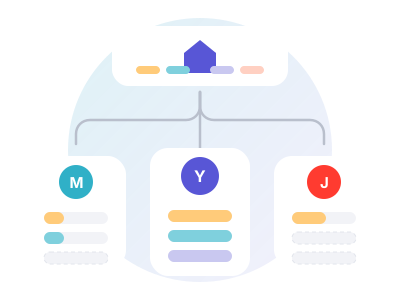
Dashboards, workflows, floor plans and widgets go to the people you live with – each on their own Apple Account.
Home Sharing
Share what you built: dashboards, workflows, floor plans, smart folders and widgets. For each person you decide whether they get all of it or only individual dashboards.
Every feature powerful on its own. Unstoppable together.
Instant Access
Scenes, cameras, and devices - right on the Home Screen, Control Center, and Apple Watch.
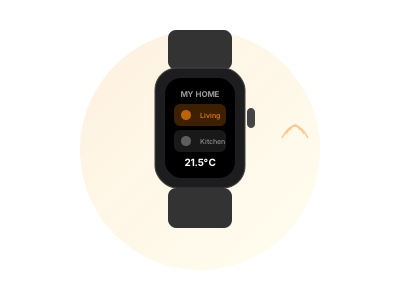
On Your Wrist
Start scenes, control devices, check status - right from your wrist.
Organization
Dynamic filters for better organization of your setup.
Safe Storage
Controller keeps your setup codes securely stored, so they are always ready when you need to pair or restore a device.
Keep It Healthy
Detect and resolve common issues early to keep your Apple Home stable, responsive, and easier to manage.

History & Troubleshooting
What happened when? Logs show you the complete history of your home.