Workflows

Automations that think in complete flows.

Timing, branching, and context - in one visual sequence instead of scattered one-off rules.

Workflow editor and automation detail in Controller for HomeKit
Try Controller For Free

Beyond standard Apple Home automations

Model the behavior you actually want.

Triggers, waits, branches, and actions in one place. Less clutter, more clarity, more reliable flows.

Start and stop with intent

React to real events and stop execution when conditions no longer match.

Define multi-step flows clearly

Combine conditions, waits, and repeats in one sequence you can follow at a glance.

More powerful than Apple Home

Workflows offer far more steps and flow control than classic automations in Apple Home.
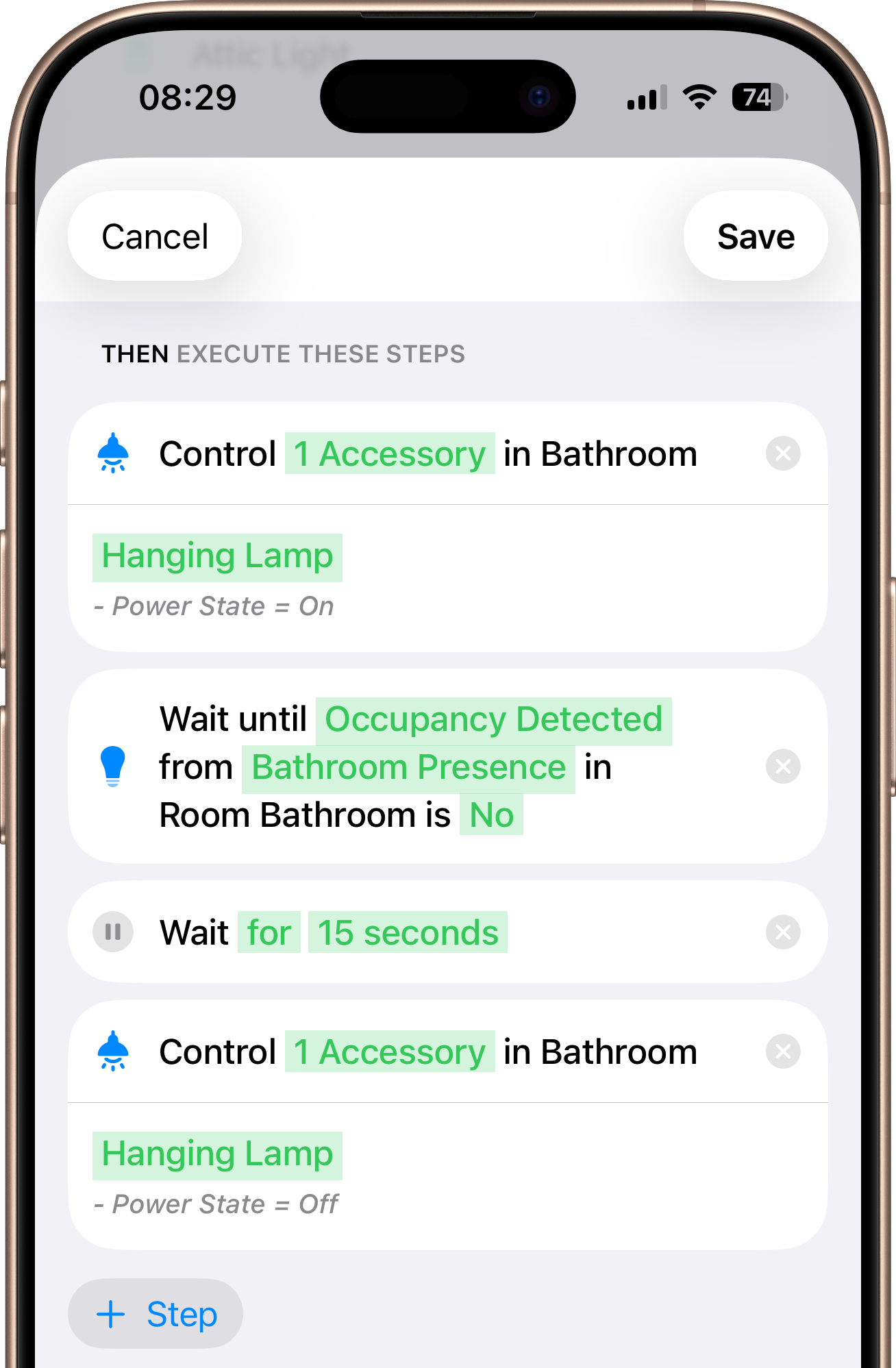
Workflow detail screen with multiple logic steps

Build exactly what your home needs.

From timed flows to external triggers - all in one system.

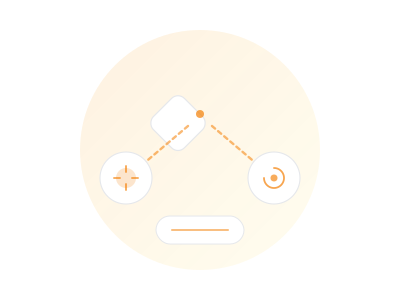
If / Else

Branch flows with If/Else paths and grouped conditions so your home reacts differently when context changes.

Workflow tile graphic showing branching automation logic

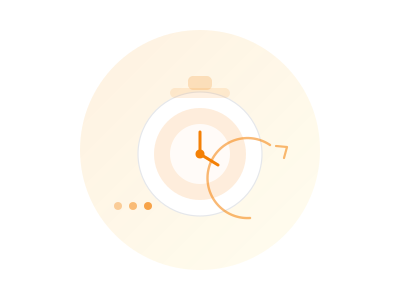
Wait and Repeat

Wait precisely and repeat steps - without workarounds or duplicate logic.

Workflow tile graphic showing timer and sequence flow

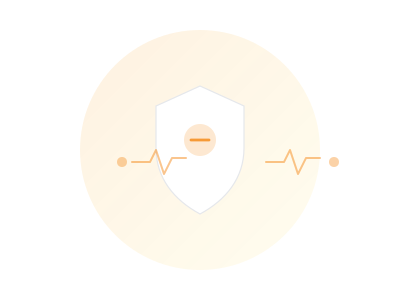
Monitor and End Events

Monitor device values in real time and automatically end execution the moment the situation changes.

Workflow tile graphic showing monitor and end event behavior

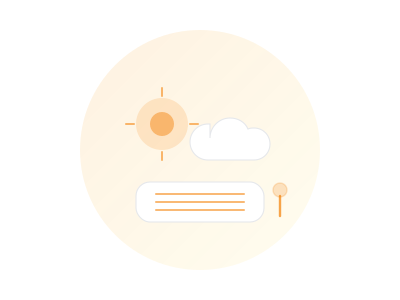
Weather and Accessory Values

Combine weather conditions with accessory values for context-aware decisions.

Workflow tile graphic showing weather and device conditions

Notifications

Send notifications with live values and useful context so alerts are actually actionable.

Workflow tile graphic showing smart notification output

URLs and Shortcuts

Start workflows via Call URL, Server Triggers, or Shortcuts and connect your entire setup.

Workflow tile graphic showing URL and shortcut triggers

Controller Hub

Workflows run. Automatically.

To run Workflows continuously in the background, use a dedicated hub device. Controller Hub executes your logic automatically and keeps execution stable over time.

Learn more about Controller Hub

Dedicated device

Use iPhone, iPad, Apple TV, or Mac as your hub device.

App remains active

Keep Controller running in the foreground on the selected hub device.

Automatic execution

Once configured, workflows execute automatically without manual interaction.

Get Inspired

Real-world examples you can adapt in minutes.

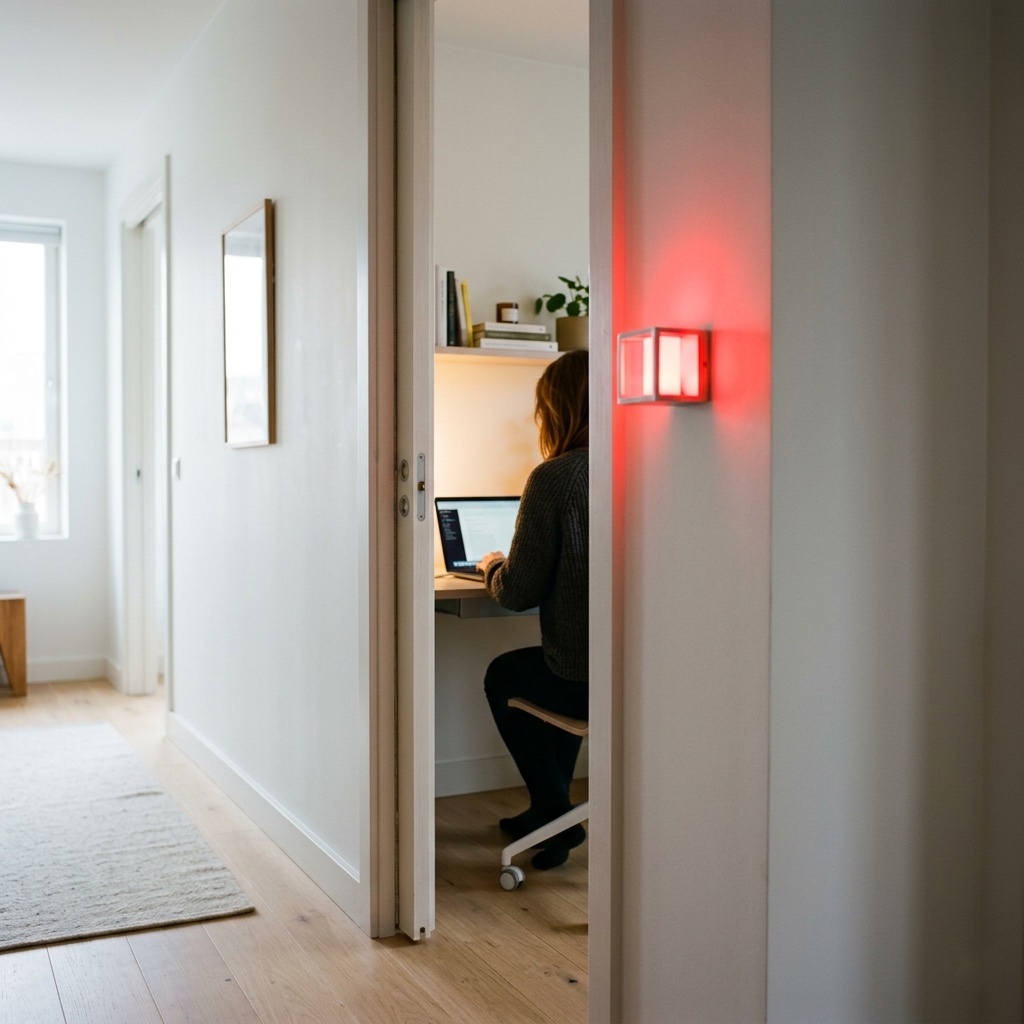
Meeting Light

Meeting Light

Uses light color to show whether you’re in a meeting.

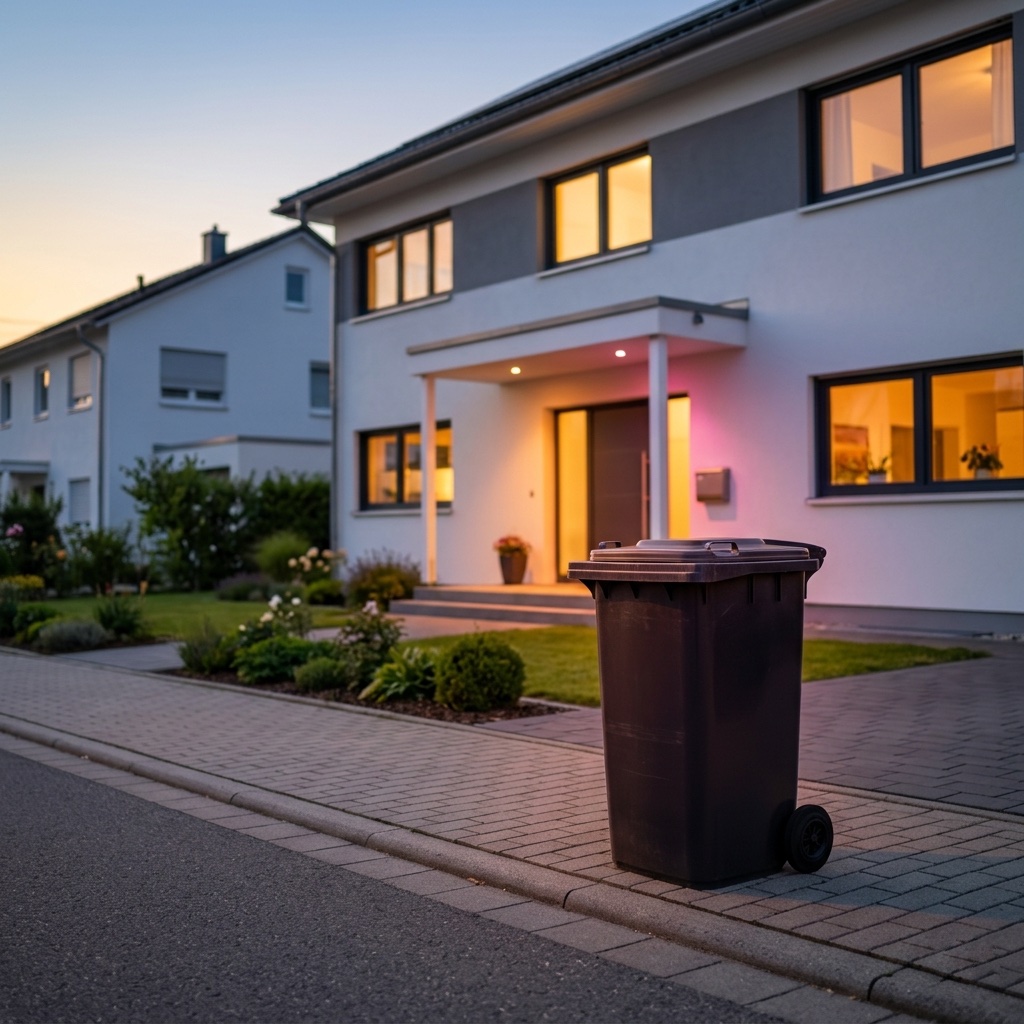
Waste Calendar

Waste Calendar

Never forget the bin again – with colored light and speech.

Carbon Dioxide Alert

Carbon Dioxide Alert

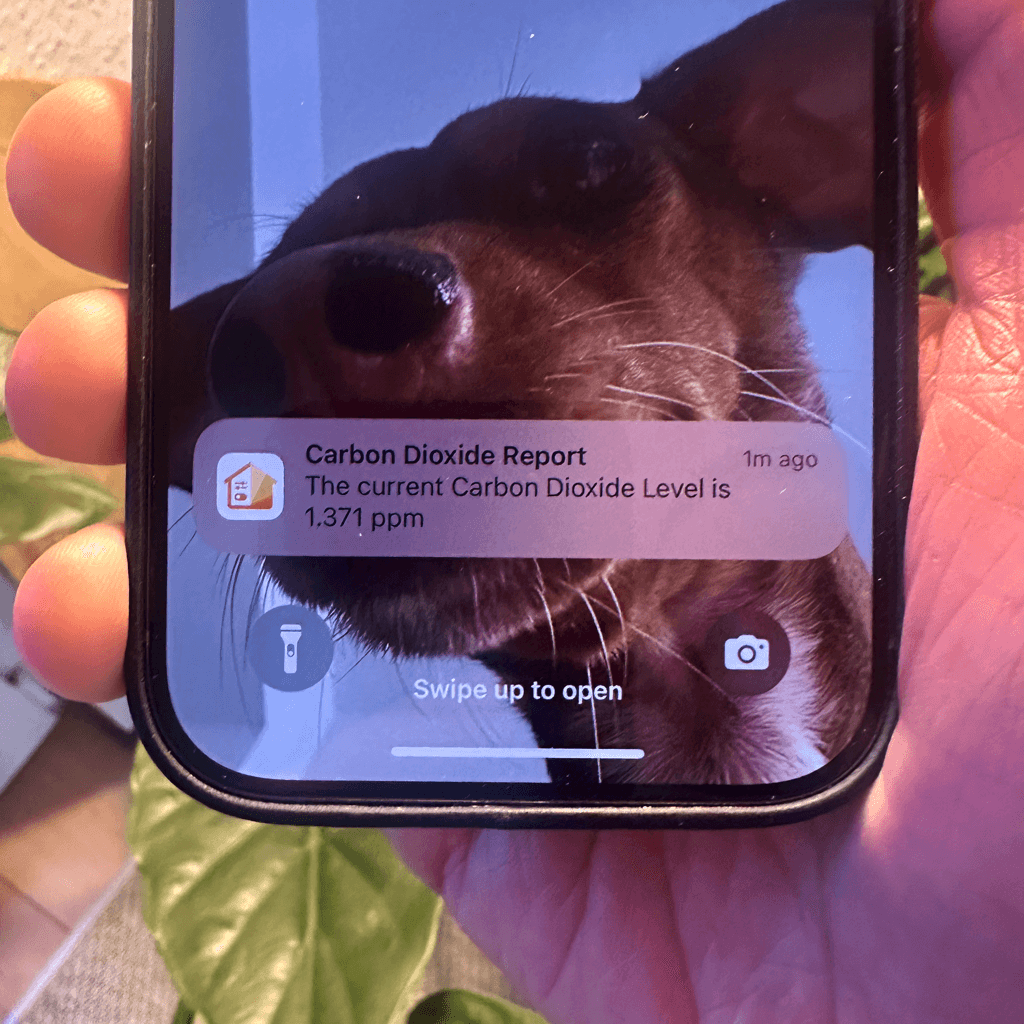
Get notified when COβ‚‚ levels exceed 1000 ppm.

Location-Based Workflow

Location-Based Workflow

Automate your routines based on where you are.

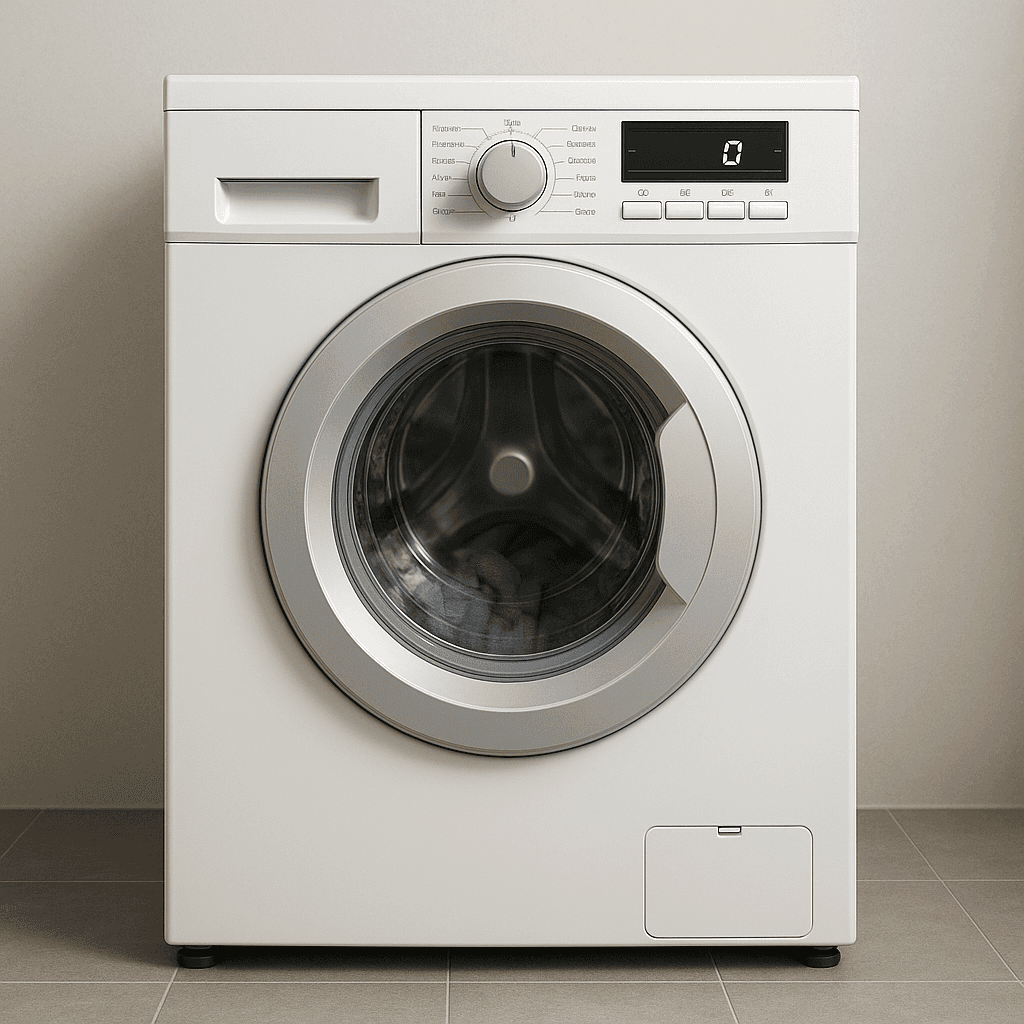
Laundry Done Alert

Laundry Done Alert

Receive a notification when your washing machine has finished.

Beat the Heat

Beat the Heat

Automatically close your blinds on hot days.

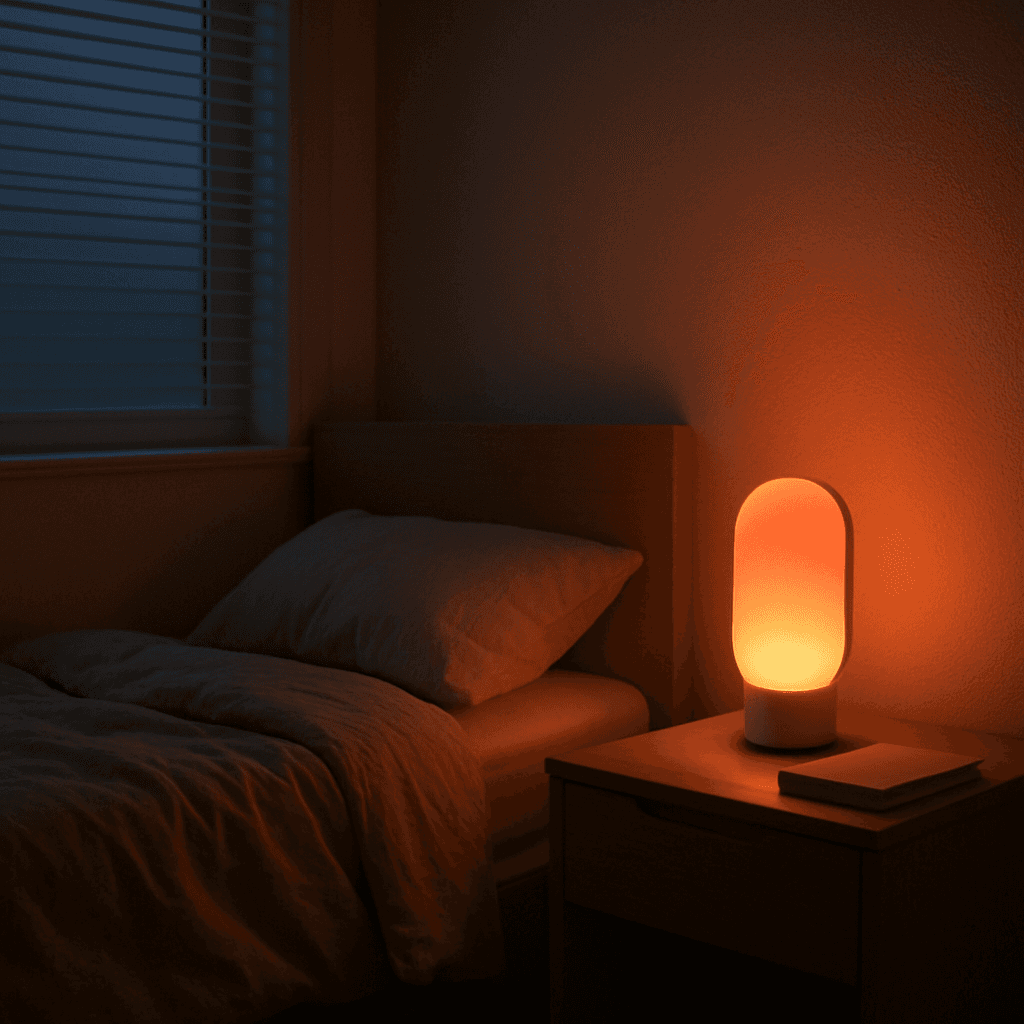
Wake-Up Light

Wake-Up Light

Use any Apple Home Lamp as a Wake-Up Light.

Irrigation Schedule

Irrigation Schedule

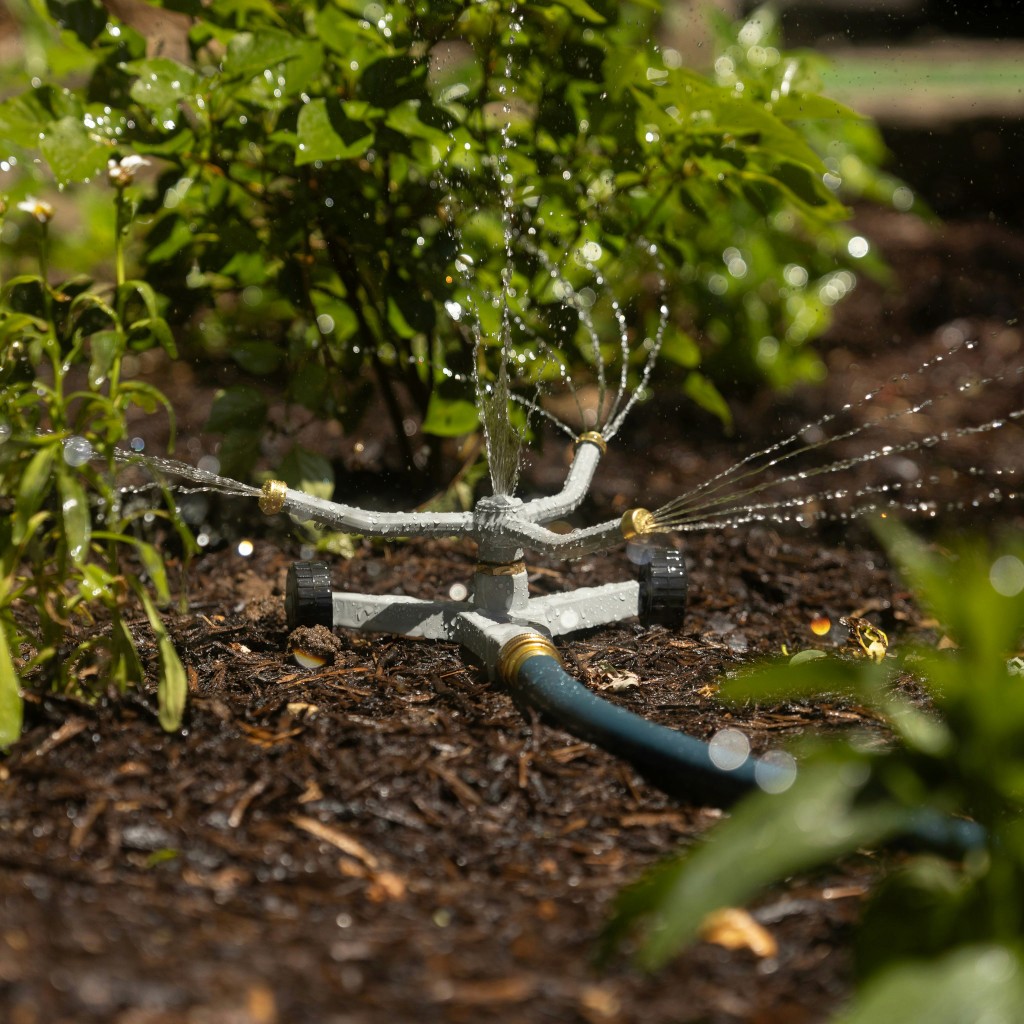
Keep your garden green.

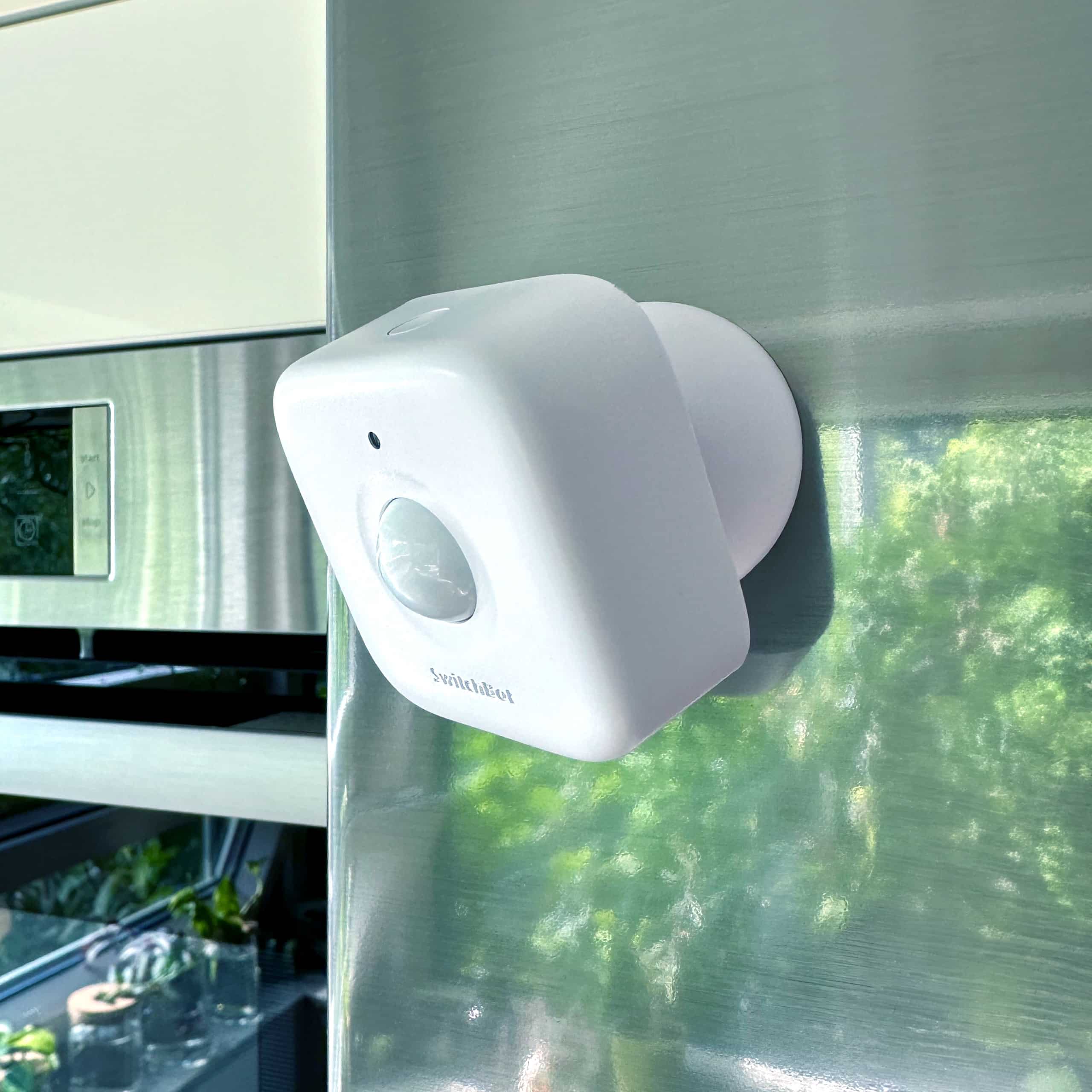
Control Lights with Multiple Motion Sensors

Control Lights with Multiple Motion Sensors

For large or irregularly shaped spaces.

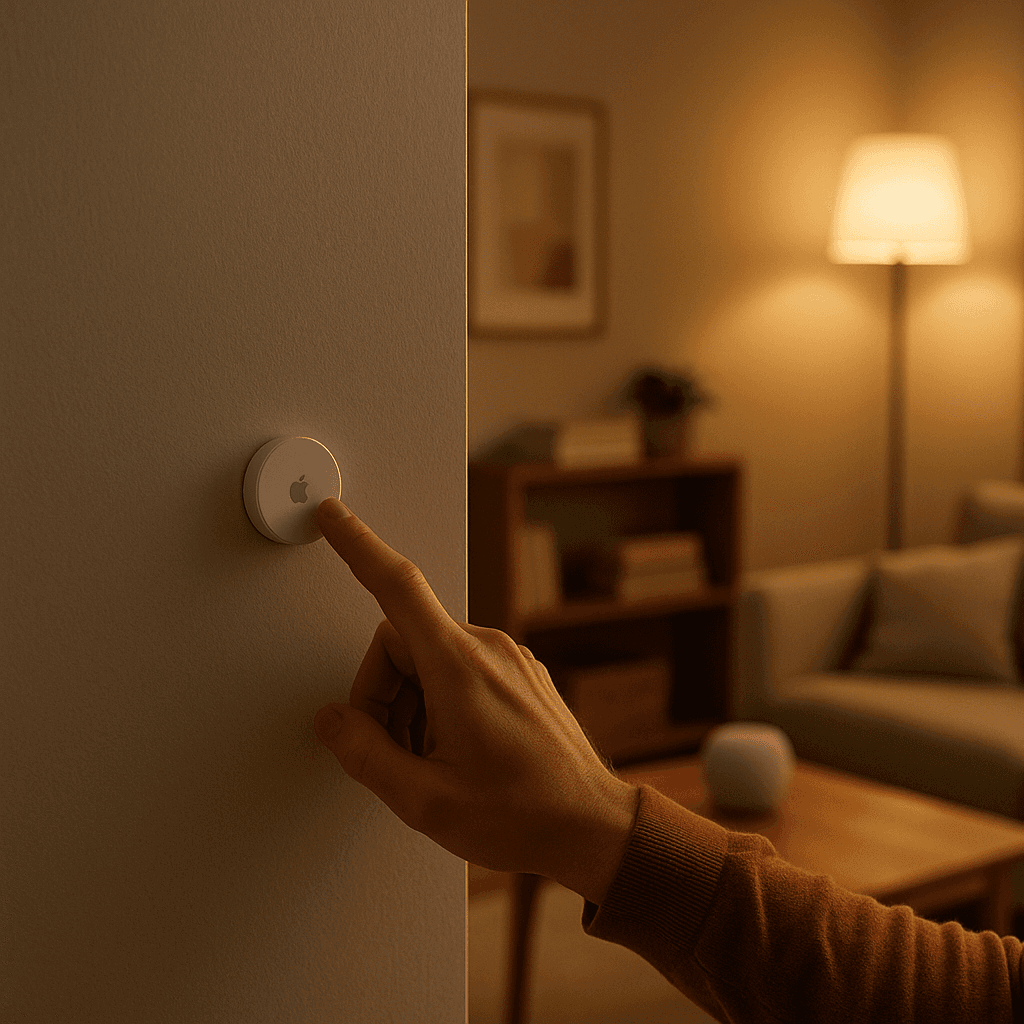
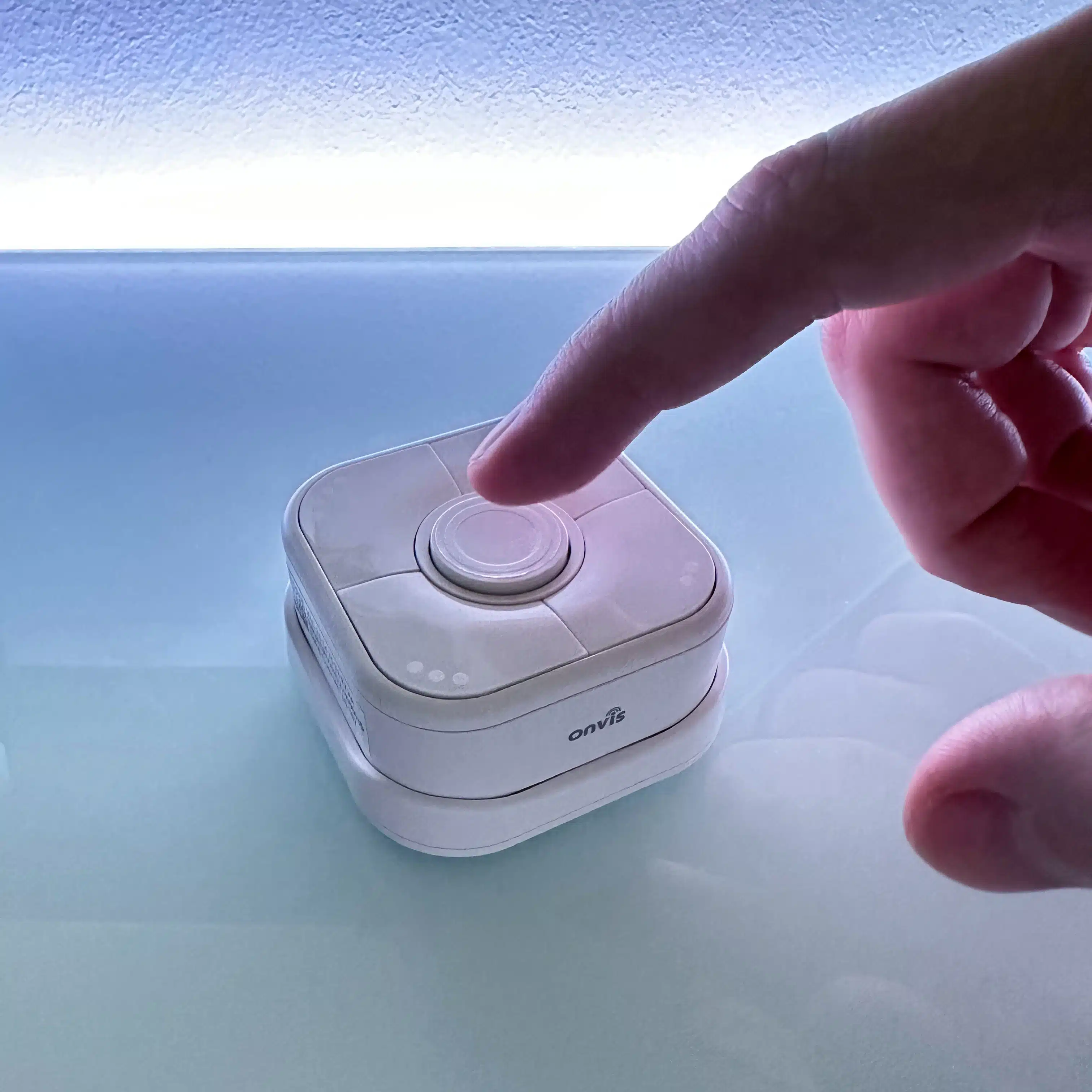
Stepwise Brightness Control via Button

Stepwise Brightness Control via Button

Control light brightness step by step.

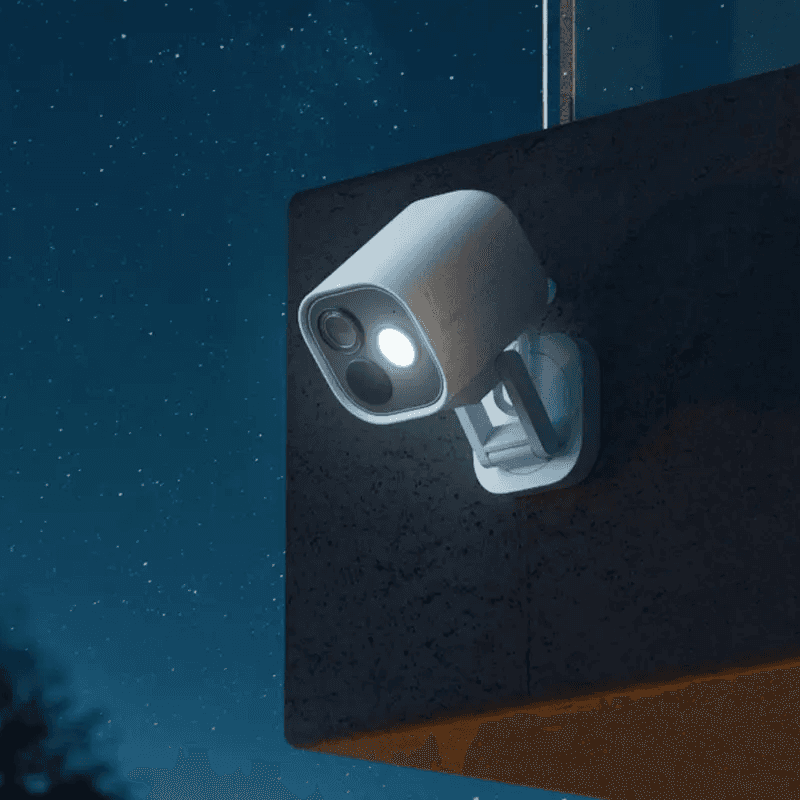
Custom Notification with Live Camera Feed

Custom Notification with Live Camera Feed

Open the camera stream instantly.

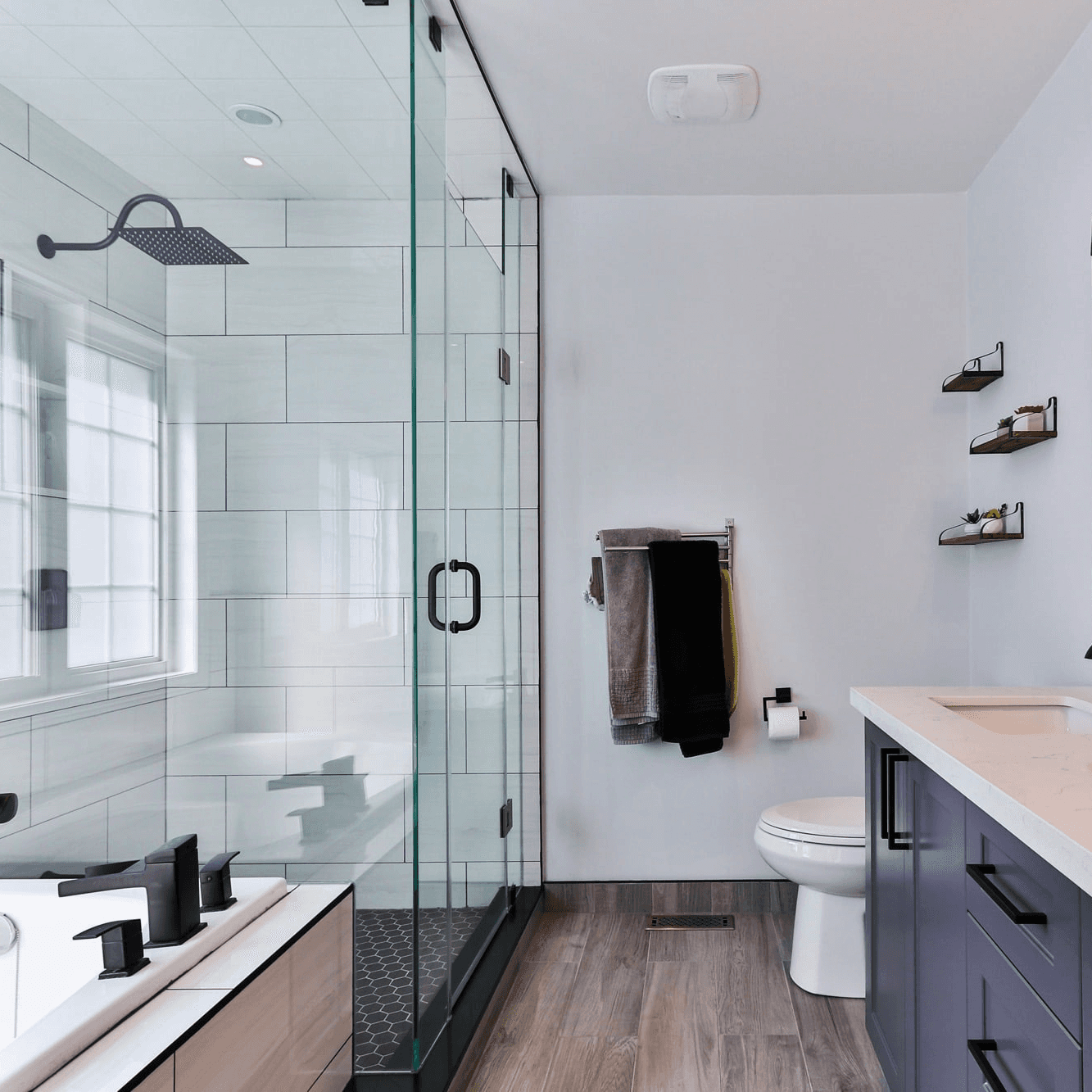
Smart Bathroom Fan Control

Smart Bathroom Fan Control

Make your fan truly intelligent.

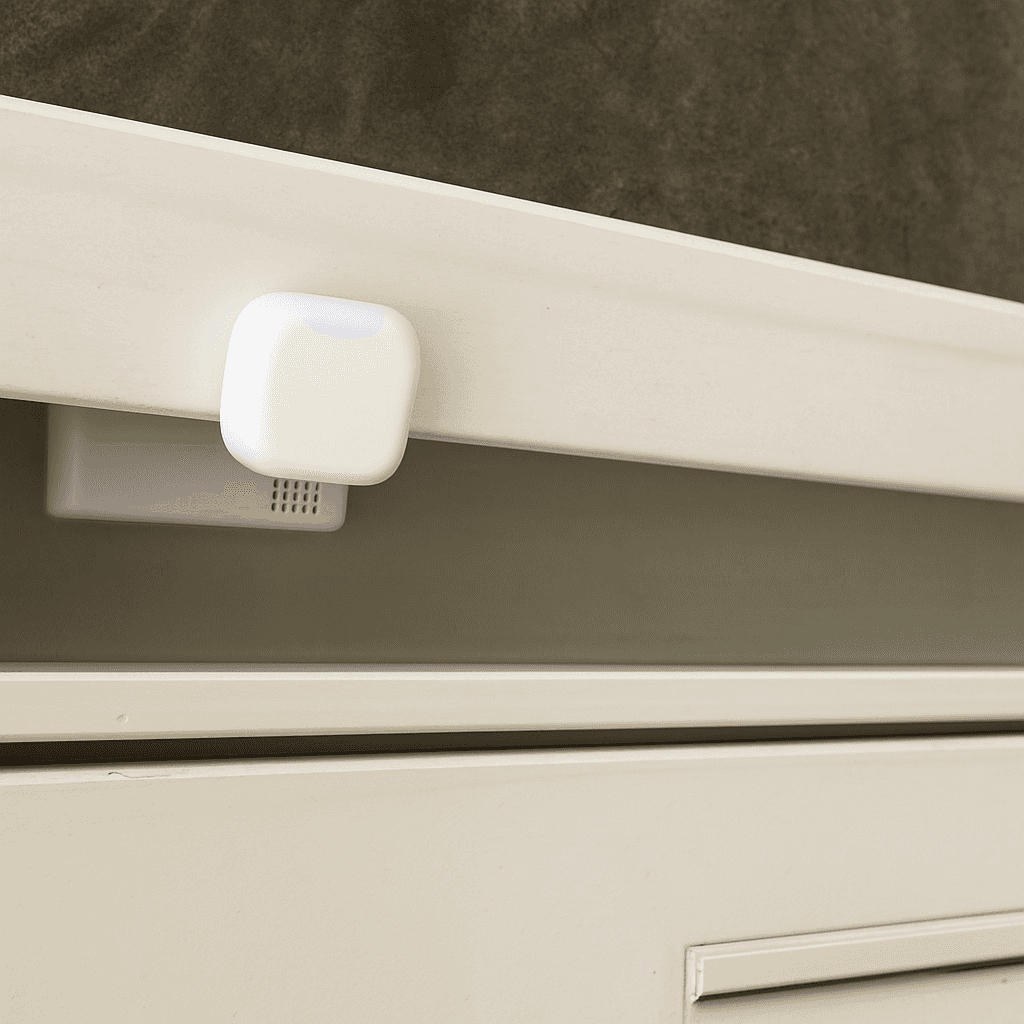
New Mail Notification

New Mail Notification

Get notified when new mail arrives.

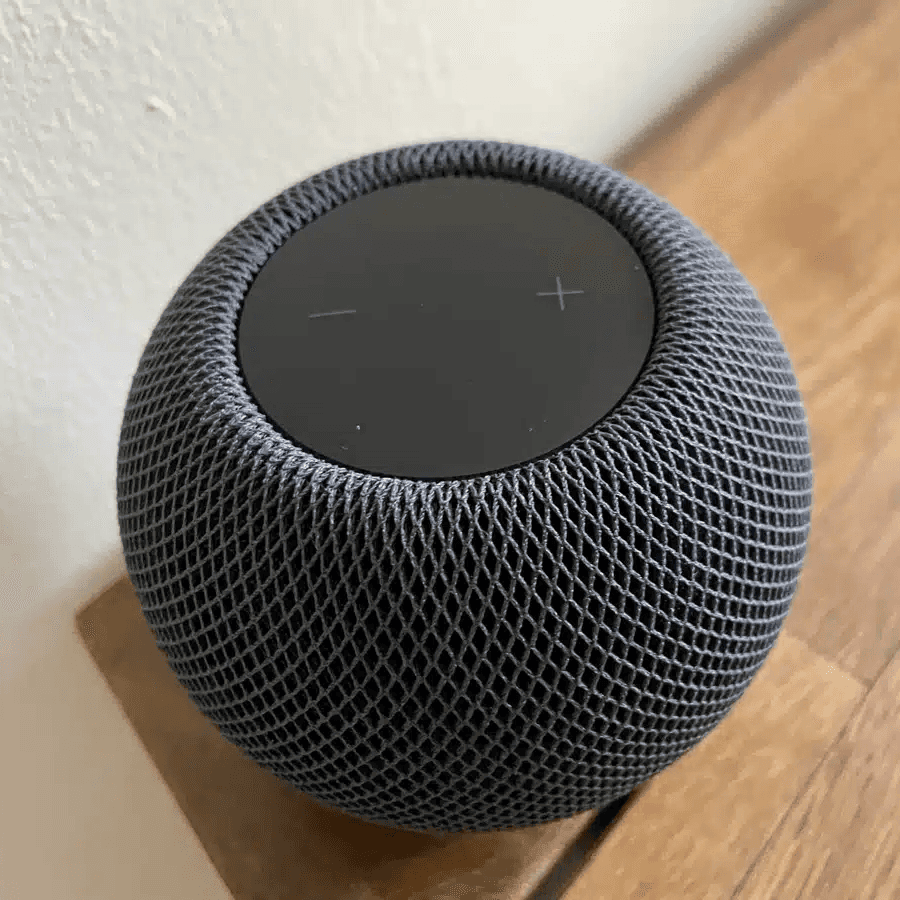
Integrate Speakers into Workflows

Integrate Speakers into Workflows

Control volume, play music, or pause playback.

Battery Warning

Battery Warning

Get battery alerts when they matter.

Sleep Timer

Sleep Timer

Use a sleep timer with Apple Home.
Execute Workflow Only Once a Day

Execute Workflow Only Once a Day

Ensures the workflow runs only once.

Accessory Values in Notifications

Accessory Values in Notifications

Send notifications featuring real-time accessory values.

NFC Tags

NFC Tags

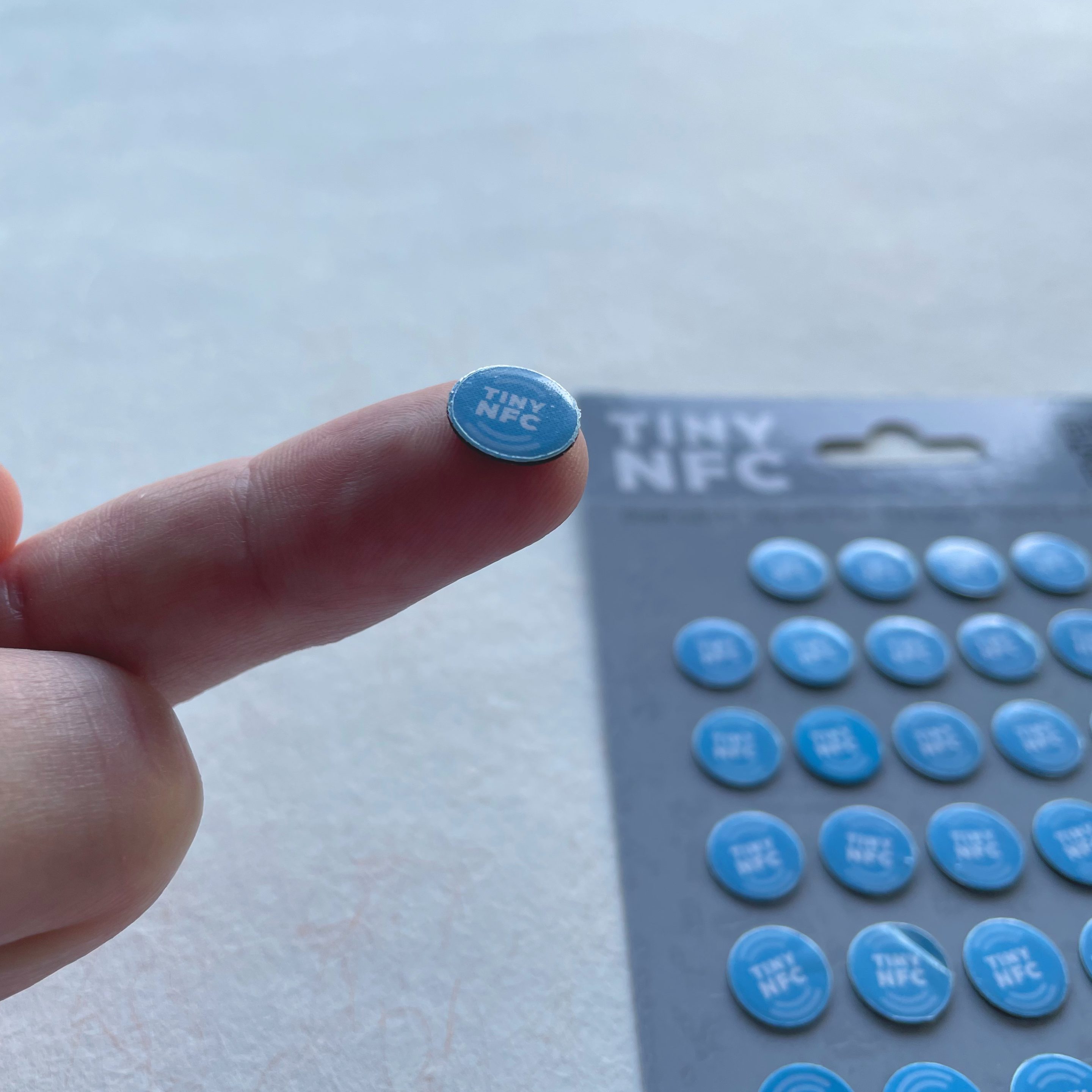
Automate Apple Home Accessories with NFC.

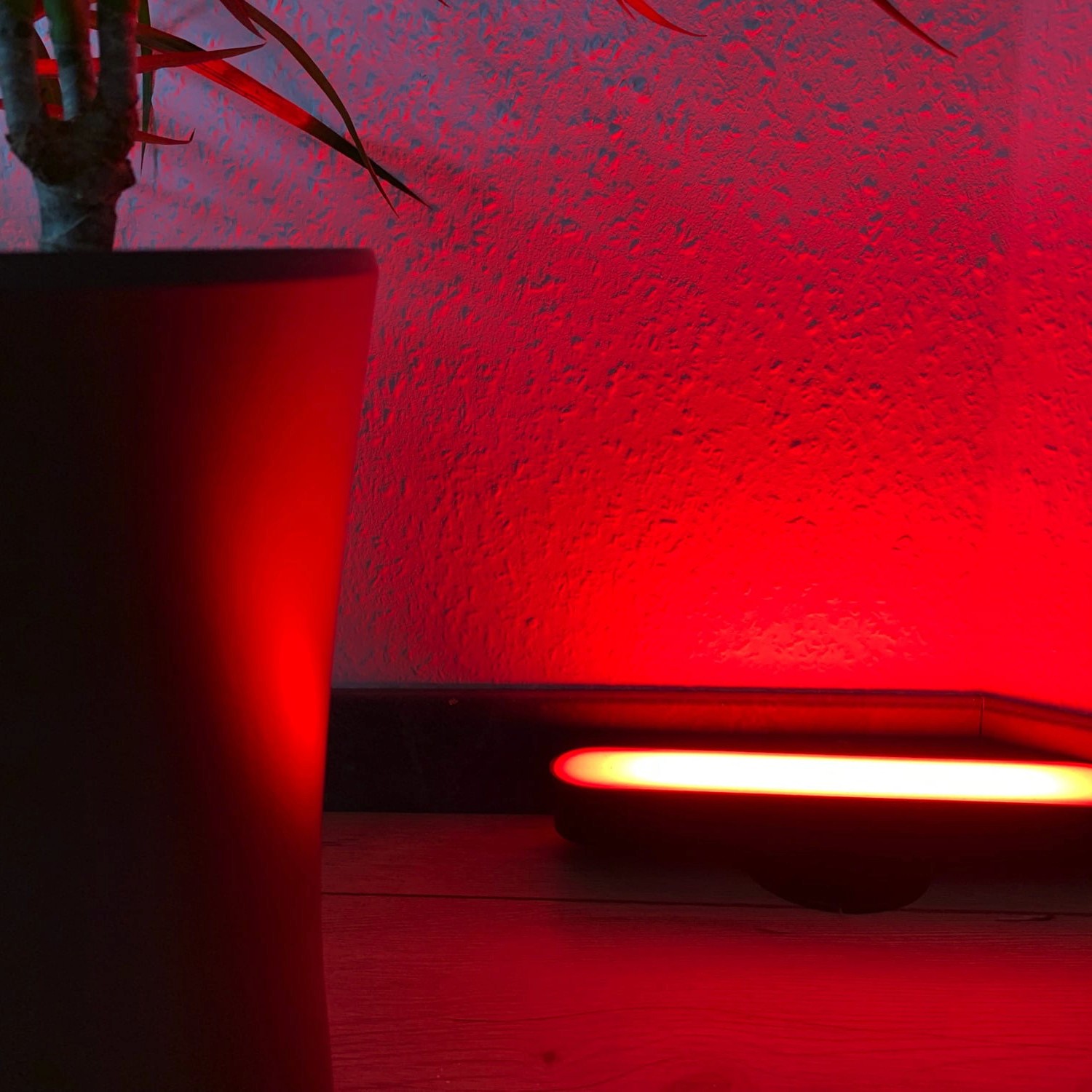
Blink Lights

Blink Lights

Make a light blink and effortlessly return it to its original state.

Display Camera When Motion Is Detected

Display Camera When Motion Is Detected

Automatically display the camera livestream whenever motion is detected.

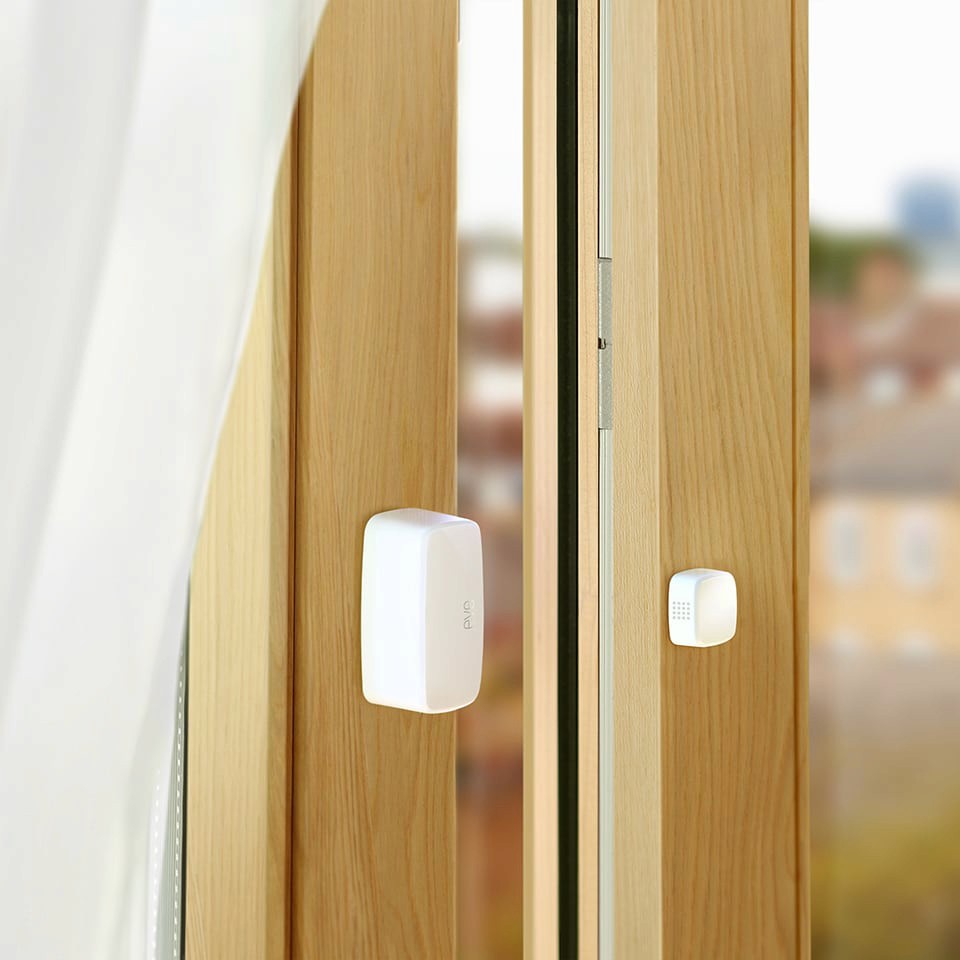
Open Window Reminder

Open Window Reminder

Get a reminder if you forget to close a window after ventilating.

Toggle Lamp

Toggle Lamp

Easily toggle a lamp using a single switch.

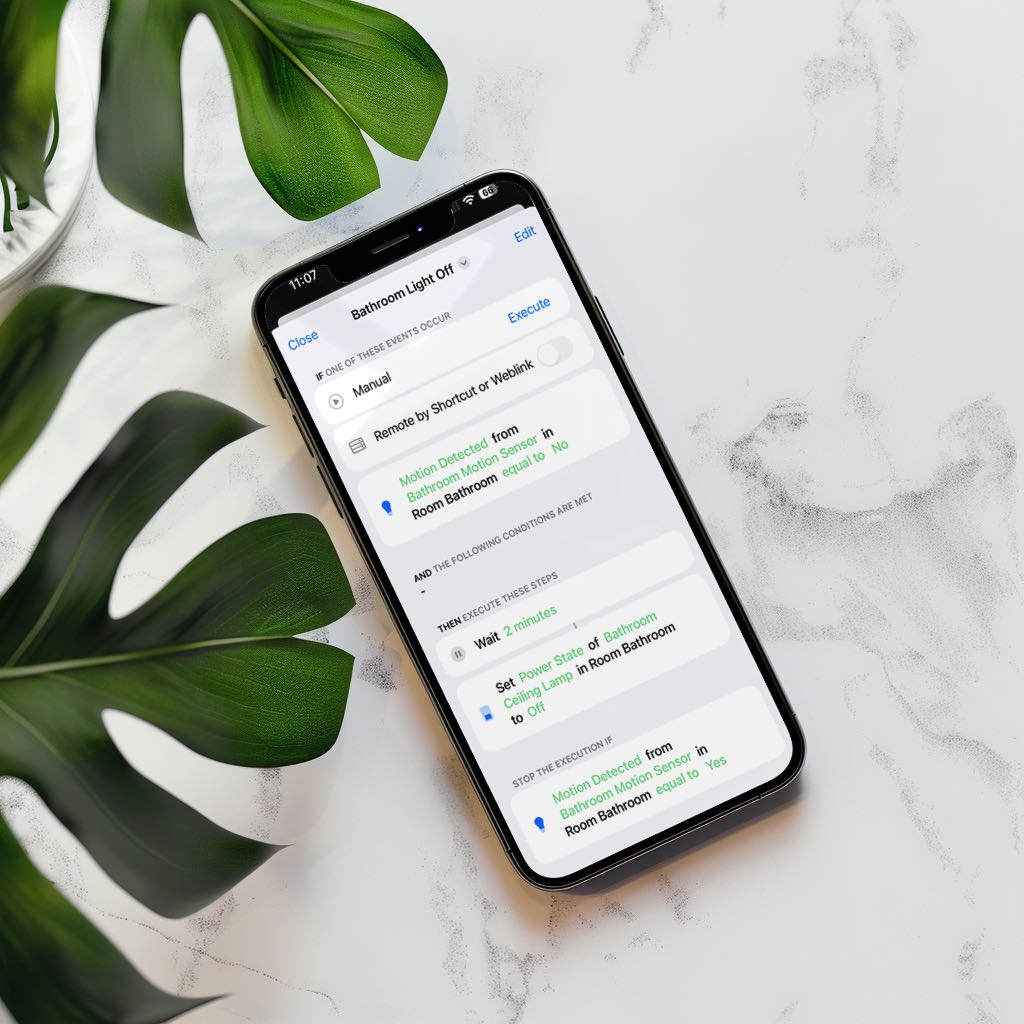
Turn Light Off Using Motion Sensor

Turn Light Off Using Motion Sensor

Efficiently control your lighting with a motion sensor.

Try Controller for free.

Download on the App Store