Battery Warning

Battery Warning

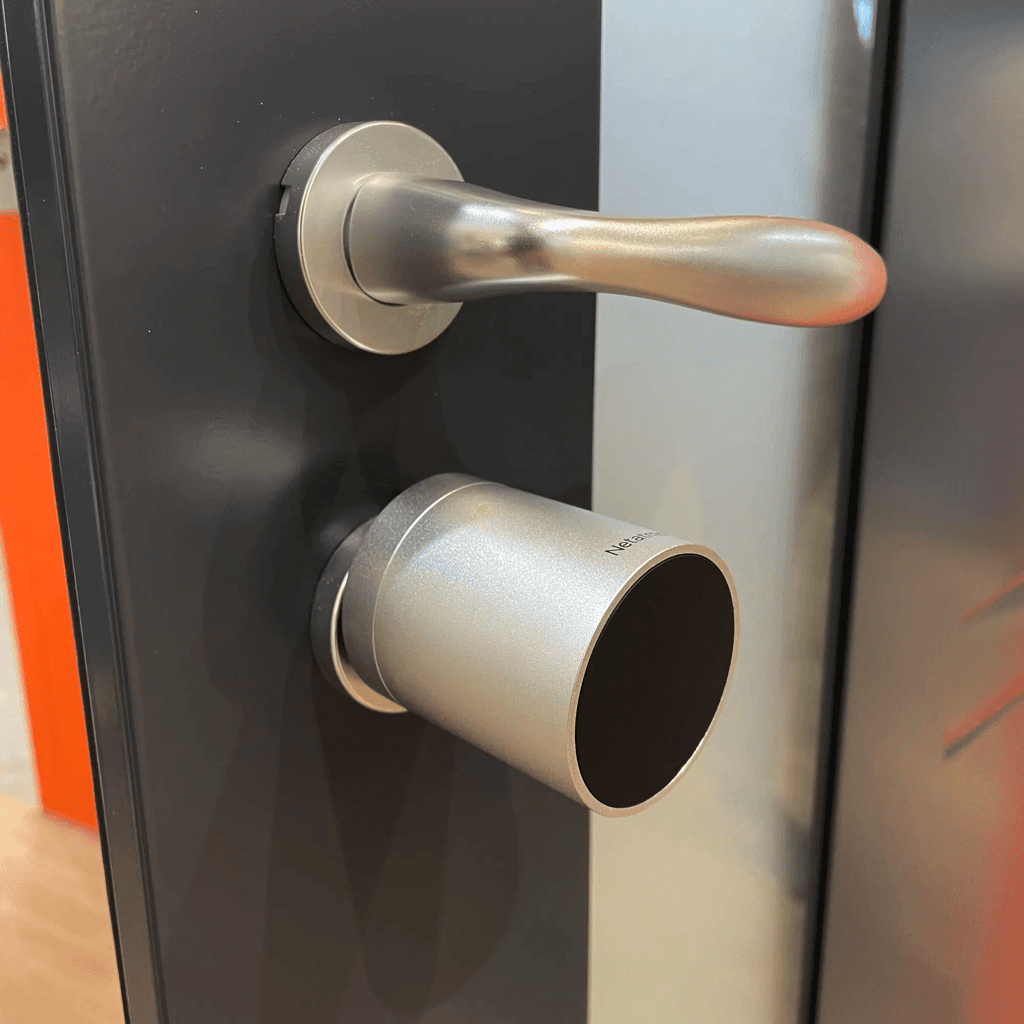
Battery warnings often appear at the most inconvenient times and are easily forgotten. In the worst case, a smart lock could run out of power, leaving you locked out. With a Workflow and Hub Mode in Controller for HomeKit, you can easily prevent this by receiving a notification when you’re near the lock.

Start Event

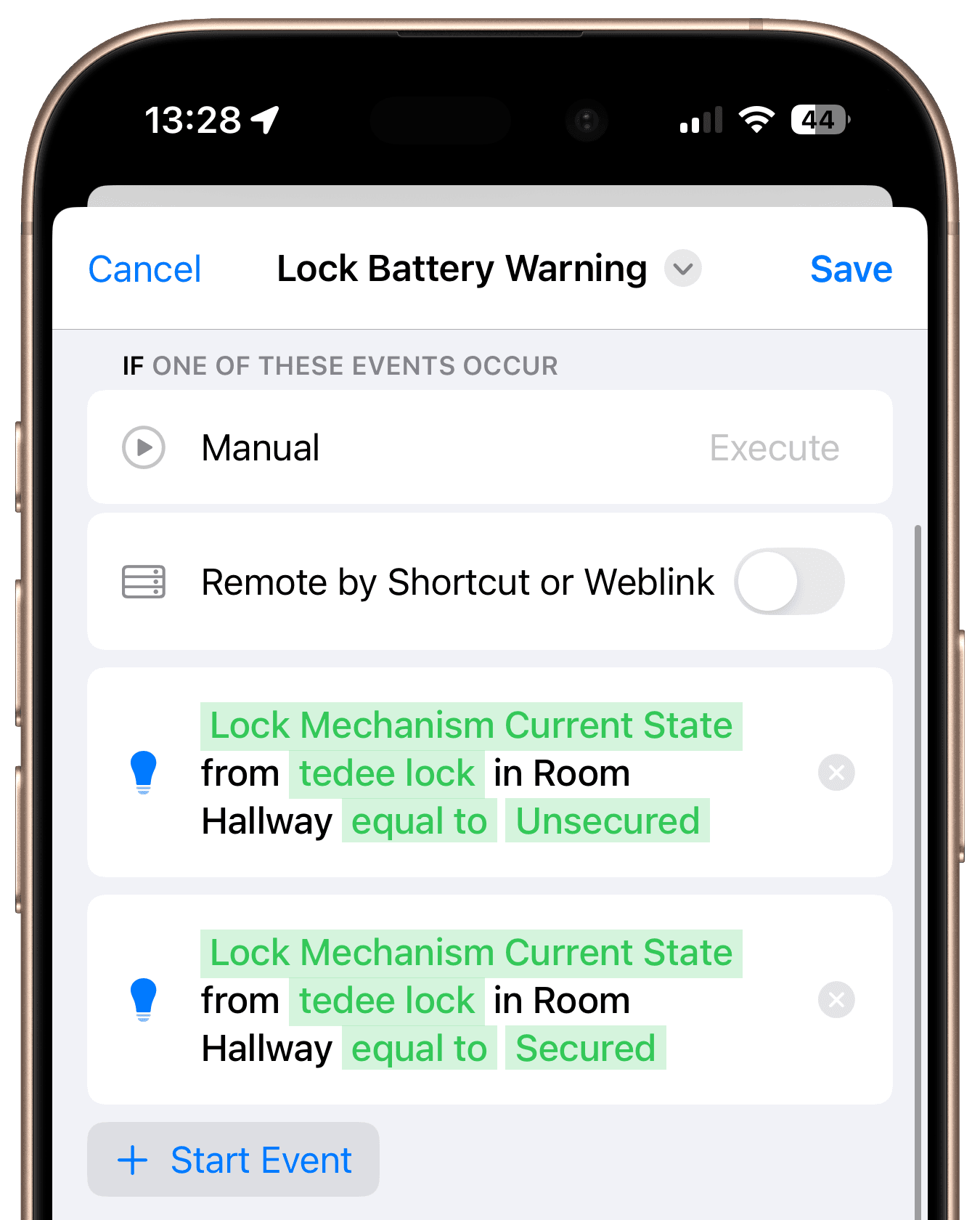
First, add two start events: one for when the lock is locked and another for when it is unlocked. This ensures you receive a reminder both when leaving and entering your home.
Conditions

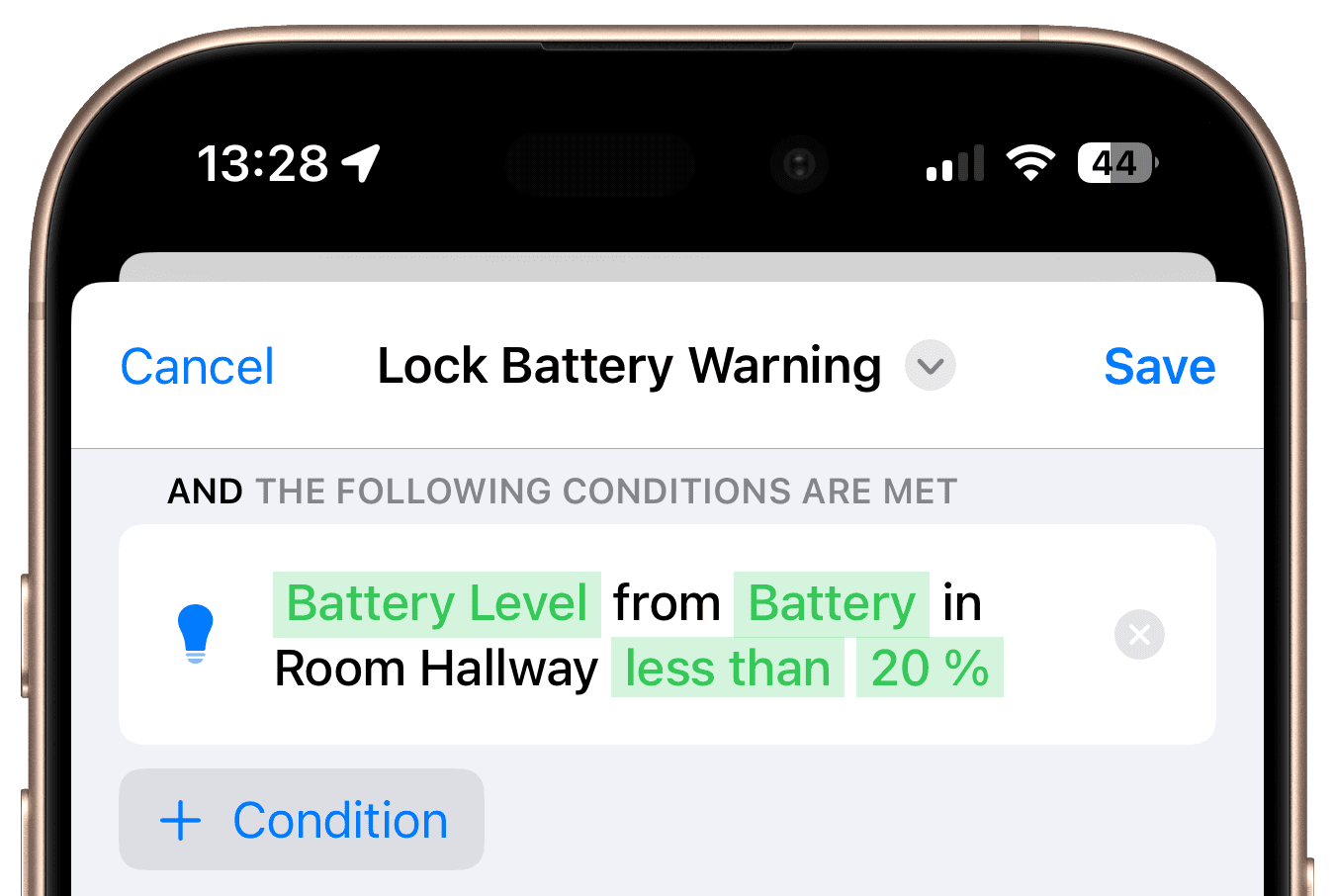
Next, add a condition that checks if the current battery level is below your desired threshold. Typically, this would be set at 20%, but you can choose to be notified earlier, such as at 30%.
Steps

The final step is to send a notification to your chosen devices.
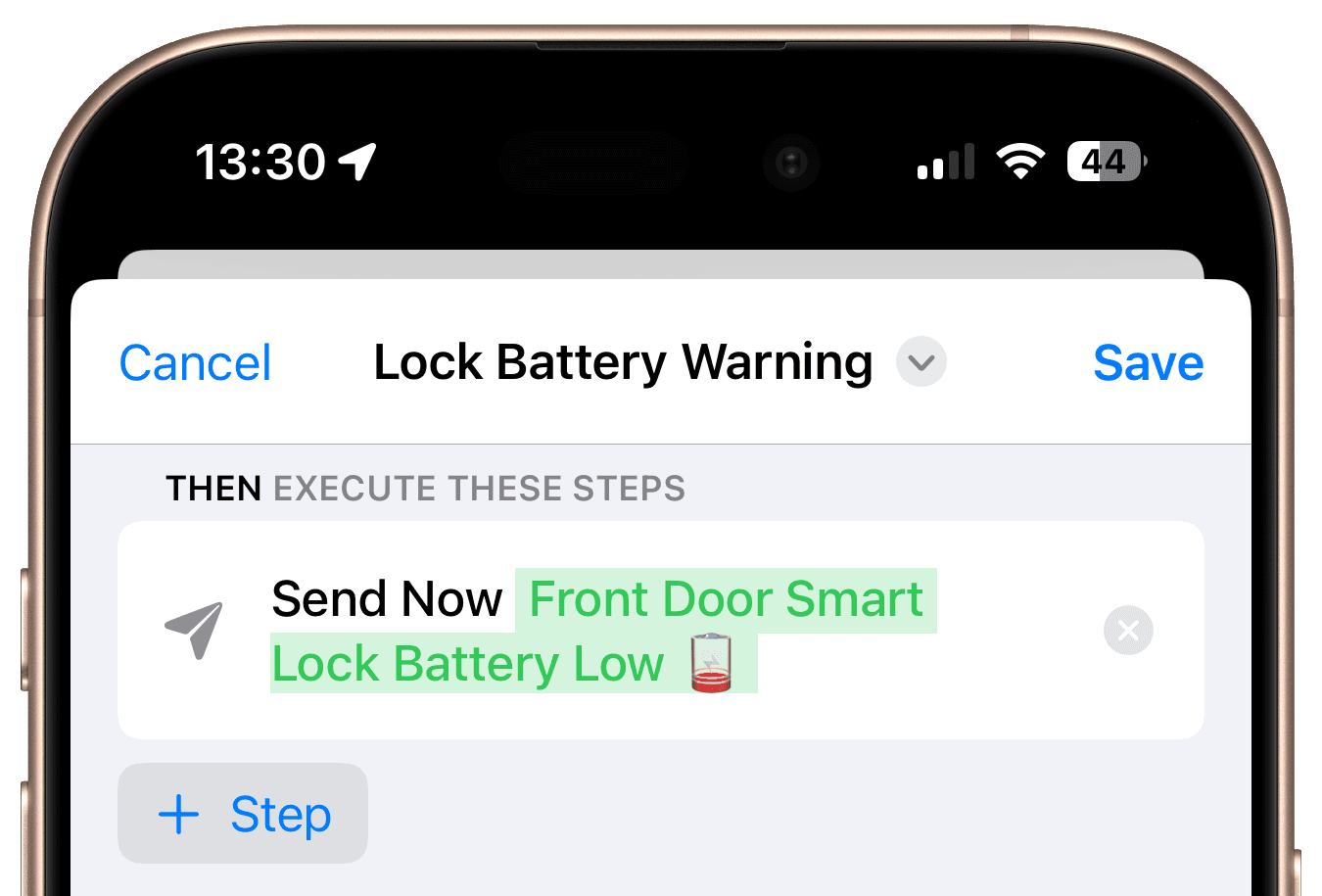
Final Overview

By combining a Workflow with Hub Mode in Controller for HomeKit, you can ensure timely battery alerts for your smart lock. This way, you’ll never be caught off guard by a low battery and can replace it before it becomes a problem.

Get Inspired
Carbon Dioxide Alert

Get notified when CO₂ levels exceed 1000 ppm.

Location-Based Workflow

Automate your routines based on where you are.
Laundry Done Alert

Receive a notification when your washing machine has finished.
Beat the Heat

Automatically close your blinds on hot days.
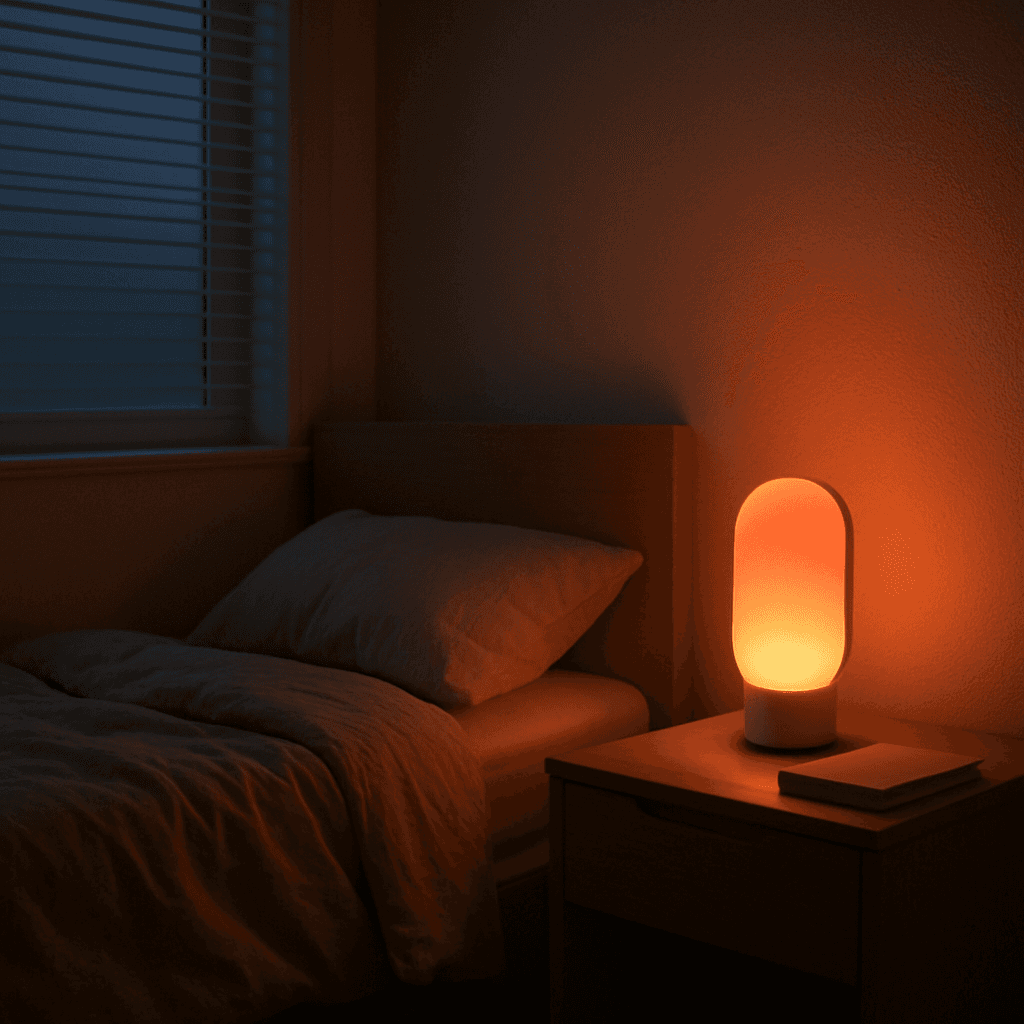
Wake-Up Light

Use any Apple Home Lamp as a Wake-Up Light.
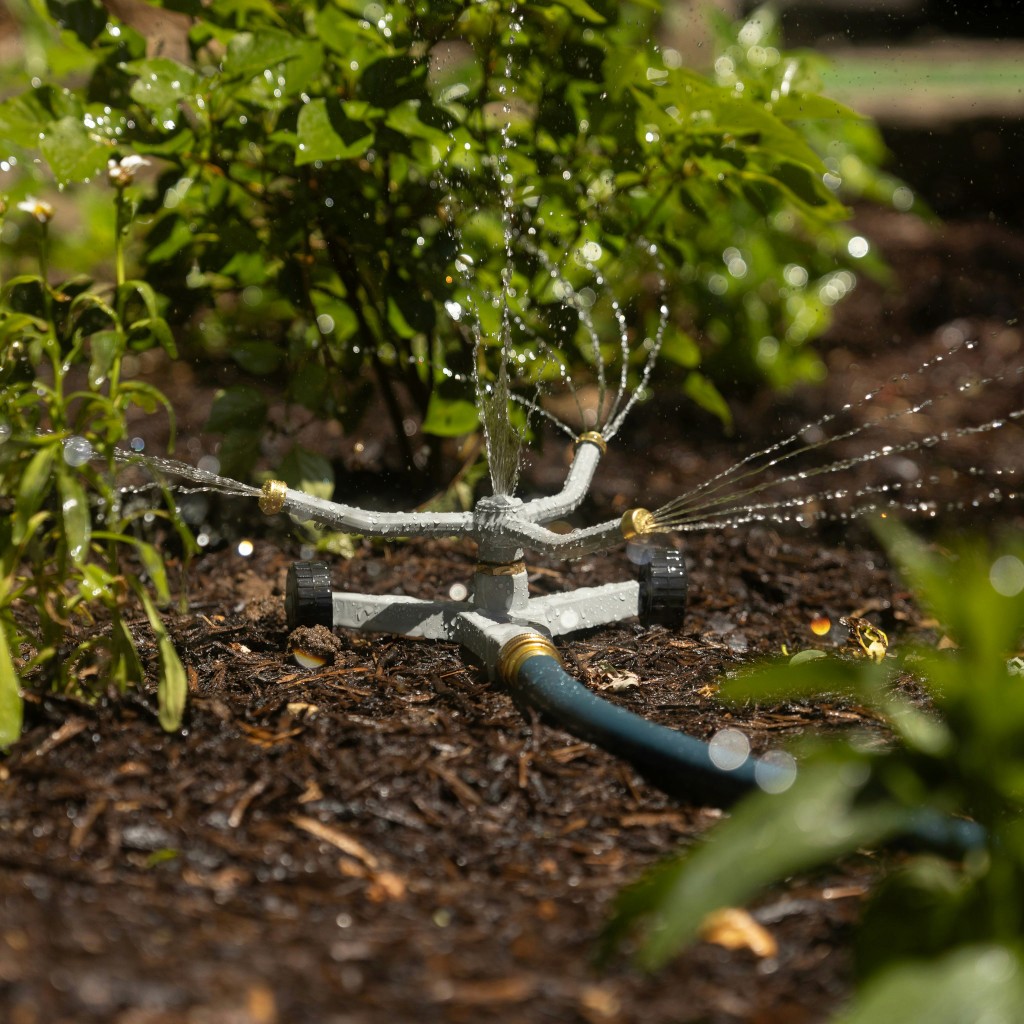
Irrigation Schedule

Keep your garden green.
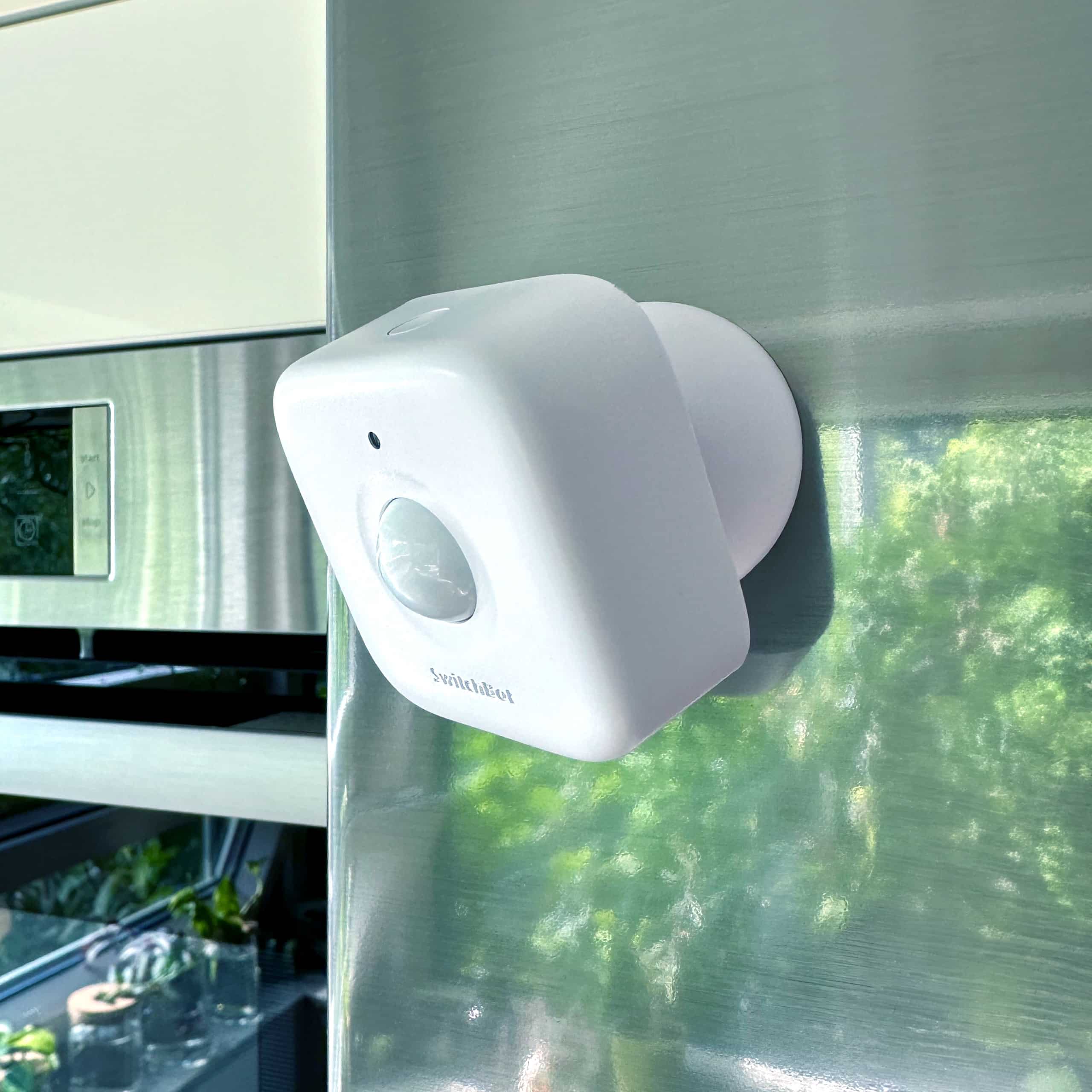
Control Lights with Multiple Motion Sensors

For large or irregularly shaped spaces.
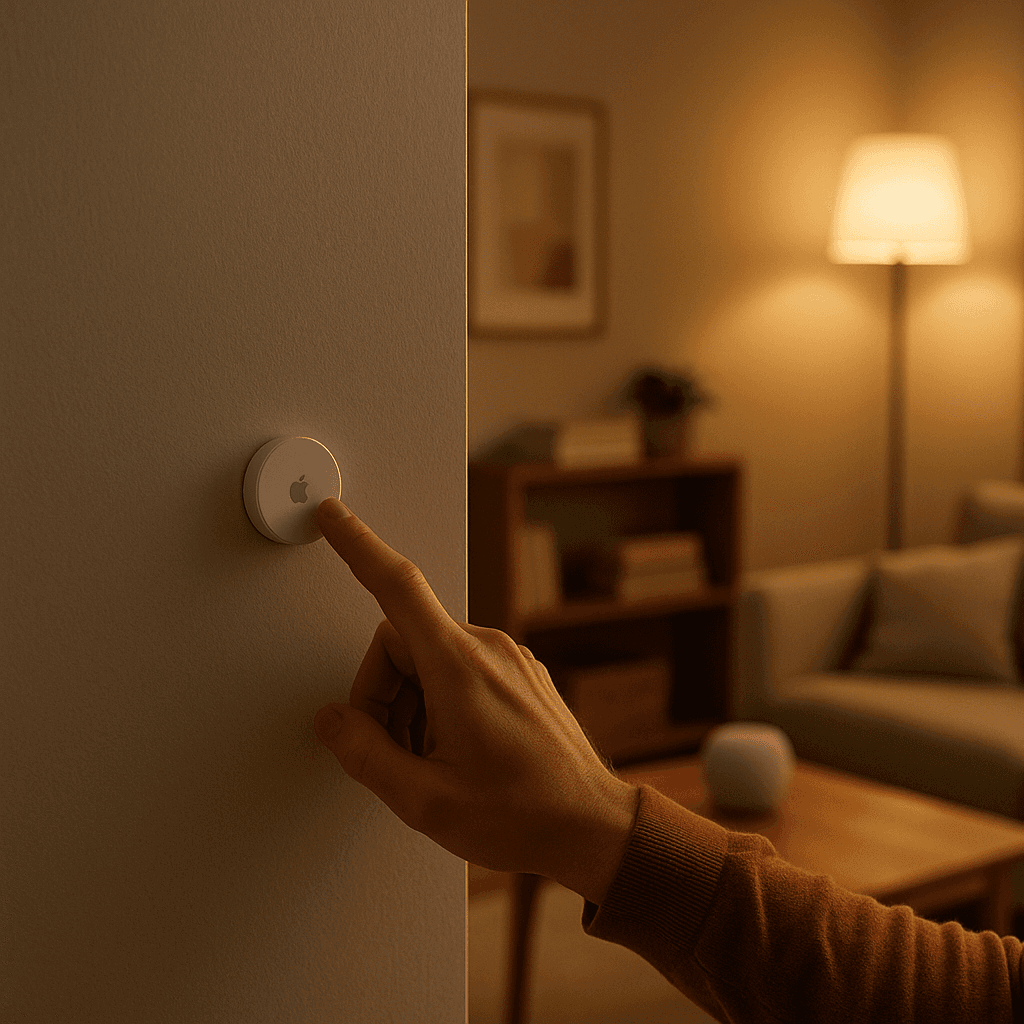
Stepwise Brightness Control via Button

Control light brightness step by step.
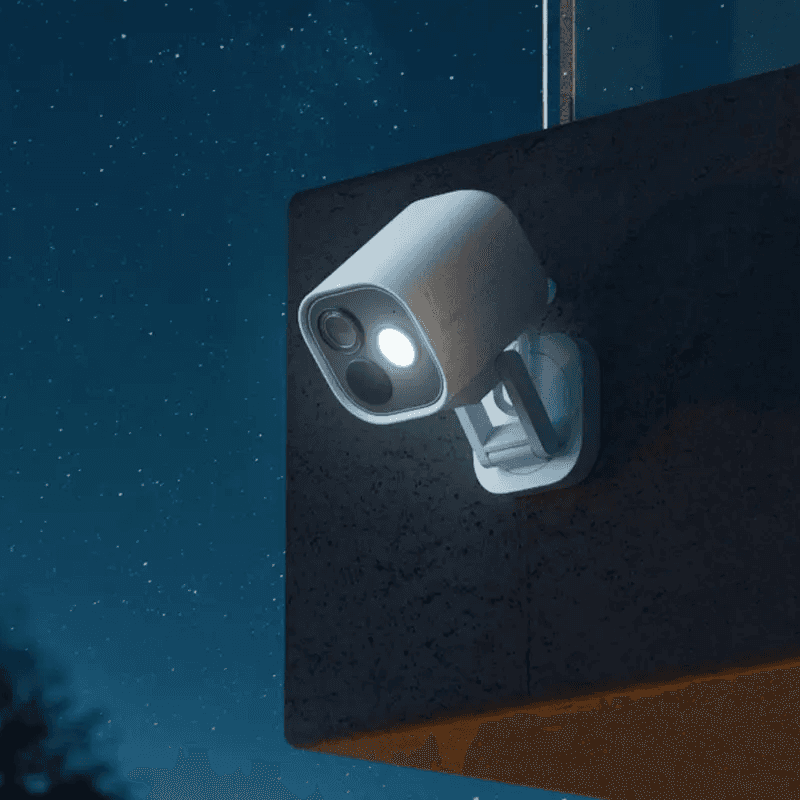
Custom Notification with Live Camera Feed

Open the camera stream instantly.
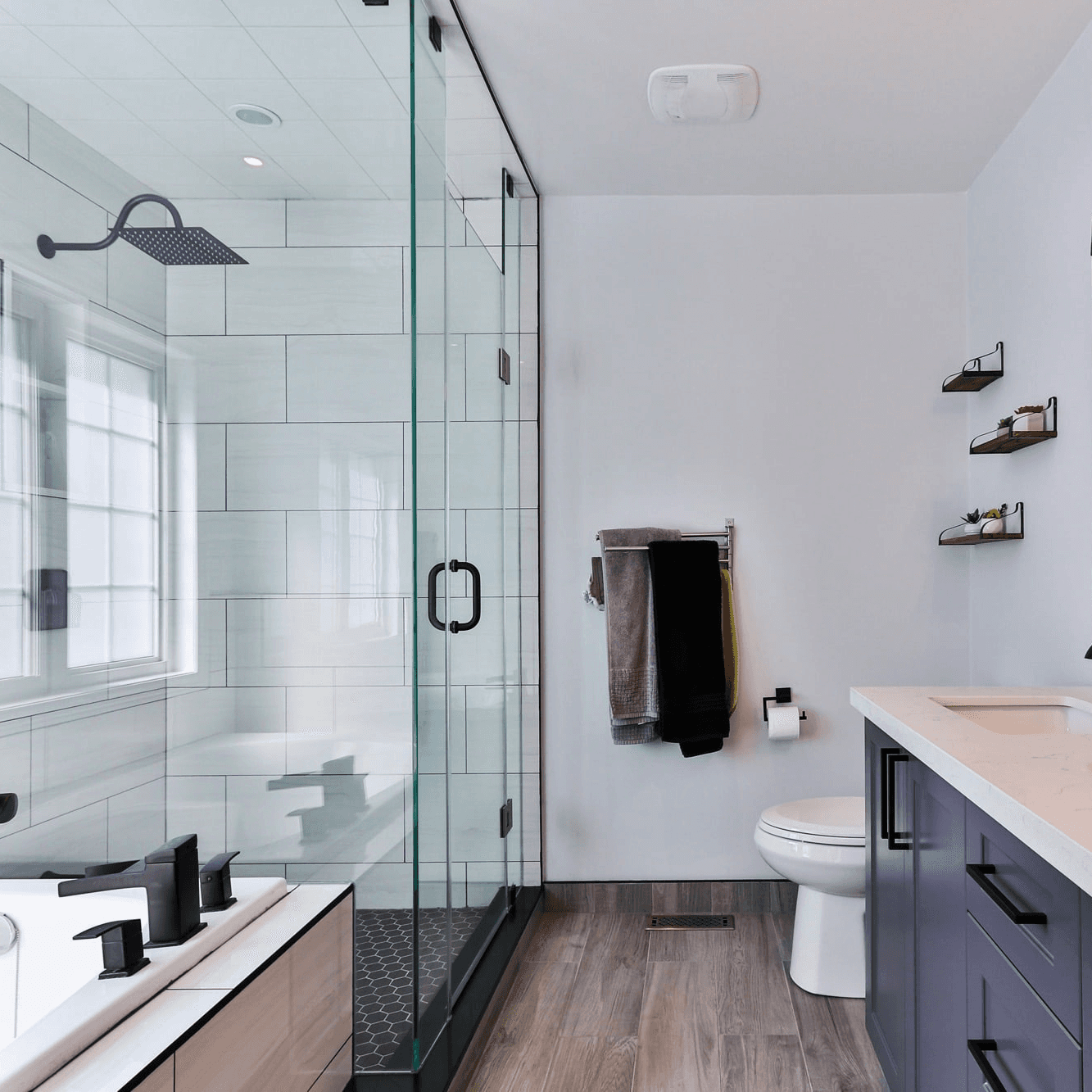
Smart Bathroom Fan Control

Make your fan truly intelligent.
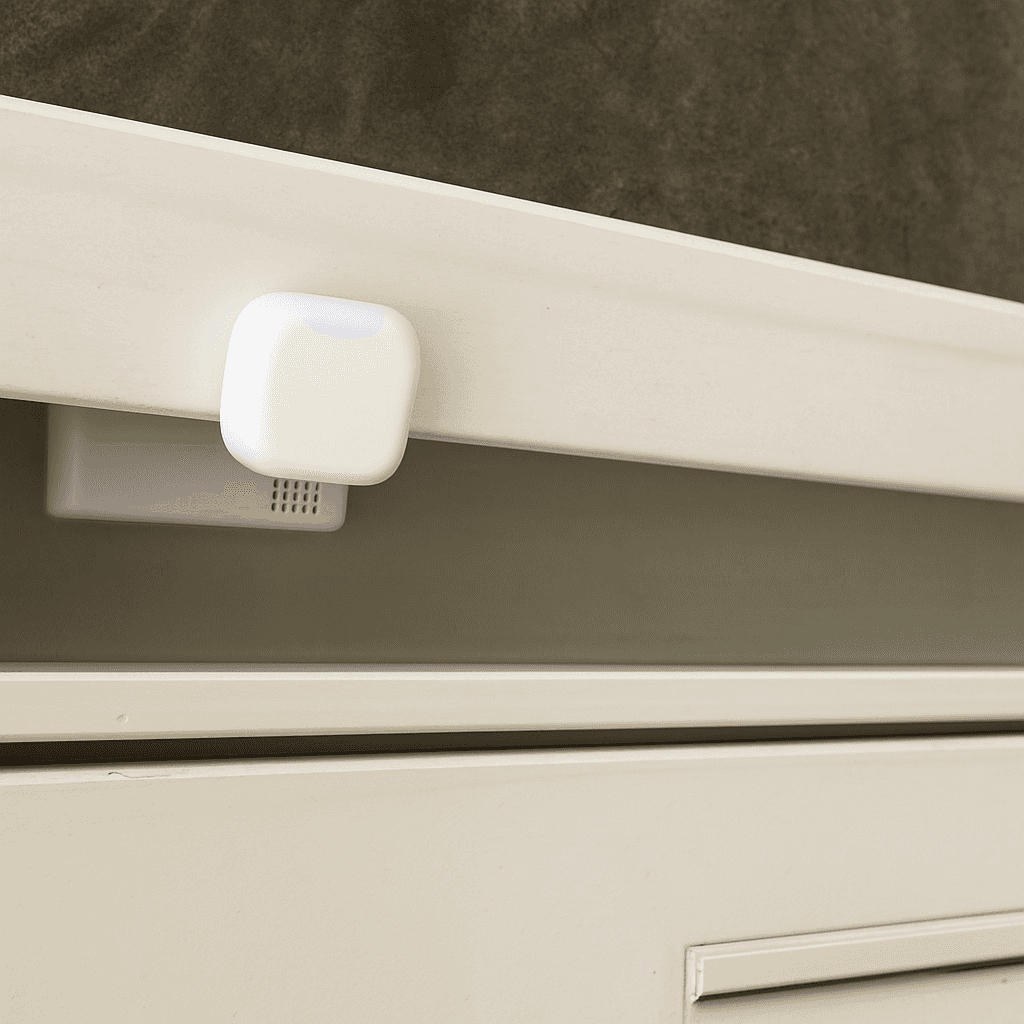
New Mail Notification

Get notified when new mail arrives.
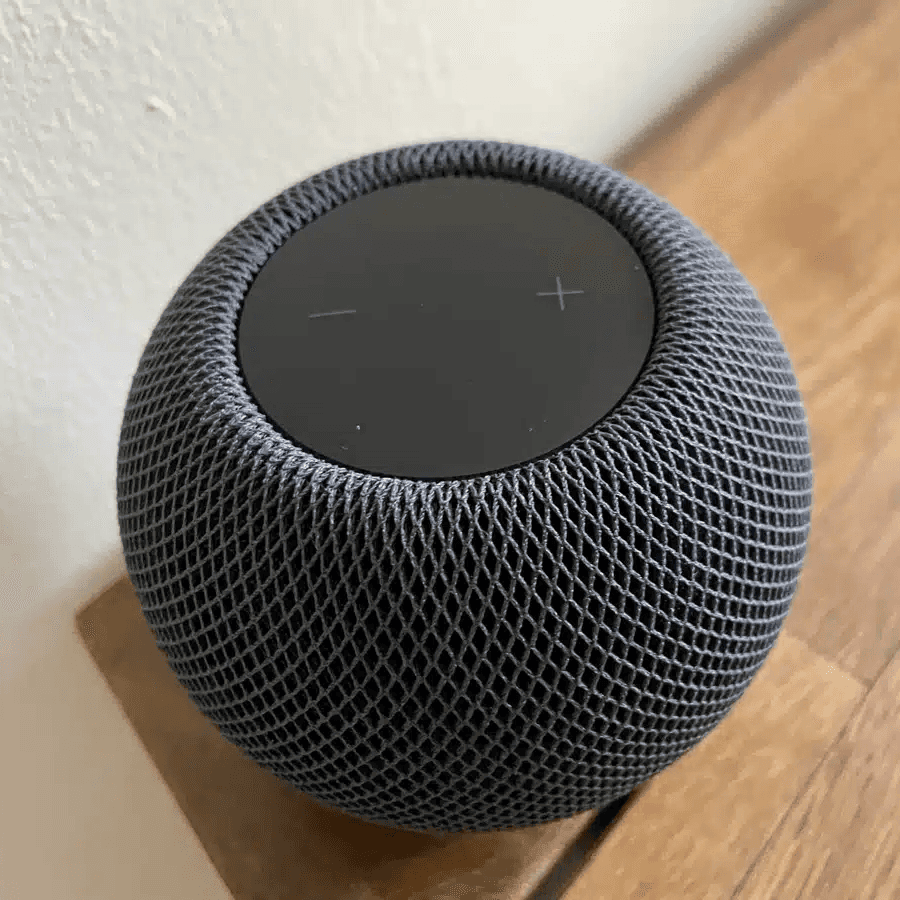
Integrate Speakers into Workflows

Control volume, play music, or pause playback.

Battery Warning

Get battery alerts when they matter.
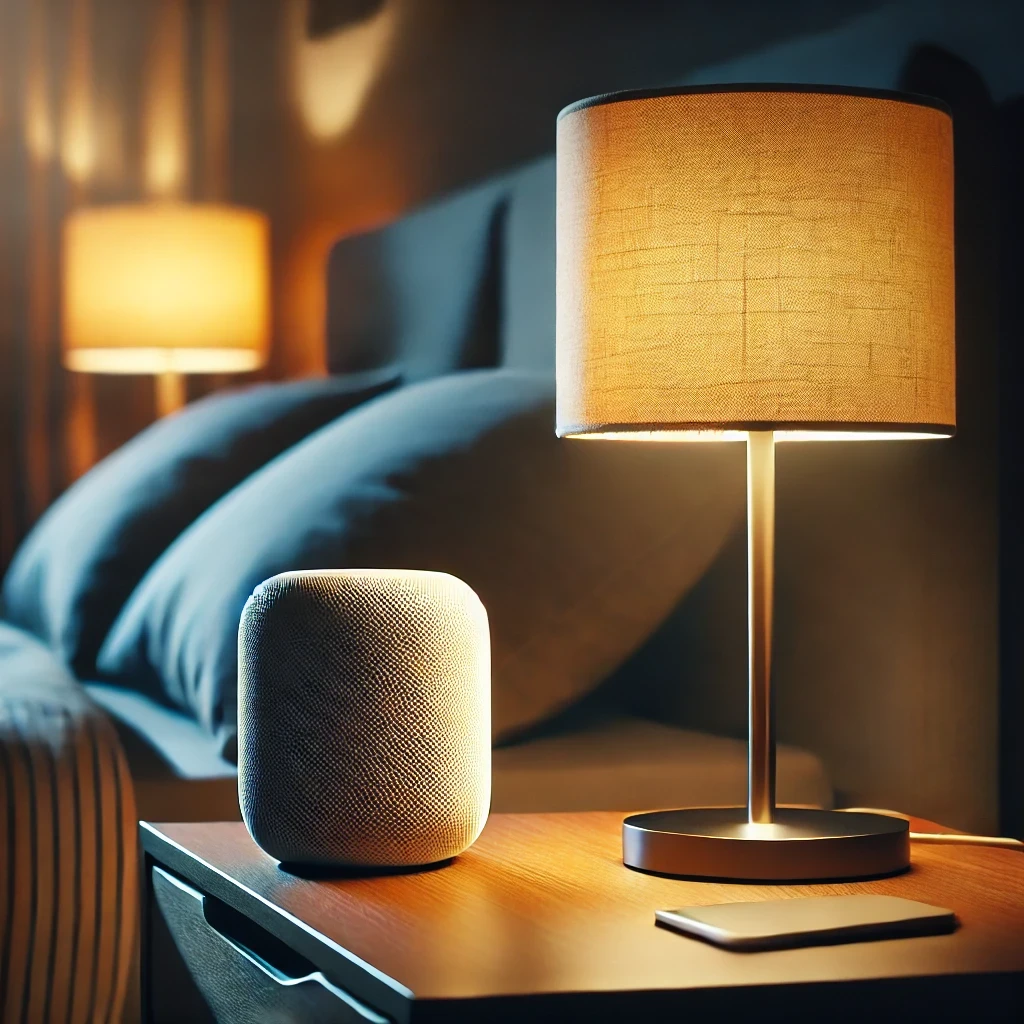
Sleep Timer

Use a sleep timer with Apple Home.

Execute Workflow Only Once a Day

Ensures the workflow runs only once.
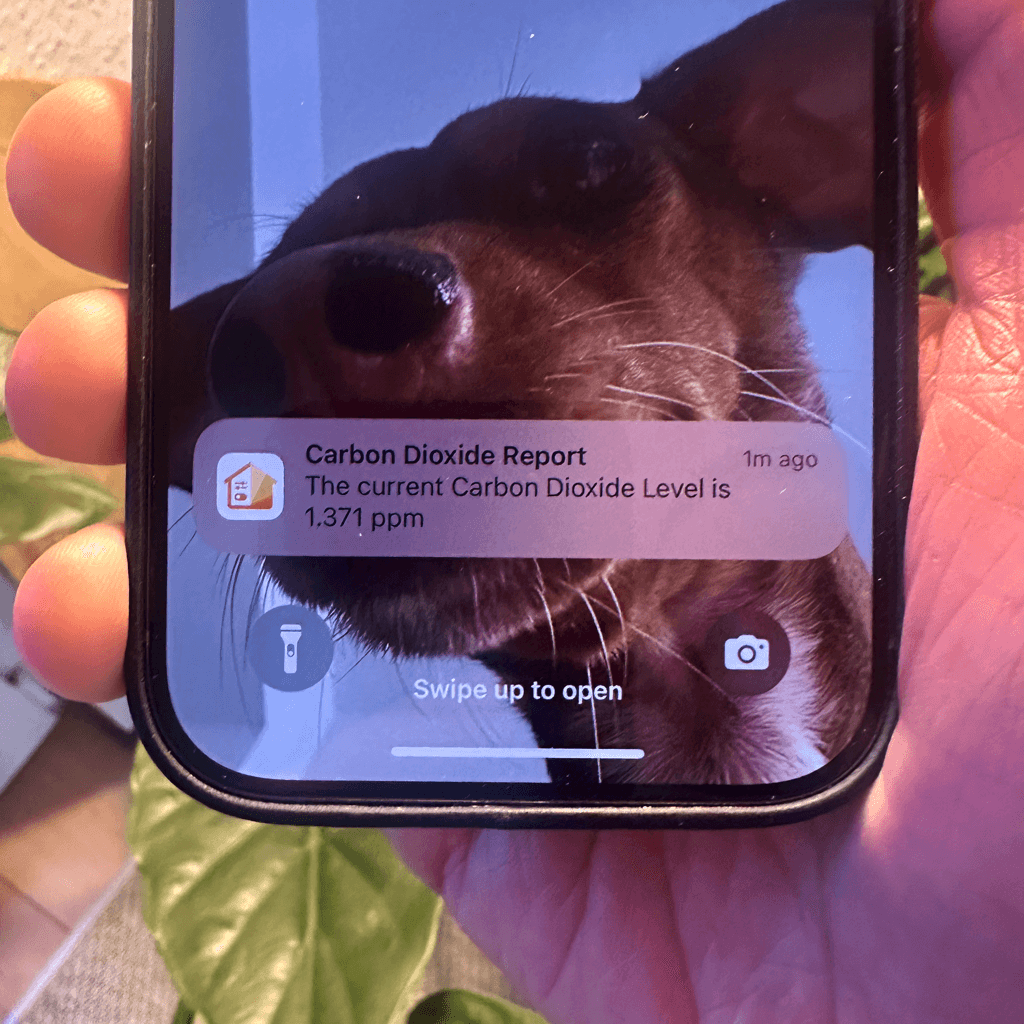
Accessory Values in Notifications

Send notifications featuring real-time accessory values.
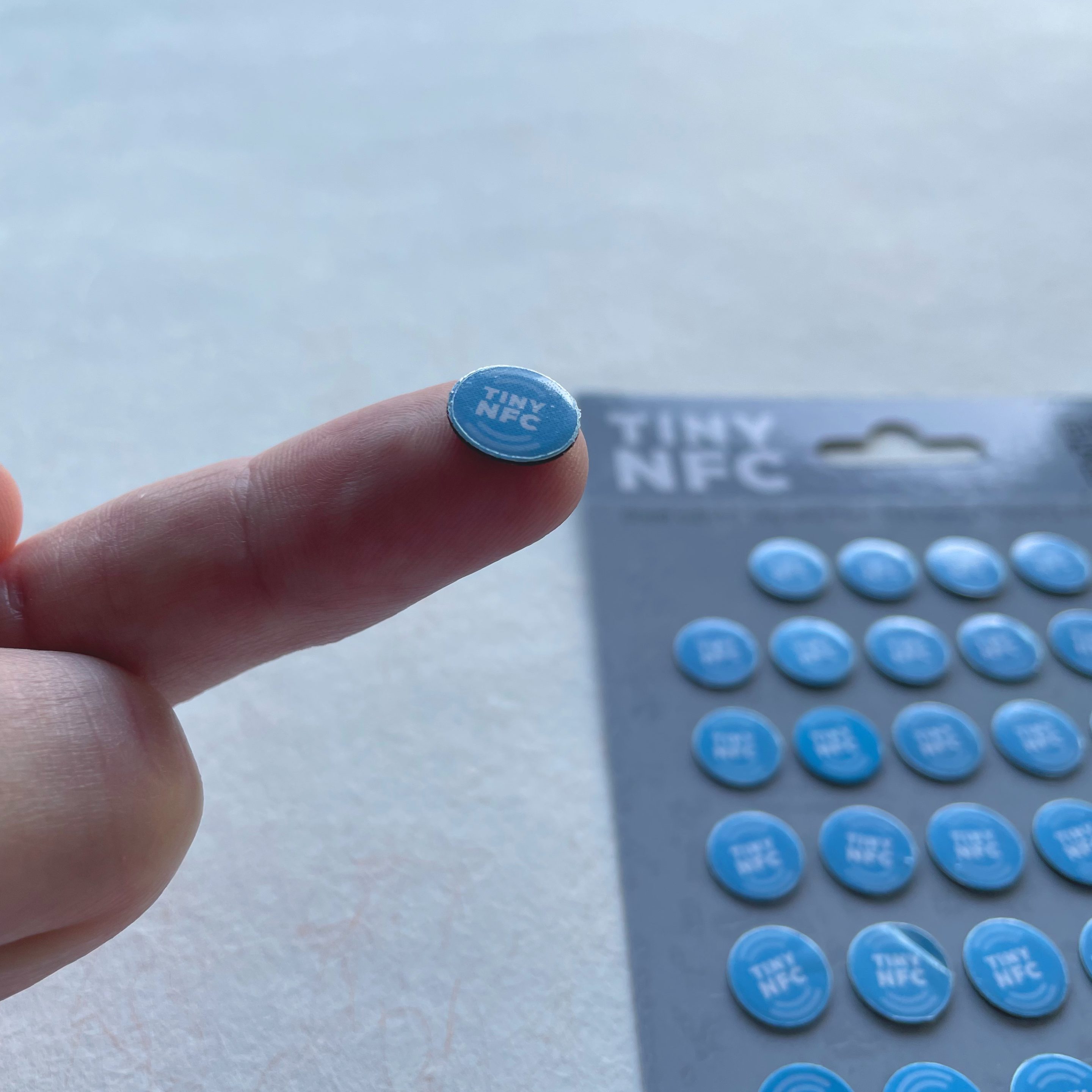
NFC Tags

Automate Apple Home Accessories with NFC.
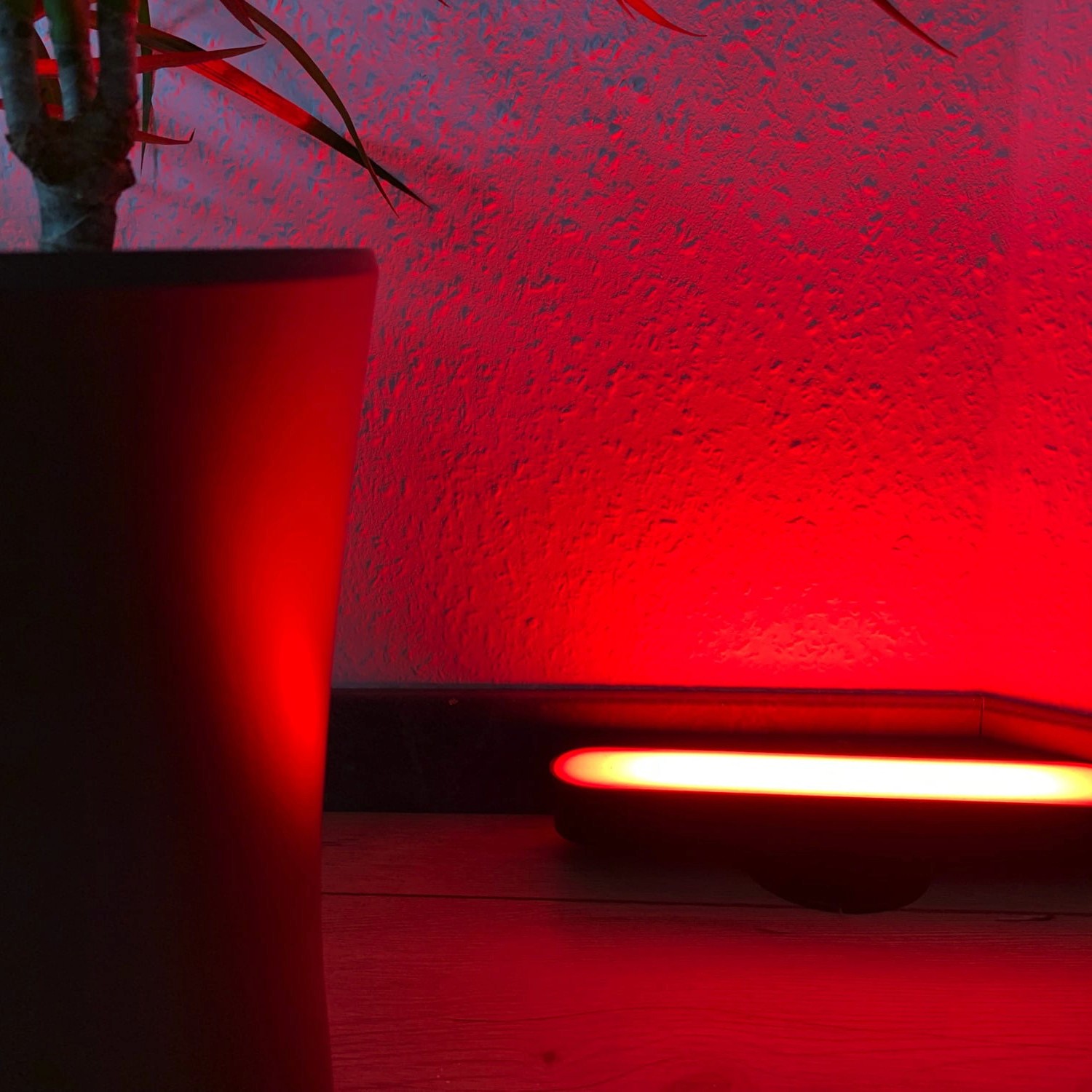
Blink Lights

Make a light blink and effortlessly return it to its original state.
Display Camera When Motion Is Detected

Automatically display the camera livestream whenever motion is detected.
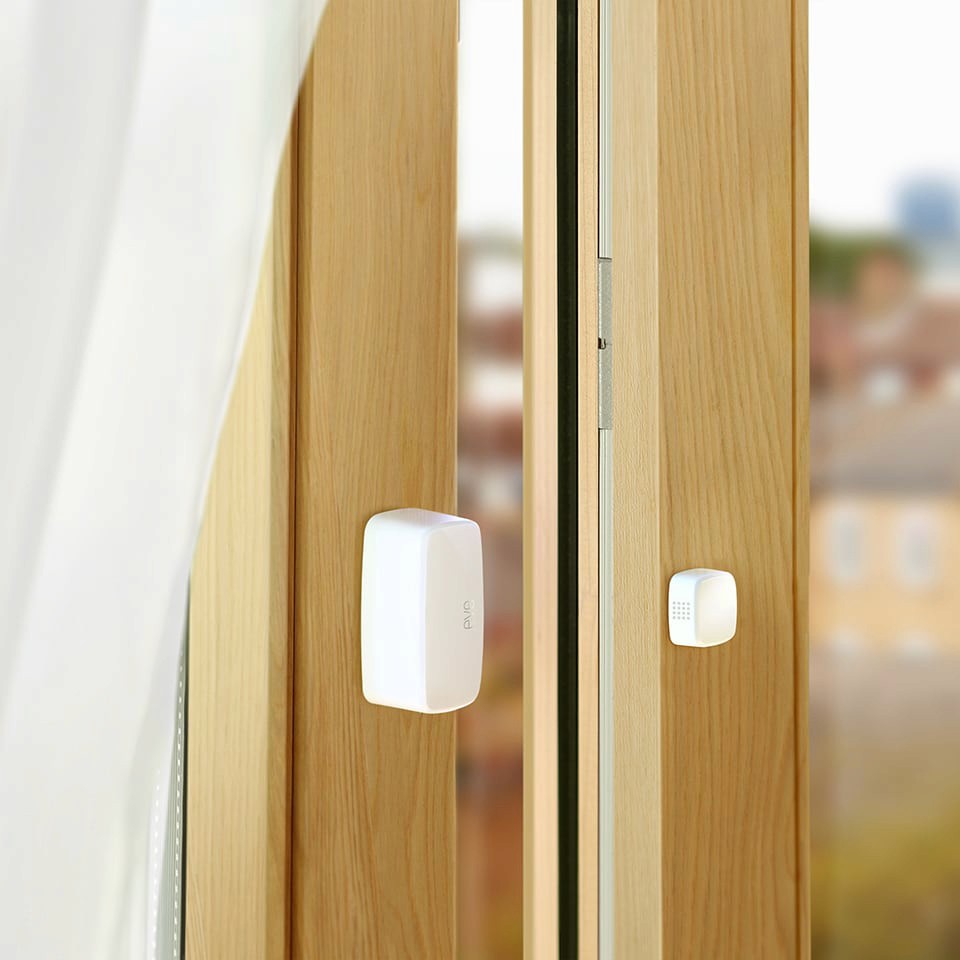
Open Window Reminder

Get a reminder if you forget to close a window after ventilating.
Toggle Lamp

Easily toggle a lamp using a single switch.

Turn Light Off Using Motion Sensor

Efficiently control your lighting with a motion sensor.

Get Inspired

Carbon Dioxide Alert

Get notified when CO₂ levels exceed 1000 ppm.

Location-Based Workflow

Automate your routines based on where you are.

Laundry Done Alert

Receive a notification when your washing machine has finished.

Beat the Heat

Automatically close your blinds on hot days.

Wake-Up Light

Use any Apple Home Lamp as a Wake-Up Light.

Irrigation Schedule

Keep your garden green.

Control Lights with Multiple Motion Sensors

For large or irregularly shaped spaces.

Stepwise Brightness Control via Button

Control light brightness step by step.

Custom Notification with Live Camera Feed

Open the camera stream instantly.

Smart Bathroom Fan Control

Make your fan truly intelligent.

New Mail Notification

Get notified when new mail arrives.

Integrate Speakers into Workflows

Control volume, play music, or pause playback.

Battery Warning

Get battery alerts when they matter.

Sleep Timer

Use a sleep timer with Apple Home.

Execute Workflow Only Once a Day

Ensures the workflow runs only once.

Accessory Values in Notifications

Send notifications featuring real-time accessory values.

NFC Tags

Automate Apple Home Accessories with NFC.

Blink Lights

Make a light blink and effortlessly return it to its original state.

Display Camera When Motion Is Detected

Automatically display the camera livestream whenever motion is detected.

Open Window Reminder

Get a reminder if you forget to close a window after ventilating.

Toggle Lamp

Easily toggle a lamp using a single switch.

Turn Light Off Using Motion Sensor

Efficiently control your lighting with a motion sensor.

Get Inspired

Carbon Dioxide Alert

Get notified when CO₂ levels exceed 1000 ppm.

Location-Based Workflow

Automate your routines based on where you are.

Laundry Done Alert

Receive a notification when your washing machine has finished.

Beat the Heat

Automatically close your blinds on hot days.

Wake-Up Light

Use any Apple Home Lamp as a Wake-Up Light.

Irrigation Schedule

Keep your garden green.

Control Lights with Multiple Motion Sensors

For large or irregularly shaped spaces.

Stepwise Brightness Control via Button

Control light brightness step by step.

Custom Notification with Live Camera Feed

Open the camera stream instantly.

Smart Bathroom Fan Control

Make your fan truly intelligent.

New Mail Notification

Get notified when new mail arrives.

Integrate Speakers into Workflows

Control volume, play music, or pause playback.

Battery Warning

Get battery alerts when they matter.

Sleep Timer

Use a sleep timer with Apple Home.

Execute Workflow Only Once a Day

Ensures the workflow runs only once.

Accessory Values in Notifications

Send notifications featuring real-time accessory values.

NFC Tags

Automate Apple Home Accessories with NFC.

Blink Lights

Make a light blink and effortlessly return it to its original state.

Display Camera When Motion Is Detected

Automatically display the camera livestream whenever motion is detected.

Open Window Reminder

Get a reminder if you forget to close a window after ventilating.

Toggle Lamp

Easily toggle a lamp using a single switch.

Turn Light Off Using Motion Sensor

Efficiently control your lighting with a motion sensor.