Nothing has been announced. Besides its own apps, Apple mentions compatible audio and video apps for HomeView, but no App Store. Controller runs on iPhone, iPad, Mac, Apple TV, and Apple Watch.
HomeView or iPad
HomeView or iPad With Controller?
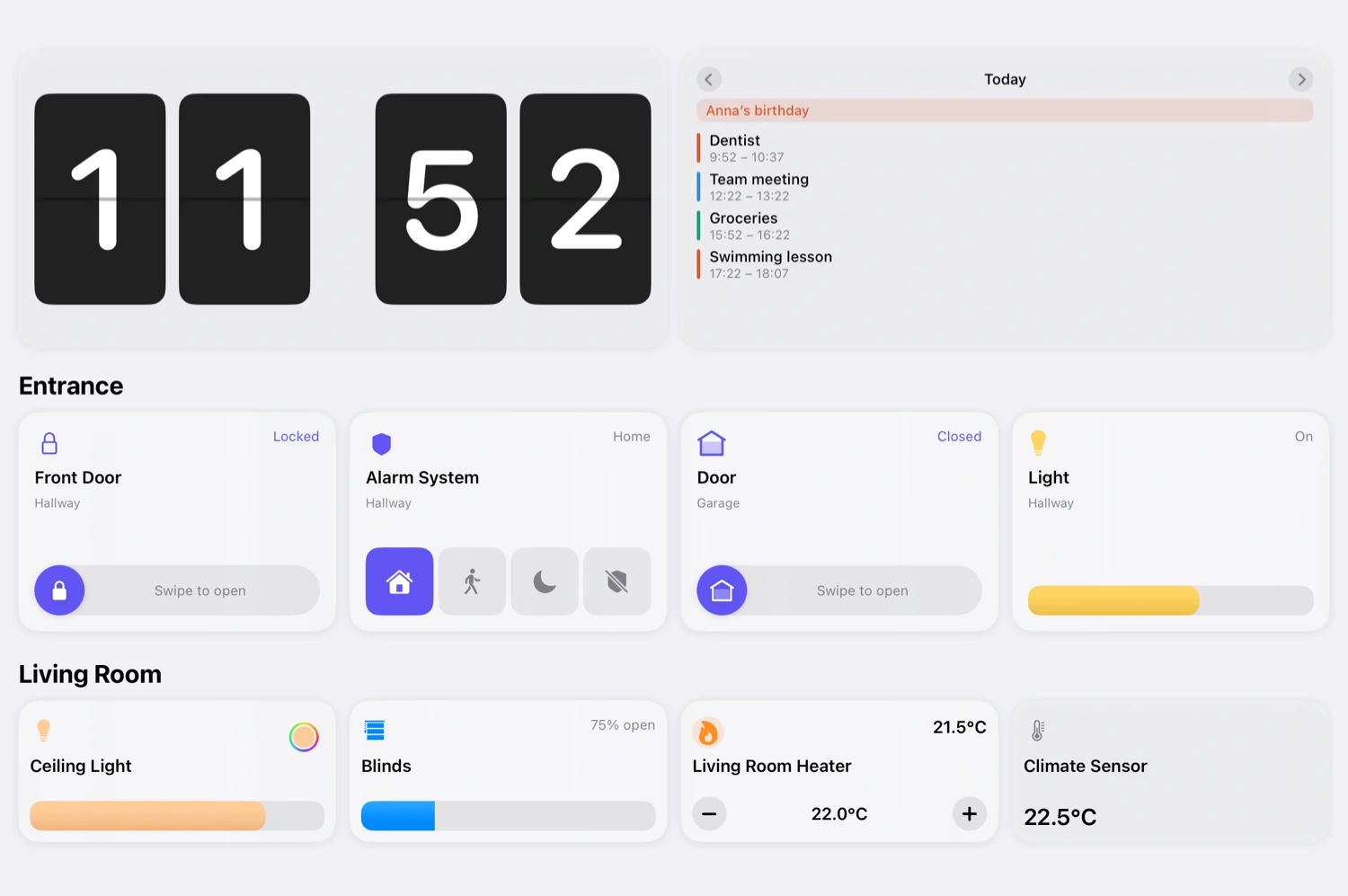
For running your home, an iPad with Controller does more.

Controller
What your iPad can do with Controller.
HomeView and iPad compared
| Feature | Apple HomeView | iPad with Controller |
|---|---|---|
| Where HomeView is stronger | ||
| Siri | Apple HomeViewYesSiri AI, beta in English | iPad with ControllerPartlyThe iPad's Siri |
| Sound | Apple HomeViewYesTwo drivers, woofer only with base | iPad with ControllerPartlyiPad speakers |
| Recognizes who is there | Apple HomeViewYesUp to six people by face | iPad with ControllerPartlyDashboards per person |
| Where an iPad with Controller is stronger | ||
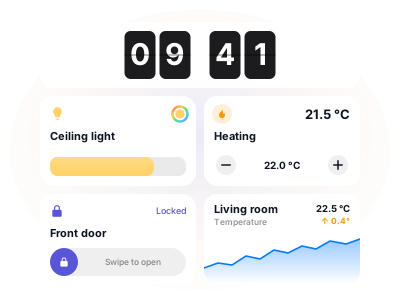
| Your own dashboards | Apple HomeViewPartly"Home Modular" face | iPad with ControllerYesFully customizable, with rules |
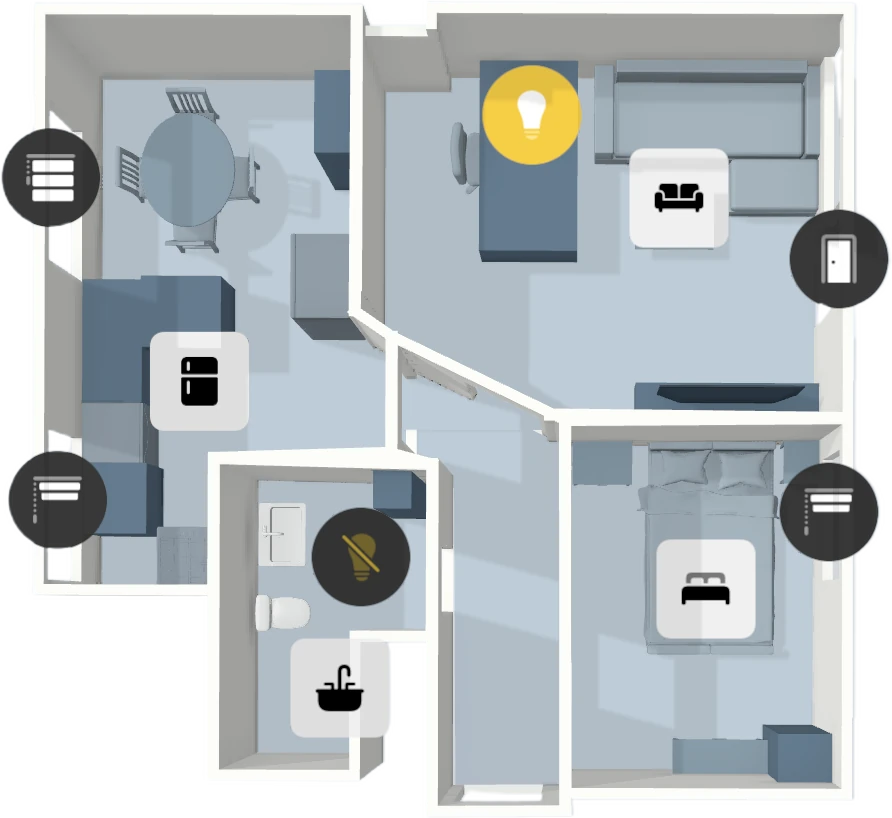
| Floor plan | Apple HomeViewNot mentionedNot mentioned | iPad with ControllerYes3D scan or your own image |
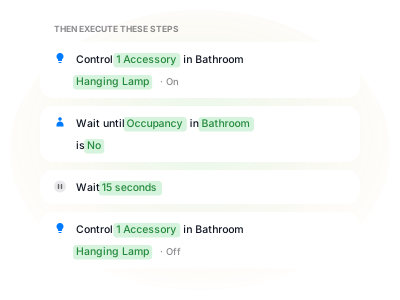
| Automations | Apple HomeViewPartlyApple Home automations | iPad with ControllerYesWorkflows with logic, around the clock |
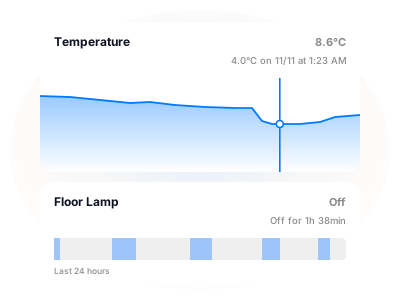
| History | Apple HomeViewNot mentionedNot mentioned | iPad with ControllerYesHistory with Controller Hub |
| Available | Apple HomeViewPartlyFrom November 13, not in the EU | iPad with ControllerYesToday |
HomeView details per Apple, as of October 13, 2026.
Frequently Asked Questions
Yes, where HomeView is sold. HomeView can act as a home hub for Apple Home. Controller works with the accessories set up in Apple Home that Apple makes available to third-party apps. You use Controller itself on iPhone, iPad, or Mac.
Yes. Controller Hub is part of Controller Plus. Dashboards, workflows, and Floor Plan are already included in Controller Essentials.
As Controller Hub, yes: the iPad stays powered on and unlocked, with Controller open in the foreground. Any iPad running iPadOS 17 or later that stays plugged in and on Wi-Fi works. If you only use the iPad as a dashboard, that does not apply.
Why Wait Until November 13?
Get Controller. Build a dashboard. Mount your iPad.
HomeView, iPad, Apple TV, and HomePod are trademarks of Apple Inc. Controller for HomeKit is independent and not affiliated with Apple.