States
The missing piece for a smarter Apple Home.
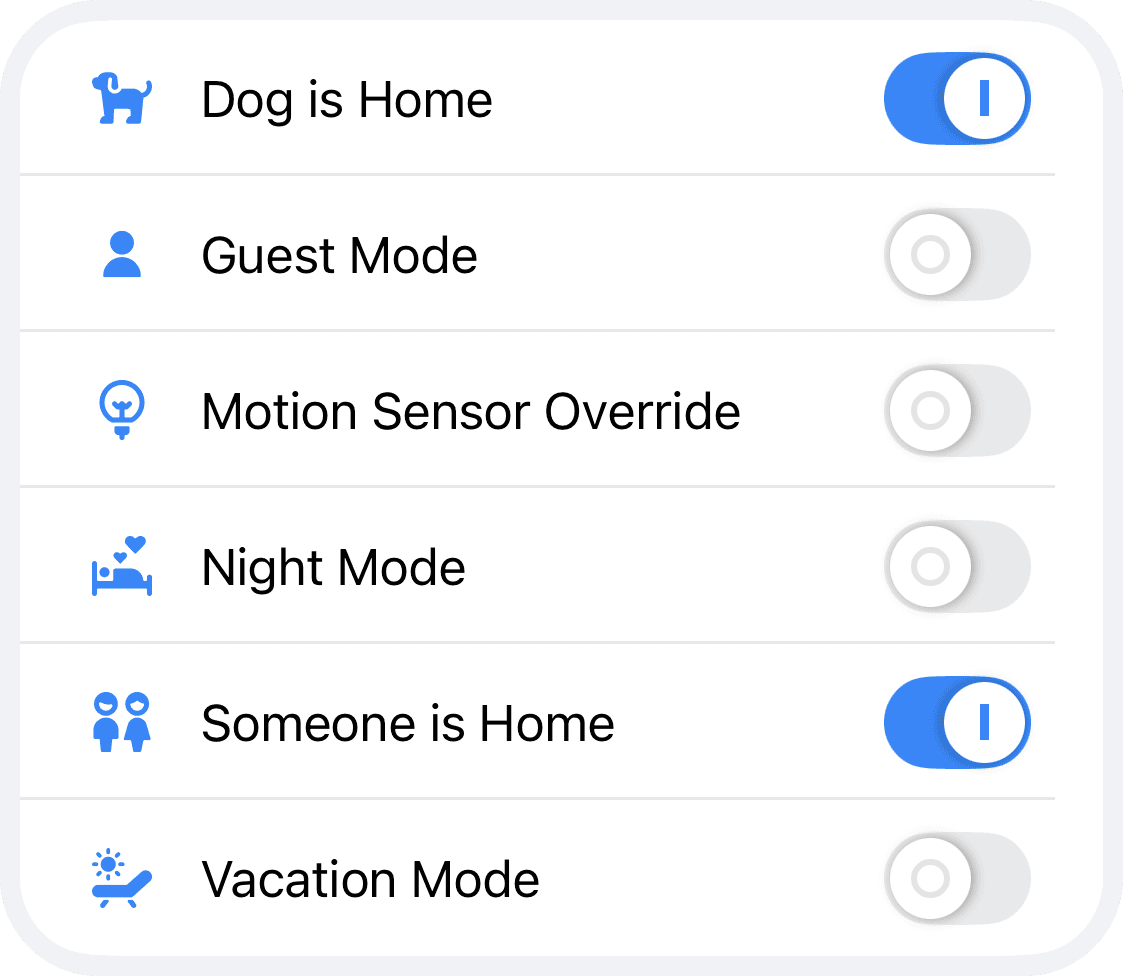
Virtual switches for your home
Define your own logic.
States are virtual switches that control how your workflows behave. Stored on your Controller Hub, they let you define the logic that truly matters in your home.
Use States to…
Vacation Mode
Pause workflows while you are away.
Mute Motion Sensors
Temporarily disable triggers while cleaning or during quiet hours.
Manual Modes
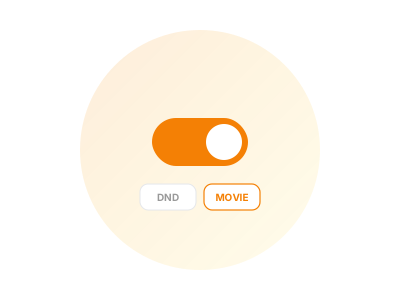
Use modes like Do Not Disturb or Movie Time whenever needed.
One-Time Execution
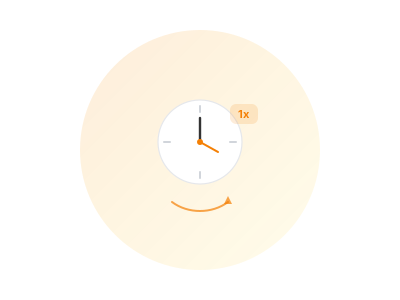
Run workflows once per day, week, or month - or define any custom interval.
Guest Mode
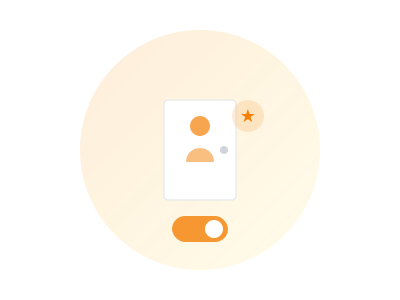
Disable workflows in guest rooms and keep things simple.
External Control
Connect anything.
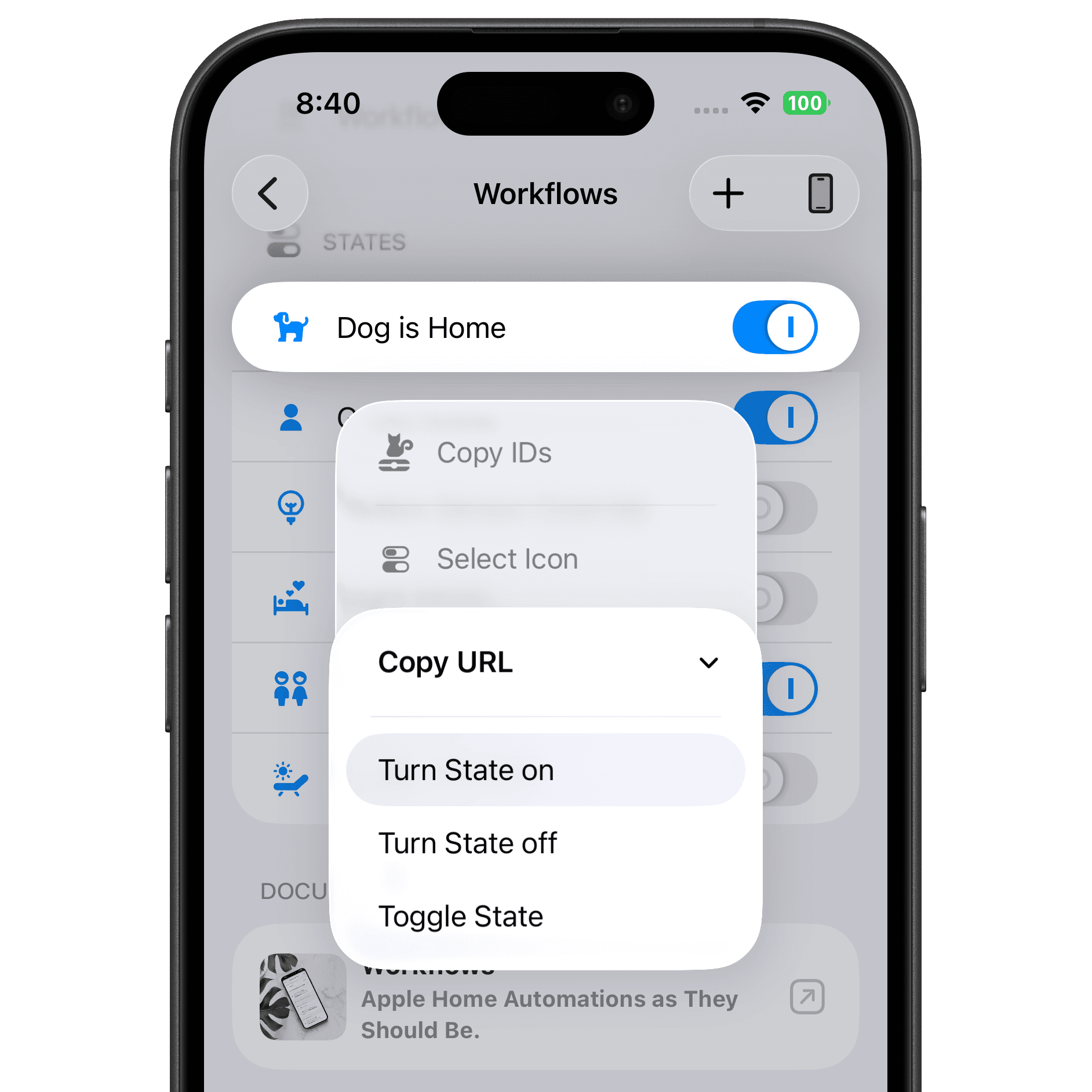
Every State includes ready-to-use URLs to turn it on, off, or toggle it. Use them with IFTTT, SmartThings, webhooks, or your own apps.
Whether you sync presence from third-party systems or toggle a State from an external button - URL control gives you full flexibility.
Controller Hub
States need a Controller Hub.
To create and use States, you need a device acting as a Controller Hub. Once configured, States can be used in workflows as start events, conditions, steps, or stop events.
Learn more about Controller HubDedicated device
Use iPhone, iPad, Apple TV, or Mac as your hub device.
Centrally stored
States are managed on the Controller Hub and available to all workflows.
Always reachable
URL control and workflows can access your States at any time.
Try Controller for free.