One release. Three big upgrades.
Version 8.2 expands Workflows, States, and Widgets together. The result: more expressive automation logic and more clarity in everyday operation.
WorkflowsStatesWidgets
Release Notes
Smarter workflows. Complex sequences, clearly modeled.
Controller 8.2 moves three core areas forward in one release: Workflows, States, and Widgets. From more resilient logic to calendar and reminder integration, plus faster daily control, your Apple Home feels noticeably more capable.

Version 8.2 expands Workflows, States, and Widgets together. The result: more expressive automation logic and more clarity in everyday operation.
Workflows
Workflows become significantly more precise in 8.2, with better error paths, new condition types, calendar and reminder logic, and an editor that keeps up with complex flows.
Decision Logic
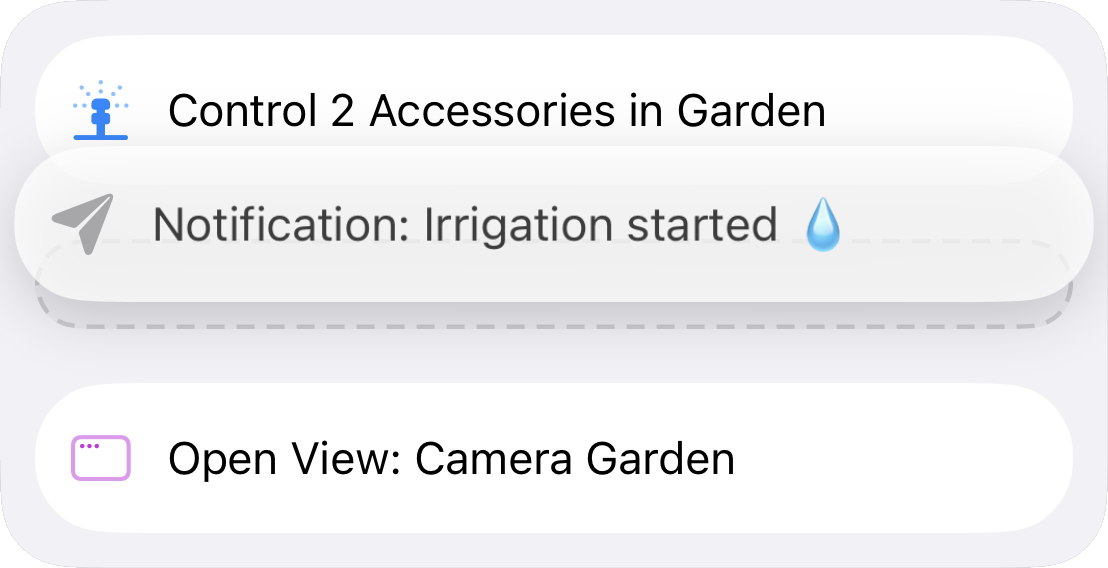
From Try/Catch to trigger branching, you can keep real decision logic inside one workflow instead of spreading behavior across many rigid automations.
Azimuth & Elevation
Use the sun angle as a condition in your workflows – for example to open blinds when the sun is above a certain angle.
Error Handling & React to Trigger Events
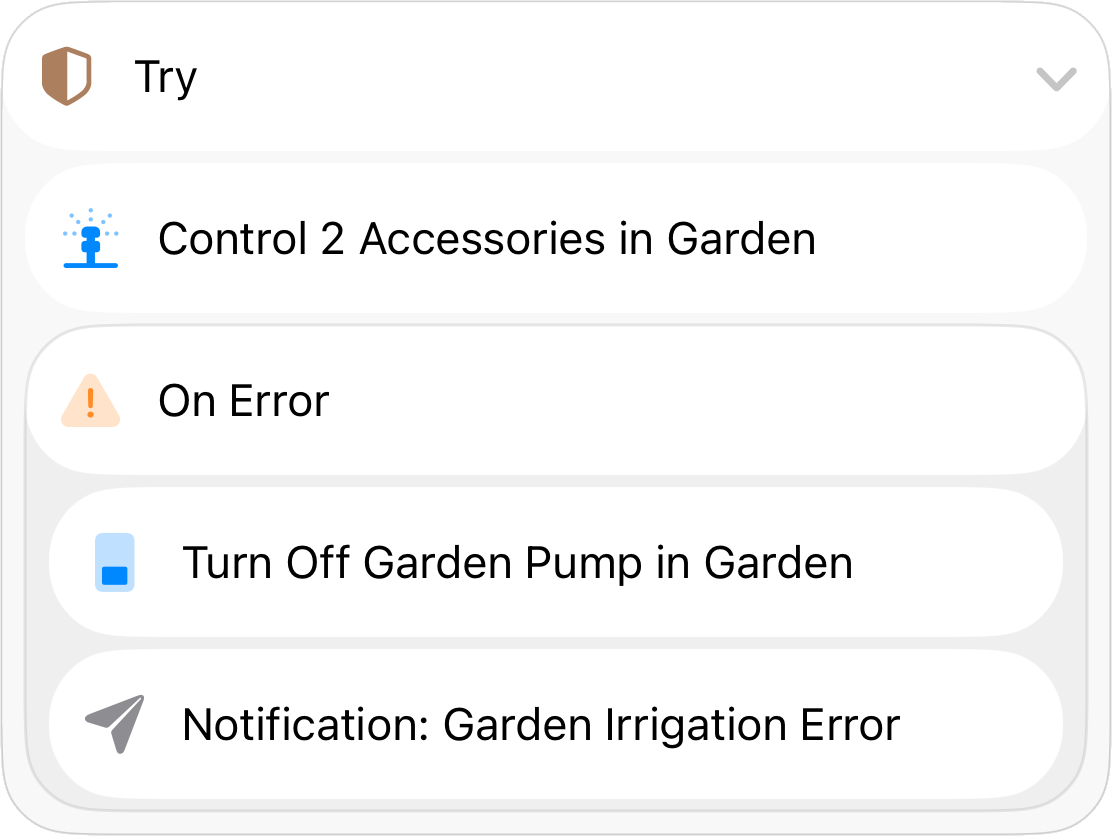
The new Try/Catch block and the continue-on-error toggle let your workflows handle errors gracefully – for example when a device is temporarily unreachable.
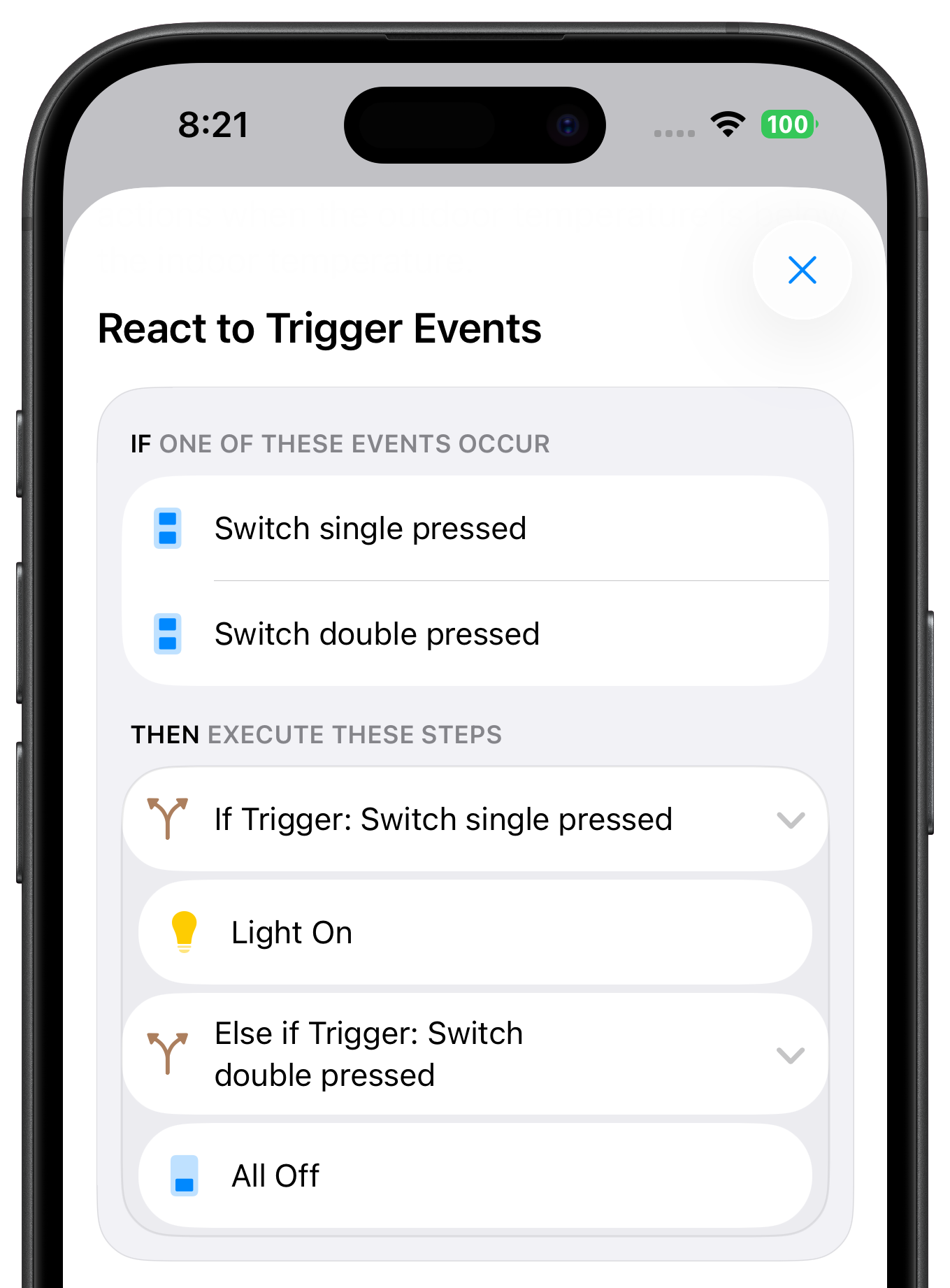
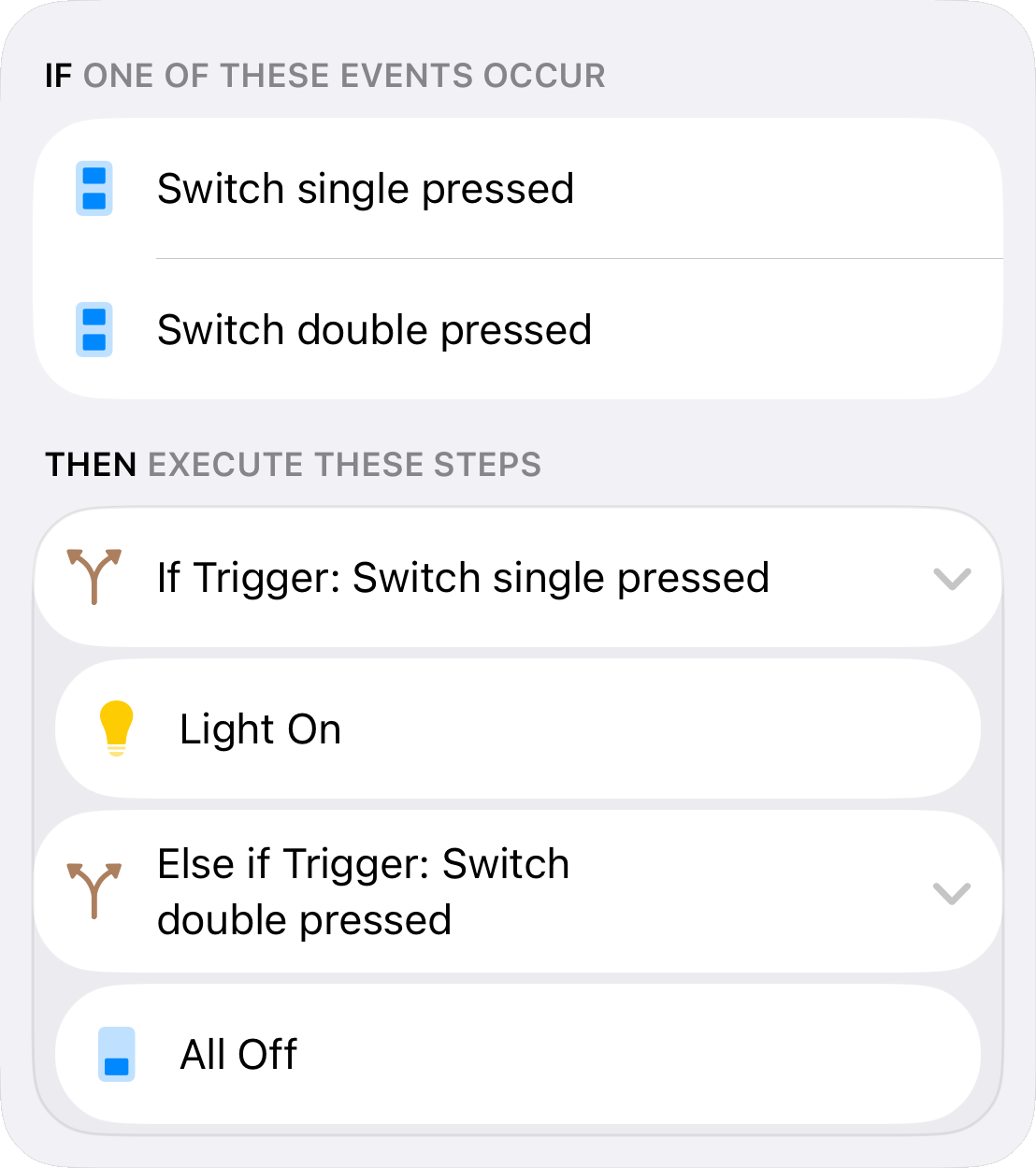
Use if/then steps to check which trigger event started the workflow. For example, control a switch with multiple buttons through a single workflow.
Calendar-based workflows
Use calendar events and reminders directly inside your workflows as start events, conditions, and steps for smarter automation with real context.
Reminder: Water Plants
Presence Simulation
Time Logic
Add a date range as a condition to your workflows – ideal for actions that should only run in summer or during the Christmas season.

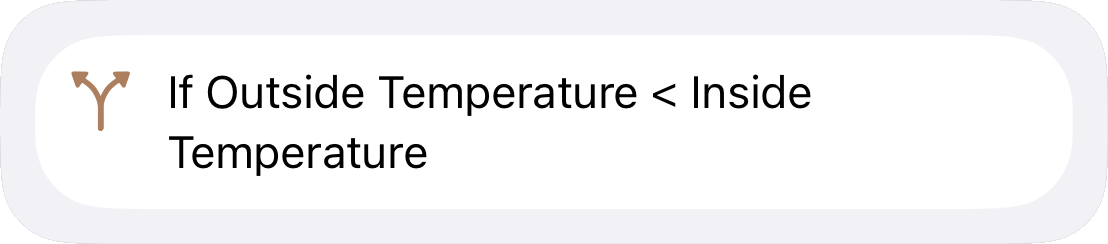
Live Comparison
Compare two device characteristics as a workflow condition – for example, only execute actions when the outdoor temperature is below the indoor temperature.
Improved Editor
The workflow editor has been refined with an improved design, better drag & drop, and copy, cut & paste for more control over your workflows.
States
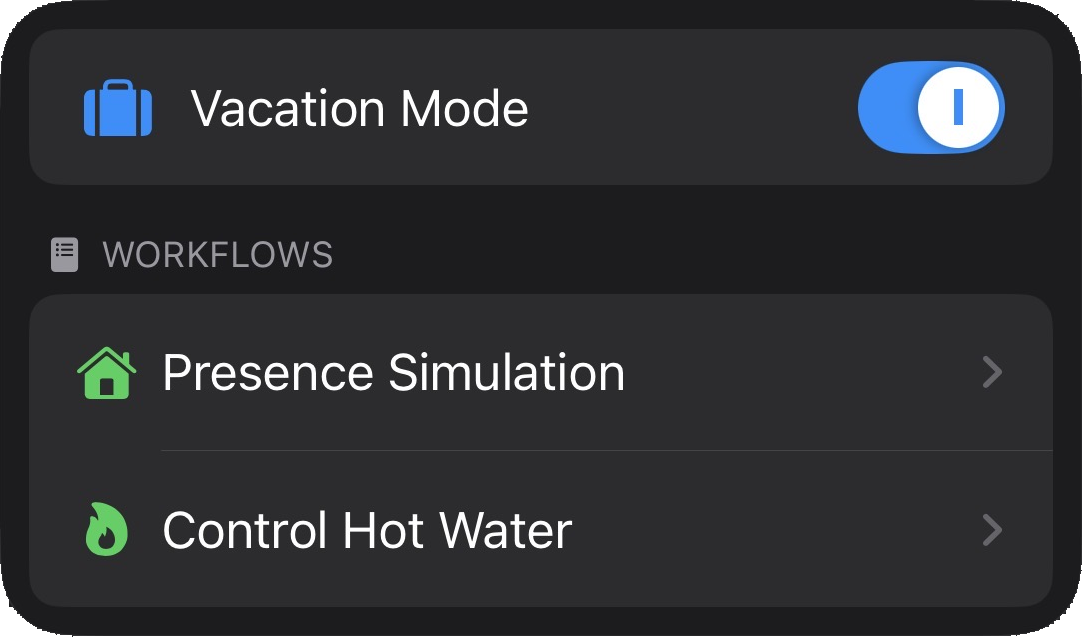
Version 8.2 makes States easier to understand, with history and a detail view that shows exactly where each state is used across your logic.
Track how your states change over time with detailed charts. States can now also be read via URLs and Shortcuts.
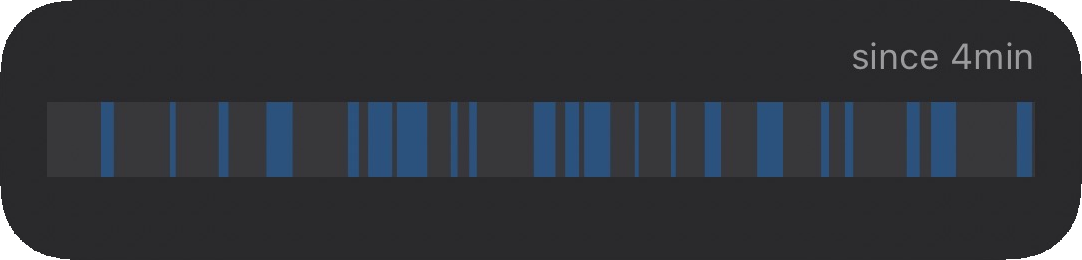
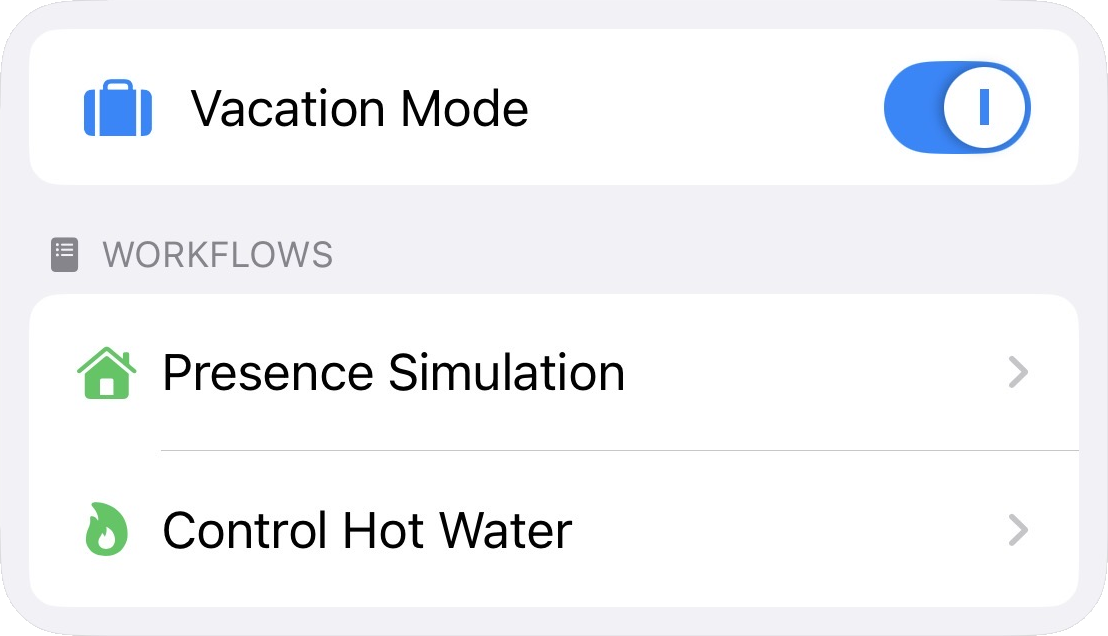
The new detail page shows you at a glance which workflows use a particular state.
Widgets
Widgets become more practical in 8.2, with richer visible content and smoother behavior while Controller Hub runs in the background.
More at a Glance
Running Hub workflows and setting states now works in the background – without opening the app. Plus, more text is now visible in widgets.
States in View
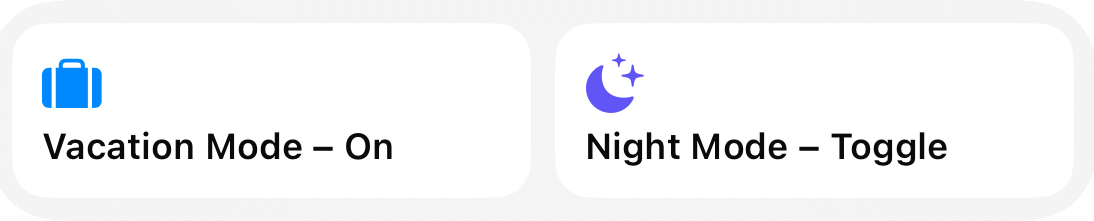
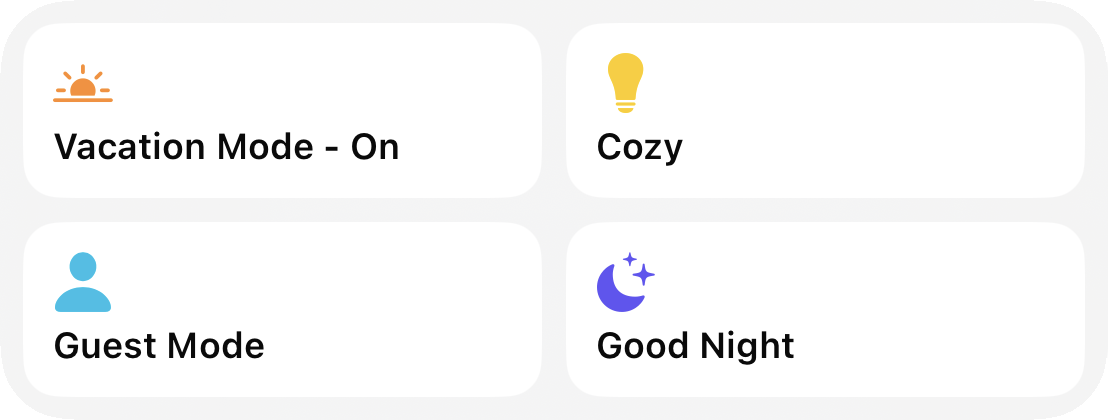
Control your states directly from the Home Screen and Control Center – turn on, turn off, or toggle, all via widgets.